Compare commits
612 commits
| Author | SHA1 | Date | |
|---|---|---|---|

|
28f852edc5 | ||
|
|
1ebc8e4784 | ||
|
|
d9879f3567 | ||
|
|
6d56f96a70 | ||
|
|
9b9a8b45fb | ||
|
|
1e74704021 | ||
|
|
613d7dafc3 | ||
|
|
bd2674be46 | ||
|
|
87c75bda74 | ||
|
|
d14aeb9e8c | ||
|
|
1100c01404 | ||
|
|
072f67e3b1 | ||
|
|
efc715748c | ||
|
|
24f0fb8093 | ||
|
|
dfdac01bf3 | ||
|
|
e41024f5f4 | ||
|
|
eaa59ecadc | ||
|
|
a4eba3fcd9 | ||
|
|
5fa74fae8c | ||
|
|
284a01251b | ||
|
|
d19a9b933b | ||
|
|
b267837de9 | ||
|
|
6cc9fe2ea7 | ||
|
|
77a48d5c8e | ||
|
|
fbad6391cd | ||
|
|
0d0da9d564 | ||
|
|
ee621ec27f | ||
|
|
0cb373498b | ||
|
|
a94ee973c1 | ||
|
|
8aa2735ce1 | ||
|
|
1a86fda8a0 | ||
|
|
05c489f4d0 | ||
|
|
b5cf6958af | ||
|
|
3415e19843 | ||
|
|
c50351131e | ||
|
|
e3b4f7bc1c | ||
|
|
5d1005c941 | ||
|
|
5c29b5614b | ||
|
|
72f8c90332 | ||
|
|
1e7b5449d7 | ||
|
|
80a00fa7d8 | ||
|
|
383d4eb3d9 | ||
|
|
4437361550 | ||
|
|
0d4438b177 | ||
|
|
0e9964682d | ||
|
|
658924a0bb | ||
|
|
bf3e891366 | ||
|
|
fea519c0d7 | ||
|
|
be36306887 | ||
|
|
c536a6cc6a | ||
|
|
7fc2517f7a | ||
|
|
a1bc7daa61 | ||
|
|
772f35de95 | ||
|
|
35b8d59d9c | ||
|
|
d46b8938e6 | ||
|
|
8adbaf5a58 | ||
|
|
b08a6c95c2 | ||
|
|
d5f7657065 | ||
|
|
69e11dfd47 | ||
|
|
d2d3a4ab69 | ||
|
|
4d842c45b2 | ||
|
|
c14248ff30 | ||
|
|
36ee7a7926 | ||
|
|
c91a7b7b81 | ||
|
|
30cefddc4c | ||
|
|
44fe98f9b7 | ||
|
|
5c7a79a17d | ||
|
|
993742d065 | ||
|
|
c705641a71 | ||
|
|
76e51df03d | ||
|
|
4e079a2048 | ||
|
|
590c7fde37 | ||
|
|
2e8b3e330a | ||
|
|
26995c8d42 | ||
|
|
40ca990922 | ||
|
|
f373a93b6b | ||
|
|
4a1837aaf8 | ||
|
|
e18bd058e3 | ||
|
|
679f66db70 | ||
|
|
daa8f5bb89 | ||
|
|
cd6587231a | ||
|
|
adaf97f130 | ||
|
|
267a5f27b8 | ||
|
|
0370fe045a | ||
|
|
a0054f632e | ||
|
|
261b8e343f | ||
|
|
17f4b9a371 | ||
|
|
4332af9038 | ||
|
|
fd000711bd | ||
|
|
4f3af11c45 | ||
|
|
8ecd4abfce | ||
|
|
07362806c7 | ||
|
|
c52c516c87 | ||
|
|
5cb43135ea | ||
|
|
836a7c6e88 | ||
|
|
2c5d779a6f | ||
|
|
bec9d3fdee | ||
|
|
0065dead4b | ||
|
|
0773a05050 | ||
|
|
37beb1f84f | ||
|
|
dfb85bef82 | ||
|
|
84451e90f5 | ||
|
|
90a16e0040 | ||
|
|
c4efbdba00 | ||
|
|
b66d6caccd | ||
|
|
efe72242b4 | ||
|
|
e3a05d742b | ||
|
|
ae7fe700a4 | ||
|
|
dca0dfb28a | ||
|
|
0c745853cd | ||
|
|
8a081d72ff | ||
|
|
7da9be3f15 | ||
|
|
0f7cd4a027 | ||
|
|
e77004a70e | ||
|
|
7e517f4bc2 | ||
|
|
169ece4780 | ||
|
|
877092e644 | ||
|
|
e37cc50ee6 | ||
|
|
c85b59629f | ||
|
|
475998fe63 | ||
|
|
bcbdc5e56a | ||
|
|
930fbbf53c | ||
|
|
2d3ec81e03 | ||
|
|
0638375ae4 | ||
|
|
0dc2c030aa | ||
|
|
f58051d433 | ||
|
|
96499e57a8 | ||
|
|
e4b9d585b9 | ||
|
|
4170830e54 | ||
|
|
743d76c442 | ||
|
|
9579937694 | ||
|
|
a81d470eee | ||
|
|
9e78279226 | ||
|
|
ac5a90b4e1 | ||
|
|
7eb361c668 | ||
|
|
a007f91456 | ||
|
|
1bb54048df | ||
|
|
206beb6a7f | ||
|
|
3c7581a524 | ||
|
|
f72962680d | ||
|
|
1cfd615c85 | ||
|
|
4954295992 | ||

|
3092515cd3 | ||

|
0561cadf64 | ||
|
|
9574fb9556 | ||
|
|
3d07599a92 | ||
|
|
1a1eddb2d7 | ||
|
|
87c8f17c8c | ||
|
|
2c4deb144c | ||
|
|
ab0b268094 | ||
|
|
02523903c8 | ||
|
|
518763fc9c | ||
|
|
88648c5be6 | ||
|
|
cb54fe0f9c | ||
|
|
07bbcf9b74 | ||
|
|
57b0094e4c | ||
|
|
2d33d48fd9 | ||
|
|
8292aa788d | ||
|
|
a0bf06f8e9 | ||
|
|
c7e78cf6c4 | ||
|
|
62ba46ca03 | ||
|
|
15cde03d95 | ||
|
|
2639bf5677 | ||
|
|
510cdd6a4d | ||
|
|
72cb41dcc1 | ||
|
|
adfe88a37e | ||
|
|
2f651fc9fd | ||
|
|
c5fdab264e | ||
|
|
99a7e4d2ac | ||
|
|
72e724aa85 | ||
|
|
2f7768dc8b | ||
|
|
c668ec2fd3 | ||
|
|
4181765f81 | ||
|
|
02b8772a4f | ||
|
|
fd65e4406a | ||
|
|
ae18c32de2 | ||
|
|
cf68d5c7ab | ||
|
|
23d9ae136f | ||
|
|
0d408824da | ||
|
|
f58c2101c8 | ||
|
|
a9004f4c27 | ||
|
|
04e66c4776 | ||
|
|
2a709a2328 | ||
|
|
56707f279c | ||
|
|
66524d5c8d | ||
|
|
3ed25cdf04 | ||
|
|
c8b503e724 | ||
|
|
69f026a8eb | ||
|
|
a99a24f898 | ||
|
|
2a0a1c26b6 | ||
|
|
cb8fbcc007 | ||
|
|
e97e779829 | ||
|
|
428354474d | ||
|
|
9a1859f45c | ||
|
|
516c335adc | ||
|
|
e47dcf68f5 | ||
|
|
1e77d8aed1 | ||
|
|
02885cebf6 | ||
|
|
3701efc544 | ||
|
|
e12ea4be4a | ||
|
|
e21e1bb8d9 | ||
|
|
b5f871d972 | ||
|
|
be485f1085 | ||
|
|
612c8ba45a | ||
|
|
2b0e3ebe86 | ||
|
|
fbba60403e | ||
|
|
1a02c80496 | ||
|
|
709d0a7f25 | ||
|
|
ba6f1419c3 | ||
|
|
aeef06749d | ||
|
|
ce247b4098 | ||
|
|
2a9d424d63 | ||
|
|
37a7e5802b | ||
|
|
c02fb7036e | ||
|
|
83ee2fd2f3 | ||
|
|
41c0c8b7ab | ||
|
|
1593d3c0ab | ||
|
|
c25050047b | ||
|
|
41639df2a9 | ||
|
|
a07b2fd2e7 | ||
|
|
1c53aea10e | ||
|
|
9f81e0b9cb | ||
|
|
37e92d1046 | ||
|
|
0252530109 | ||
|
|
52317e4499 | ||
|
|
52aec0f9cc | ||
|
|
aba8e3e14c | ||
|
|
8744270335 | ||
|
|
fd1b61e519 | ||
|
|
1e35e72db4 | ||
|
|
dfe9822915 | ||
|
|
25d98287e9 | ||
|
|
4bbee6eb20 | ||
|
|
1e5b4038e3 | ||
|
|
1b7f6f14a8 | ||
|
|
e67c90c611 | ||
|
|
f7cc8b9f85 | ||
|
|
99d218b8ec | ||
|
|
d9e6d64bf3 | ||
|
|
2402a66a83 | ||
|
|
624251f12b | ||
|
|
f3e7b4ba23 | ||
|
|
c89e6e1cbb | ||
|
|
f5ec2ed067 | ||
|
|
3b5411ea42 | ||
|
|
7589326171 | ||
|
|
edd087934e | ||
|
|
d20984a508 | ||
|
|
8ae5c1884e | ||
|
|
12ff42cfd9 | ||
|
|
7e8cc500a6 | ||
|
|
525c3066be | ||
|
|
d5dad476f6 | ||
|
|
4cfa779d5d | ||
|
|
3c8814226b | ||
|
|
d31d1a8d23 | ||
|
|
f33248c872 | ||
|
|
15d9837880 | ||
|
|
40e4a3ff6d | ||
|
|
bc52b2f662 | ||
|
|
f6d0970408 | ||
|
|
2c7d86f407 | ||
|
|
b82e70287c | ||
|
|
329e5fc9be | ||
|
|
a16d8d29dc | ||
|
|
ec966f558c | ||
|
|
f3d6244277 | ||
|
|
220842093f | ||
|
|
bd67bb8214 | ||
|
|
6840dc00d0 | ||
|
|
85d255d5a4 | ||
|
|
5c4852e1af | ||
|
|
d5f3856985 | ||
|
|
4875712965 | ||
|
|
a27dedf764 | ||
|
|
c59d7f12d4 | ||
|
|
4423ecd3e9 | ||
|
|
76759568cc | ||
|
|
f5c6e6ce6a | ||
|
|
8722357350 | ||
|
|
03d5da9339 | ||
|
|
e2be66f597 | ||
|
|
dd4f644b5c | ||
|
|
d22e67a971 | ||
|
|
0248017183 | ||
|
|
b2ba508854 | ||
|
|
fad164ed48 | ||
|
|
fd8a362cb3 | ||
|
|
77b756b3ce | ||
|
|
a3d0075f12 | ||
|
|
6fd8fc6c66 | ||
|
|
6c264f5279 | ||
|
|
270a0526b8 | ||
|
|
18803b7240 | ||
|
|
5278bebb50 | ||
|
|
73bc2e4187 | ||
|
|
874d6f04f9 | ||
|
|
b3b4f69e5b | ||
|
|
66af44a2ce | ||
|
|
99e1413162 | ||
|
|
ba8d2b476d | ||
|
|
453f2b6f0f | ||
|
|
ade59a8be8 | ||
|
|
869eb435e9 | ||
|
|
85a381ec3e | ||
|
|
c6207cacd2 | ||
|
|
8c24f5e1a6 | ||
|
|
3c6da8d5be | ||
|
|
4203ffc462 | ||
|
|
d32a8a3105 | ||
|
|
b6449c5a8f | ||
|
|
0d1180dc25 | ||
|
|
93aeace282 | ||
|
|
d9823c40dc | ||
|
|
f42825314d | ||
|
|
4099dea1cf | ||
|
|
3b394be366 | ||
|
|
c383f588bc | ||
|
|
7e9db4eec3 | ||
|
|
89801c7f1a | ||
|
|
f5a8cabe99 | ||
|
|
eec1901372 | ||
|
|
6b5cba80e1 | ||
|
|
fa0713f079 | ||
|
|
c360cacbce | ||
|
|
c3dc2e21f1 | ||
|
|
074c65a306 | ||
|
|
058dfd4676 | ||
|
|
b14263d5c3 | ||
|
|
1166922f8e | ||
|
|
e7534a6fda | ||
|
|
96f8ffc129 | ||
|
|
c99633a0bb | ||
|
|
67e554c494 | ||
|
|
5c5adebabb | ||
|
|
d00eedc5f8 | ||
|
|
1e7d13c279 | ||
|
|
53b3dddade | ||
|
|
9c04c778e5 | ||
|
|
606723137c | ||
|
|
b165bdd001 | ||
|
|
acc1358849 | ||
|
|
cac62b1142 | ||
|
|
7dbe6ec8d1 | ||
|
|
aa963ba248 | ||
|
|
e3b1d404a5 | ||
|
|
7c94eb2887 | ||
|
|
a80a559eb1 | ||
|
|
5dee11abdc | ||
|
|
319e5e0dd9 | ||
|
|
a45fde2104 | ||
|
|
4f1728b941 | ||
|
|
5460c62711 | ||
|
|
d2d9081a19 | ||
|
|
f2657f6155 | ||
|
|
52579bfce5 | ||
|
|
37f057e010 | ||
|
|
f8aa45f318 | ||
|
|
bc3891b6ae | ||
|
|
3ad1a27168 | ||
|
|
33df54215a | ||
|
|
efd7202bf5 | ||
|
|
a0813568ae | ||
|
|
a2b4bd48b9 | ||
|
|
7d4064486d | ||
|
|
df4b098032 | ||
|
|
45d454d389 | ||
|
|
12534ac102 | ||
|
|
81c2178b7b | ||
|
|
96db4489b5 | ||
|
|
7c594167a0 | ||
|
|
a75300aef9 | ||
|
|
fac6992cd5 | ||
|
|
3d2b2e0586 | ||
|
|
c541f3f35b | ||
|
|
867ccfc2f6 | ||
|
|
00cc41ddc2 | ||
|
|
e227ded1ad | ||
|
|
782dd1f673 | ||
|
|
18390be315 | ||
|
|
b2345e456b | ||
|
|
ee746d4d1c | ||
|
|
8fd3198c46 | ||
|
|
ad40de2ffb | ||
|
|
e851361992 | ||
|
|
1d7d99a9e8 | ||
|
|
8a67f7d861 | ||
|
|
95843e59bd | ||
|
|
2f61b05af1 | ||
|
|
836ddbfcfb | ||
|
|
1eeb38367c | ||
|
|
5e8aea0022 | ||
|
|
e8a5c83b00 | ||
|
|
122bf58057 | ||
|
|
3402efe0a6 | ||
|
|
3a46d25e9c | ||
|
|
7c7bbf7639 | ||
|
|
93c08db3a3 | ||
|
|
d6df5793bb | ||
|
|
dec1c947e0 | ||
|
|
f84696ac31 | ||
|
|
631e83ca67 | ||
|
|
02068e6d4d | ||
|
|
edbfaf1249 | ||
|
|
a274fabb95 | ||
|
|
27b1ede452 | ||
|
|
3d3b7e1568 | ||
|
|
941c5ba847 | ||
|
|
28c4bee396 | ||
|
|
b3ec24e28f | ||
|
|
71d21062cf | ||
|
|
81d07d46bc | ||
|
|
c8d3529523 | ||
|
|
1950a55cf1 | ||
|
|
7bc93922d8 | ||
|
|
2df088d5fc | ||
|
|
4106e33049 | ||
|
|
72ddb4d396 | ||
|
|
bd2e7b16ae | ||
|
|
bd86a5df0e | ||
|
|
bf51aee607 | ||
|
|
31c201fcda | ||
|
|
5b52ff4d41 | ||
|
|
7752ed22cb | ||
|
|
012949dbe5 | ||
|
|
7df37e2afa | ||
|
|
9f3c762926 | ||
|
|
cf43836778 | ||
|
|
4af2729faa | ||
|
|
2abba54d59 | ||
|
|
ff2fdab80c | ||
|
|
0cd1a1a33c | ||
|
|
370bee3cd4 | ||
|
|
9efb0f4b86 | ||
|
|
3f807c6aee | ||
|
|
dfe157f54c | ||
|
|
bf97566730 | ||
|
|
1c2f683468 | ||
|
|
2ff9c52f45 | ||
|
|
6a73a4b1f2 | ||
|
|
d19bc1b38c | ||
|
|
3e720b072e | ||
|
|
46ea30b576 | ||
|
|
55720cea18 | ||
|
|
5a6c1658f9 | ||
|
|
82960592dc | ||
|
|
bab6647815 | ||
|
|
75f50c044c | ||
|
|
f298d73d1d | ||
|
|
6bfd949e34 | ||
|
|
9ef0a508a7 | ||
|
|
dd62bf8b28 | ||
|
|
eb661a0a17 | ||
|
|
410949e6e7 | ||
|
|
090ce0ed70 | ||
|
|
23f2f9151c | ||
|
|
f62c9ded6e | ||
|
|
1c699a7800 | ||
|
|
42f2bd2932 | ||
|
|
54c481751e | ||
|
|
901367677d | ||
|
|
201e4886e3 | ||
|
|
1c8211214b | ||
|
|
b8a723daaf | ||
|
|
076e94a0c3 | ||
|
|
3f4695ec3c | ||
|
|
b9c960f8da | ||
|
|
7d2e7843cd | ||
|
|
15128b05ec | ||
|
|
049a296e61 | ||
|
|
7f61710e24 | ||
|
|
86e3487e0a | ||
|
|
f145839454 | ||
|
|
bd2e6fa102 | ||
|
|
fcabbae8b2 | ||
|
|
c037f734e9 | ||
|
|
f1febf53fb | ||
|
|
6fbf9f87a4 | ||
|
|
3757f9c1c4 | ||
|
|
b7a866634c | ||
|
|
911084c513 | ||
|
|
949ba4a645 | ||
|
|
43fd389e40 | ||
|
|
6283726360 | ||
|
|
e5cfbbc91c | ||
|
|
9d919c7ea7 | ||
|
|
c896b38b43 | ||
|
|
ed2f35d649 | ||
|
|
2fa0f165de | ||
|
|
4b8e6edec9 | ||
|
|
b4d78d87f4 | ||
|
|
6e4a3af441 | ||
|
|
97cacd46ea | ||
|
|
3c83a35c37 | ||
|
|
8c194be517 | ||
|
|
412866e417 | ||
|
|
a4266e2e76 | ||
|
|
ae74946493 | ||
|
|
b96bf4f6f8 | ||
|
|
25d4318e7f | ||
|
|
c9354f3c78 | ||
|
|
c93db8b3c6 | ||
|
|
77b3b6be85 | ||
|
|
aced94adfd | ||
|
|
ead0d0f981 | ||
|
|
80cf05b1d2 | ||
|
|
66ca153a34 | ||
|
|
eff2375a4b | ||
|
|
a6401b63e2 | ||
|
|
667c880745 | ||
|
|
408945e399 | ||
|
|
e4fbb55d09 | ||
|
|
17db9f5d77 | ||
|
|
370c73c7aa | ||
|
|
d86375f536 | ||
|
|
3cf45e9102 | ||
|
|
dff4e252d3 | ||
|
|
ee7d167c53 | ||
|
|
dda61f4641 | ||
|
|
69a4623dfd | ||
|
|
c544a37434 | ||
|
|
040c462ae8 | ||

|
f36664718d | ||
|
|
532ba56635 | ||
|
|
d753646118 | ||
|
|
e874cc7f96 | ||
|
|
f9dc4f3d9d | ||
|
|
f2be501509 | ||
|
|
aceb8e175d | ||
|
|
12d134d8a2 | ||
|
|
cfe0fe994f | ||
|
|
677d67f8e3 | ||
|
|
f4cdf11c7f | ||
|
|
d2d3faf43d | ||
|
|
43d6f2df0b | ||
|
|
98e287b9e8 | ||
|
|
e6a6a38865 | ||
|
|
f6fb539e83 | ||
|
|
dca301ae2e | ||
|
|
840be72b2e | ||
|
|
f25346015c | ||
|
|
ef2de79613 | ||
|
|
ca6eb09a48 | ||
|
|
891d1092f5 | ||
|
|
1d221b7613 | ||
|
|
2239c06bbb | ||
|
|
fd1c34928d | ||
|
|
050988b6d1 | ||
|
|
e842044652 | ||
|
|
b4d361f28a | ||
|
|
e733f3e556 | ||
|
|
d66277866a | ||
|
|
8cdf821926 | ||
|
|
caf412f16b | ||
|
|
0c12dfe6fd | ||
|
|
8b0f271419 | ||
|
|
b5c8427011 | ||
|
|
96fd5effdc | ||
|
|
6d0947aea9 | ||
|
|
b3c82251f9 | ||
|
|
8b59296010 | ||
|
|
02c39debf2 | ||
|
|
7b2da56bd1 | ||
|
|
83e338a183 | ||
|
|
993d3c6914 | ||
|
|
bdfe6f6bb9 | ||
|
|
56a05b61be | ||
|
|
87903a484e | ||
|
|
41f77d8ffe | ||
|
|
c24fba0d07 | ||
|
|
0be383c79d | ||
|
|
e2ad561010 | ||
|
|
0986d2ae9d | ||
|
|
c89eb4f84f | ||
|
|
f91b4c1ec3 | ||
|
|
d7ce10c5e2 | ||
|
|
1849f2a6a9 | ||
|
|
a263233bbd | ||
|
|
185d4c6b80 | ||
|
|
c904b941ba | ||
|
|
ce7b6750c9 | ||
|
|
cd05e21d47 | ||
|
|
93fa6b2f72 | ||
|
|
e5a123977f | ||
|
|
d665222d9f | ||
|
|
dea2b19ad5 | ||
|
|
57133f35e1 | ||
|
|
1c3389d736 | ||
|
|
e1e54c038b | ||
|
|
e65d287907 | ||
|
|
c1dc378603 | ||
|
|
a432d52a68 | ||
|
|
6003add49a | ||
|
|
ec1434a651 | ||
|
|
30b55b6652 | ||
|
|
51eb674cd3 | ||
|
|
0aefc2dfab | ||
|
|
6c292e1d49 | ||
|
|
bc3d6db62f | ||
|
|
1d1281e1d8 | ||
|
|
dc01b51128 | ||
|
|
db81e18443 | ||
|
|
d69d20b6e4 | ||
|
|
95ae2f50e8 | ||
|
|
6fb8bf9438 | ||
|
|
9d210294ce | ||
|
|
60fd409b75 | ||
|
|
17cde3a3df | ||
|
|
3279223e75 | ||
|
|
9bf7428108 | ||
|
|
1f75b25996 | ||

|
0e078b2c4f |
453 changed files with 26717 additions and 51716 deletions
11
.babelrc
Normal file
11
.babelrc
Normal file
|
|
@ -0,0 +1,11 @@
|
|||
{
|
||||
"presets": [
|
||||
["env", {
|
||||
"targets": {
|
||||
"ios": "9.3",
|
||||
"chrome": "50"
|
||||
}
|
||||
}]
|
||||
],
|
||||
"plugins": ["transform-object-rest-spread"]
|
||||
}
|
||||
|
|
@ -1,3 +0,0 @@
|
|||
node_modules
|
||||
app
|
||||
sessions
|
||||
|
|
@ -1,57 +0,0 @@
|
|||
{
|
||||
"env": {
|
||||
"es2021": true,
|
||||
"browser": true,
|
||||
"node": true
|
||||
},
|
||||
"extends": "eslint:recommended",
|
||||
"parserOptions": {
|
||||
"sourceType": "module"
|
||||
},
|
||||
"rules": {
|
||||
"no-prototype-builtins": "off",
|
||||
"no-console": "off",
|
||||
"no-useless-escape": "off",
|
||||
"no-self-assign": "off",
|
||||
"no-empty": [
|
||||
"error",
|
||||
{
|
||||
"allowEmptyCatch": true
|
||||
}
|
||||
],
|
||||
"no-unused-vars": [
|
||||
"error",
|
||||
{
|
||||
"args": "none"
|
||||
}
|
||||
],
|
||||
"space-before-function-paren": [
|
||||
"error",
|
||||
"never"
|
||||
],
|
||||
"indent": [
|
||||
"error",
|
||||
4,
|
||||
{
|
||||
"SwitchCase": 1,
|
||||
"ObjectExpression": 1,
|
||||
"ArrayExpression": 1,
|
||||
"MemberExpression": "off",
|
||||
"ignoredNodes": ["ConditionalExpression", "TemplateElement"]
|
||||
}
|
||||
],
|
||||
"linebreak-style": [
|
||||
"error",
|
||||
"unix"
|
||||
],
|
||||
"quotes": [
|
||||
"error",
|
||||
"single",
|
||||
{ "allowTemplateLiterals": true }
|
||||
],
|
||||
"semi": [
|
||||
"error",
|
||||
"never"
|
||||
]
|
||||
}
|
||||
}
|
||||
|
|
@ -1,24 +0,0 @@
|
|||
name: Build
|
||||
on: [workflow_dispatch]
|
||||
|
||||
jobs:
|
||||
Deploy:
|
||||
runs-on: docker
|
||||
container:
|
||||
image: ghcr.io/catthehacker/ubuntu:act-latest
|
||||
|
||||
steps:
|
||||
- name: Checkout
|
||||
uses: actions/checkout@v4
|
||||
with:
|
||||
lfs: 'true'
|
||||
|
||||
- name: Docker Login
|
||||
run: |
|
||||
docker login -u riksolo -p ${{secrets.CONTAINER_REGISTRY_TOKEN}} git.riksolo.com
|
||||
|
||||
- name: Build and push
|
||||
run: |
|
||||
docker build -t git.riksolo.com/riksolo/open-stage-control:latest -t git.riksolo.com/riksolo/open-stage-control:${{github.sha}} .
|
||||
docker push git.riksolo.com/riksolo/open-stage-control:latest
|
||||
docker push git.riksolo.com/riksolo/open-stage-control:${{github.sha}}
|
||||
25
.gitignore
vendored
25
.gitignore
vendored
|
|
@ -1,17 +1,8 @@
|
|||
# npmg
|
||||
node_modules/
|
||||
|
||||
# build
|
||||
/app/
|
||||
|
||||
# python/midi build
|
||||
src/server/python/*
|
||||
!src/server/python/*.py
|
||||
|
||||
# docs build
|
||||
src/docs/widgets-reference.js
|
||||
properties-reference.md
|
||||
|
||||
# packaging
|
||||
dist/
|
||||
sessions/
|
||||
node_modules
|
||||
dist
|
||||
app/browser/styles.css
|
||||
app/browser/scripts.js
|
||||
app/browser/scripts.js.map
|
||||
app/browser/favicon.png
|
||||
app/browser/logo.png
|
||||
app/launcher/scripts.js
|
||||
|
|
|
|||
46
.travis.yml
Normal file
46
.travis.yml
Normal file
|
|
@ -0,0 +1,46 @@
|
|||
anHsudo: required
|
||||
dist: trusty
|
||||
language: node_js
|
||||
node_js:
|
||||
- "9"
|
||||
before_install:
|
||||
- sudo dpkg --add-architecture i386
|
||||
- sudo apt-get update -qq
|
||||
- sudo apt-get install -qq wine fakeroot
|
||||
install: npm install
|
||||
before_deploy:
|
||||
deploy:
|
||||
provider: releases
|
||||
api-key:
|
||||
secure: Nb4qJlmLEE2/ETHEYe8V8eGI08d4GuE5kdQef5ZnB4PrstppLlAjShv5E4DNTsyalMOMDjpw9v+9aQNzxGiGv+lCVVL5oFvqvDpcYusRuF9Qua7oJtFh+5FvjgC1DDjauk5Z7WQWMvzWwfNmqbY/lxPbA4zVy4kdYkGV/8WnzA9AL5fU0ZU8gDsFjcr9Pz81XDsDXtPH/+iMuclMsEl8V/ZuswWlZaFn1Jnb1tcGC5WUCsuNQo/+gGfSK6Qcf9AKsIrOjdzi55s4jqH1N7P/kKi4a2tWUTwmSLrOxdUmSYjXVOxMu0cAEnHSeYREv/5o6J0MbfQrDoxh2y5roPZzqE+FAuFLl+b/+bYlW0mrfYfSuP/VX9LYh5JSvrhN7rZuUfMqS1iM7c9Dx8sZadMnvYEAAJhH8IV/9SkuRa/8QoIpXf7YB9v1jERxs4gk5CPT5Aml6nY/CvMWiEQ/wJhC7iZd/QRHshgfNLfAGlbbNU2KP6ZsVAGD601fyST/8neoQqLqS9mteOr1QME3c5EFw+XaauIQNYZSl+wJr8Y1YMcKY+fbJqqR0TXkbsoxFgV9PRf/4ZCjIJYtmelQVlM7j20XavOHM/Ko6/y7a3pohFz+ql3YR9jGF5XW2foXb4+e6DwTGL91/f75hYcsvXxoKbeaBjWpaSK8532UTeVkhPM=
|
||||
file_glob: true
|
||||
file: dist/packages/*
|
||||
skip_cleanup: true
|
||||
on:
|
||||
tags: true
|
||||
before_deploy:
|
||||
- export VERSION=$(sed -nE 's/^\s*"version":\ "(.*?)",$/\1/p' package.json)
|
||||
- npm run package
|
||||
- npm run deb32
|
||||
- npm run deb64
|
||||
- npm run debarm
|
||||
- cd dist
|
||||
- mkdir packages
|
||||
- mv open-stage-control-linux-ia32/*.deb packages/open-stage-control-${VERSION}-i386.deb
|
||||
- mv open-stage-control-linux-x64/*.deb packages/open-stage-control-${VERSION}-amd64.deb
|
||||
- mv open-stage-control-linux-armv7l/*.deb packages/open-stage-control-${VERSION}-armv7l.deb
|
||||
- mv open-stage-control-win32-ia32 open-stage-control-${VERSION}-win32-ia32
|
||||
- mv open-stage-control-win32-x64 open-stage-control-${VERSION}-win32-x64
|
||||
- mv open-stage-control-linux-ia32 open-stage-control-${VERSION}-linux-ia32
|
||||
- mv open-stage-control-linux-x64 open-stage-control-${VERSION}-linux-x64
|
||||
- mv open-stage-control-linux-armv7l open-stage-control-${VERSION}-linux-armv7l
|
||||
# - mv open-stage-control-linux-arm64 open-stage-control-${VERSION}-linux-arm64
|
||||
- zip -q -r --symlinks packages/open-stage-control-${VERSION}-osx.zip open-stage-control-darwin-x64/open-stage-control.app
|
||||
- zip -q -r packages/open-stage-control-${VERSION}-win32-ia32.zip open-stage-control-${VERSION}-win32-ia32
|
||||
- zip -q -r packages/open-stage-control-${VERSION}-win32-x64.zip open-stage-control-${VERSION}-win32-x64
|
||||
- zip -q -r packages/open-stage-control-${VERSION}-linux-ia32.zip open-stage-control-${VERSION}-linux-ia32
|
||||
- zip -q -r packages/open-stage-control-${VERSION}-linux-x64.zip open-stage-control-${VERSION}-linux-x64
|
||||
- zip -q -r packages/open-stage-control-${VERSION}-linux-armv7l.zip open-stage-control-${VERSION}-linux-armv7l
|
||||
# - zip -q -r packages/open-stage-control-${VERSION}-linux-arm64.zip open-stage-control-${VERSION}-linux-arm64
|
||||
- ls packages
|
||||
- cd ..
|
||||
|
|
@ -1,7 +0,0 @@
|
|||
Anything AI-related is strictly prohibited from this project.
|
||||
|
||||
If you think this project could benefit from a smart use of AI, think harder.
|
||||
|
||||
Think harder about the (hundreds of) millions of data workers that make your AI "smart", not to mention the monumental ecological waste it represents.
|
||||
|
||||
If you still think this way, don't tell me.
|
||||
2616
CHANGELOG.md
2616
CHANGELOG.md
File diff suppressed because it is too large
Load diff
1843
CHANGELOG.v0.md
1843
CHANGELOG.v0.md
File diff suppressed because it is too large
Load diff
29
Dockerfile
29
Dockerfile
|
|
@ -1,29 +0,0 @@
|
|||
FROM node:24-alpine
|
||||
|
||||
RUN apk --no-cache add git
|
||||
|
||||
WORKDIR /usr/src/app
|
||||
|
||||
COPY package*.json ./
|
||||
|
||||
RUN npm install
|
||||
|
||||
COPY . .
|
||||
|
||||
RUN npm run build
|
||||
|
||||
RUN mkdir /sessions
|
||||
RUN touch /sessions/session.json
|
||||
|
||||
EXPOSE 8080
|
||||
|
||||
ENV ELECTRON_RUN_AS_NODE=1
|
||||
|
||||
ENV SEND="127.0.0.1:8080"
|
||||
ENV LOAD="/sessions/main.json"
|
||||
ENV PORT=8080
|
||||
ENV OSC_PORT=8080
|
||||
ENV READ_ONLY=false
|
||||
|
||||
RUN chmod +x entrypoint.sh
|
||||
ENTRYPOINT ["./entrypoint.sh"]
|
||||
1
Procfile
Normal file
1
Procfile
Normal file
|
|
@ -0,0 +1 @@
|
|||
web: npm run build-js && npm run build-css && cd app && node index.js -n -p $PORT --examples
|
||||
53
README.md
53
README.md
|
|
@ -1,21 +1,44 @@
|
|||
<img src="resources/images/logo.png" alt="Open Stage Control" height="50px"/>
|
||||
|
||||
Open Stage Control
|
||||
|
||||
*Libre and modular OSC / MIDI controller*
|
||||
<p>
|
||||
<img src="https://github.com/jean-emmanuel/open-stage-control/blob/master/resources/images/logo.png" height="80px" class="img-circle"/>
|
||||
</p>
|
||||
|
||||
|
||||
- Website: https://openstagecontrol.ammd.net/
|
||||
- Forum: https://openstagecontrol.discourse.group/
|
||||
- IRC: Libera.chat #openstagecontrol
|
||||
<p>
|
||||
Open Stage Control is a libre desktop OSC bi-directionnal control surface application. It's built with HTML, JavaScript & CSS and run as a Node / <a href="http://electron.atom.io/">Electron</a> web server that accepts any number of Chrome / Chromium / Electron clients.
|
||||
</p>
|
||||
|
||||
<p><a href="https://github.com/jean-emmanuel/open-stage-control/releases">Download the latest release (prebuilt binaries for Linux, OS X and Windows)</a></p>
|
||||
|
||||
<p><a href="http://openstagecontrol.herokuapp.com/">Try the online demo (Chrome 50+ required)</a></p>
|
||||
|
||||
|
||||
<div style="width:70%; box-shadow: 0 0 5px 0 rgba(0,0,0,.45); border-radius:2px;overflow:hidden">
|
||||
<a href="http://osc.ammd.net/img/ardour-osc.png" title="Controlling Ardour"><img alt="Controlling Ardour" src="http://osc.ammd.net/img/ardour-osc.png" style="display:block"/></a>
|
||||
</div>
|
||||
|
||||
|
||||
## Documentation
|
||||
|
||||
The documentation is located at [osc.ammd.net](http://osc.ammd.net)
|
||||
|
||||
## Supported platforms
|
||||
|
||||
The server can run on all [platforms supported by Electron](https://electron.atom.io/docs/tutorial/supported-platforms/). Clients just need to connect to the server with a compatible browser :
|
||||
|
||||
- any system running Chrome/Chromium version `50` or later (Linux, MacOS, Windows, Android, etc)
|
||||
- iOS version `9.3` or later
|
||||
|
||||
Firefox is *not* supported.
|
||||
|
||||
## License & credits
|
||||
|
||||
Copyleft © Jean-Emmanuel @ [AMMD](http://ammd.net) 2018
|
||||
|
||||
|
||||
This program is a free software released under the GNU/GPL3 license, it relies on the use of several other free softwares, including [Node.js](https://nodejs.org/), [Electron](http://electron.atom.io/), [osc.js](https://github.com/colinbdclark/osc.js), [browserify](http://browserify.org), [exorcist](https://github.com/thlorenz/exorcist), [express](http://expressjs.com), [node-sass](https://github.com/sass/node-sass), [jQuery](http://jquery.com/), [jQuery-UI](http://jqueryui.com/), [Font Awesome](http://fontawesome.io/), [source-map](https://github.com/mozilla/source-map), [mathjs](http://mathjs.org/)
|
||||
|
||||
----
|
||||
|
||||
Docker additions by Rik Berkelder.
|
||||
<a href="http://browserstack.com/"><img alt="BrowserStack" src="http://osc.ammd.net/img/logo-browserstack.png" width="300" /></a>
|
||||
|
||||
mount `/sessions` directory. default session file is created and loaded there.
|
||||
|
||||
---
|
||||
|
||||
Copyleft © Jean-Emmanuel Doucet 2014-2025.
|
||||
This program is a free software released under the [GNU/GPL3](https://framagit.org/jean-emmanuel/open-stage-control/-/blob/master/LICENSE) license.
|
||||
BrowserStack helps debugging Open Stage Control by providing a complete suite of browser emulators for Android, iOS and Windows, how awesome is that ? *Quite very much indeed !*
|
||||
|
|
|
|||
674
app/LICENSE
Normal file
674
app/LICENSE
Normal file
|
|
@ -0,0 +1,674 @@
|
|||
GNU GENERAL PUBLIC LICENSE
|
||||
Version 3, 29 June 2007
|
||||
|
||||
Copyright (C) 2007 Free Software Foundation, Inc. <http://fsf.org/>
|
||||
Everyone is permitted to copy and distribute verbatim copies
|
||||
of this license document, but changing it is not allowed.
|
||||
|
||||
Preamble
|
||||
|
||||
The GNU General Public License is a free, copyleft license for
|
||||
software and other kinds of works.
|
||||
|
||||
The licenses for most software and other practical works are designed
|
||||
to take away your freedom to share and change the works. By contrast,
|
||||
the GNU General Public License is intended to guarantee your freedom to
|
||||
share and change all versions of a program--to make sure it remains free
|
||||
software for all its users. We, the Free Software Foundation, use the
|
||||
GNU General Public License for most of our software; it applies also to
|
||||
any other work released this way by its authors. You can apply it to
|
||||
your programs, too.
|
||||
|
||||
When we speak of free software, we are referring to freedom, not
|
||||
price. Our General Public Licenses are designed to make sure that you
|
||||
have the freedom to distribute copies of free software (and charge for
|
||||
them if you wish), that you receive source code or can get it if you
|
||||
want it, that you can change the software or use pieces of it in new
|
||||
free programs, and that you know you can do these things.
|
||||
|
||||
To protect your rights, we need to prevent others from denying you
|
||||
these rights or asking you to surrender the rights. Therefore, you have
|
||||
certain responsibilities if you distribute copies of the software, or if
|
||||
you modify it: responsibilities to respect the freedom of others.
|
||||
|
||||
For example, if you distribute copies of such a program, whether
|
||||
gratis or for a fee, you must pass on to the recipients the same
|
||||
freedoms that you received. You must make sure that they, too, receive
|
||||
or can get the source code. And you must show them these terms so they
|
||||
know their rights.
|
||||
|
||||
Developers that use the GNU GPL protect your rights with two steps:
|
||||
(1) assert copyright on the software, and (2) offer you this License
|
||||
giving you legal permission to copy, distribute and/or modify it.
|
||||
|
||||
For the developers' and authors' protection, the GPL clearly explains
|
||||
that there is no warranty for this free software. For both users' and
|
||||
authors' sake, the GPL requires that modified versions be marked as
|
||||
changed, so that their problems will not be attributed erroneously to
|
||||
authors of previous versions.
|
||||
|
||||
Some devices are designed to deny users access to install or run
|
||||
modified versions of the software inside them, although the manufacturer
|
||||
can do so. This is fundamentally incompatible with the aim of
|
||||
protecting users' freedom to change the software. The systematic
|
||||
pattern of such abuse occurs in the area of products for individuals to
|
||||
use, which is precisely where it is most unacceptable. Therefore, we
|
||||
have designed this version of the GPL to prohibit the practice for those
|
||||
products. If such problems arise substantially in other domains, we
|
||||
stand ready to extend this provision to those domains in future versions
|
||||
of the GPL, as needed to protect the freedom of users.
|
||||
|
||||
Finally, every program is threatened constantly by software patents.
|
||||
States should not allow patents to restrict development and use of
|
||||
software on general-purpose computers, but in those that do, we wish to
|
||||
avoid the special danger that patents applied to a free program could
|
||||
make it effectively proprietary. To prevent this, the GPL assures that
|
||||
patents cannot be used to render the program non-free.
|
||||
|
||||
The precise terms and conditions for copying, distribution and
|
||||
modification follow.
|
||||
|
||||
TERMS AND CONDITIONS
|
||||
|
||||
0. Definitions.
|
||||
|
||||
"This License" refers to version 3 of the GNU General Public License.
|
||||
|
||||
"Copyright" also means copyright-like laws that apply to other kinds of
|
||||
works, such as semiconductor masks.
|
||||
|
||||
"The Program" refers to any copyrightable work licensed under this
|
||||
License. Each licensee is addressed as "you". "Licensees" and
|
||||
"recipients" may be individuals or organizations.
|
||||
|
||||
To "modify" a work means to copy from or adapt all or part of the work
|
||||
in a fashion requiring copyright permission, other than the making of an
|
||||
exact copy. The resulting work is called a "modified version" of the
|
||||
earlier work or a work "based on" the earlier work.
|
||||
|
||||
A "covered work" means either the unmodified Program or a work based
|
||||
on the Program.
|
||||
|
||||
To "propagate" a work means to do anything with it that, without
|
||||
permission, would make you directly or secondarily liable for
|
||||
infringement under applicable copyright law, except executing it on a
|
||||
computer or modifying a private copy. Propagation includes copying,
|
||||
distribution (with or without modification), making available to the
|
||||
public, and in some countries other activities as well.
|
||||
|
||||
To "convey" a work means any kind of propagation that enables other
|
||||
parties to make or receive copies. Mere interaction with a user through
|
||||
a computer network, with no transfer of a copy, is not conveying.
|
||||
|
||||
An interactive user interface displays "Appropriate Legal Notices"
|
||||
to the extent that it includes a convenient and prominently visible
|
||||
feature that (1) displays an appropriate copyright notice, and (2)
|
||||
tells the user that there is no warranty for the work (except to the
|
||||
extent that warranties are provided), that licensees may convey the
|
||||
work under this License, and how to view a copy of this License. If
|
||||
the interface presents a list of user commands or options, such as a
|
||||
menu, a prominent item in the list meets this criterion.
|
||||
|
||||
1. Source Code.
|
||||
|
||||
The "source code" for a work means the preferred form of the work
|
||||
for making modifications to it. "Object code" means any non-source
|
||||
form of a work.
|
||||
|
||||
A "Standard Interface" means an interface that either is an official
|
||||
standard defined by a recognized standards body, or, in the case of
|
||||
interfaces specified for a particular programming language, one that
|
||||
is widely used among developers working in that language.
|
||||
|
||||
The "System Libraries" of an executable work include anything, other
|
||||
than the work as a whole, that (a) is included in the normal form of
|
||||
packaging a Major Component, but which is not part of that Major
|
||||
Component, and (b) serves only to enable use of the work with that
|
||||
Major Component, or to implement a Standard Interface for which an
|
||||
implementation is available to the public in source code form. A
|
||||
"Major Component", in this context, means a major essential component
|
||||
(kernel, window system, and so on) of the specific operating system
|
||||
(if any) on which the executable work runs, or a compiler used to
|
||||
produce the work, or an object code interpreter used to run it.
|
||||
|
||||
The "Corresponding Source" for a work in object code form means all
|
||||
the source code needed to generate, install, and (for an executable
|
||||
work) run the object code and to modify the work, including scripts to
|
||||
control those activities. However, it does not include the work's
|
||||
System Libraries, or general-purpose tools or generally available free
|
||||
programs which are used unmodified in performing those activities but
|
||||
which are not part of the work. For example, Corresponding Source
|
||||
includes interface definition files associated with source files for
|
||||
the work, and the source code for shared libraries and dynamically
|
||||
linked subprograms that the work is specifically designed to require,
|
||||
such as by intimate data communication or control flow between those
|
||||
subprograms and other parts of the work.
|
||||
|
||||
The Corresponding Source need not include anything that users
|
||||
can regenerate automatically from other parts of the Corresponding
|
||||
Source.
|
||||
|
||||
The Corresponding Source for a work in source code form is that
|
||||
same work.
|
||||
|
||||
2. Basic Permissions.
|
||||
|
||||
All rights granted under this License are granted for the term of
|
||||
copyright on the Program, and are irrevocable provided the stated
|
||||
conditions are met. This License explicitly affirms your unlimited
|
||||
permission to run the unmodified Program. The output from running a
|
||||
covered work is covered by this License only if the output, given its
|
||||
content, constitutes a covered work. This License acknowledges your
|
||||
rights of fair use or other equivalent, as provided by copyright law.
|
||||
|
||||
You may make, run and propagate covered works that you do not
|
||||
convey, without conditions so long as your license otherwise remains
|
||||
in force. You may convey covered works to others for the sole purpose
|
||||
of having them make modifications exclusively for you, or provide you
|
||||
with facilities for running those works, provided that you comply with
|
||||
the terms of this License in conveying all material for which you do
|
||||
not control copyright. Those thus making or running the covered works
|
||||
for you must do so exclusively on your behalf, under your direction
|
||||
and control, on terms that prohibit them from making any copies of
|
||||
your copyrighted material outside their relationship with you.
|
||||
|
||||
Conveying under any other circumstances is permitted solely under
|
||||
the conditions stated below. Sublicensing is not allowed; section 10
|
||||
makes it unnecessary.
|
||||
|
||||
3. Protecting Users' Legal Rights From Anti-Circumvention Law.
|
||||
|
||||
No covered work shall be deemed part of an effective technological
|
||||
measure under any applicable law fulfilling obligations under article
|
||||
11 of the WIPO copyright treaty adopted on 20 December 1996, or
|
||||
similar laws prohibiting or restricting circumvention of such
|
||||
measures.
|
||||
|
||||
When you convey a covered work, you waive any legal power to forbid
|
||||
circumvention of technological measures to the extent such circumvention
|
||||
is effected by exercising rights under this License with respect to
|
||||
the covered work, and you disclaim any intention to limit operation or
|
||||
modification of the work as a means of enforcing, against the work's
|
||||
users, your or third parties' legal rights to forbid circumvention of
|
||||
technological measures.
|
||||
|
||||
4. Conveying Verbatim Copies.
|
||||
|
||||
You may convey verbatim copies of the Program's source code as you
|
||||
receive it, in any medium, provided that you conspicuously and
|
||||
appropriately publish on each copy an appropriate copyright notice;
|
||||
keep intact all notices stating that this License and any
|
||||
non-permissive terms added in accord with section 7 apply to the code;
|
||||
keep intact all notices of the absence of any warranty; and give all
|
||||
recipients a copy of this License along with the Program.
|
||||
|
||||
You may charge any price or no price for each copy that you convey,
|
||||
and you may offer support or warranty protection for a fee.
|
||||
|
||||
5. Conveying Modified Source Versions.
|
||||
|
||||
You may convey a work based on the Program, or the modifications to
|
||||
produce it from the Program, in the form of source code under the
|
||||
terms of section 4, provided that you also meet all of these conditions:
|
||||
|
||||
a) The work must carry prominent notices stating that you modified
|
||||
it, and giving a relevant date.
|
||||
|
||||
b) The work must carry prominent notices stating that it is
|
||||
released under this License and any conditions added under section
|
||||
7. This requirement modifies the requirement in section 4 to
|
||||
"keep intact all notices".
|
||||
|
||||
c) You must license the entire work, as a whole, under this
|
||||
License to anyone who comes into possession of a copy. This
|
||||
License will therefore apply, along with any applicable section 7
|
||||
additional terms, to the whole of the work, and all its parts,
|
||||
regardless of how they are packaged. This License gives no
|
||||
permission to license the work in any other way, but it does not
|
||||
invalidate such permission if you have separately received it.
|
||||
|
||||
d) If the work has interactive user interfaces, each must display
|
||||
Appropriate Legal Notices; however, if the Program has interactive
|
||||
interfaces that do not display Appropriate Legal Notices, your
|
||||
work need not make them do so.
|
||||
|
||||
A compilation of a covered work with other separate and independent
|
||||
works, which are not by their nature extensions of the covered work,
|
||||
and which are not combined with it such as to form a larger program,
|
||||
in or on a volume of a storage or distribution medium, is called an
|
||||
"aggregate" if the compilation and its resulting copyright are not
|
||||
used to limit the access or legal rights of the compilation's users
|
||||
beyond what the individual works permit. Inclusion of a covered work
|
||||
in an aggregate does not cause this License to apply to the other
|
||||
parts of the aggregate.
|
||||
|
||||
6. Conveying Non-Source Forms.
|
||||
|
||||
You may convey a covered work in object code form under the terms
|
||||
of sections 4 and 5, provided that you also convey the
|
||||
machine-readable Corresponding Source under the terms of this License,
|
||||
in one of these ways:
|
||||
|
||||
a) Convey the object code in, or embodied in, a physical product
|
||||
(including a physical distribution medium), accompanied by the
|
||||
Corresponding Source fixed on a durable physical medium
|
||||
customarily used for software interchange.
|
||||
|
||||
b) Convey the object code in, or embodied in, a physical product
|
||||
(including a physical distribution medium), accompanied by a
|
||||
written offer, valid for at least three years and valid for as
|
||||
long as you offer spare parts or customer support for that product
|
||||
model, to give anyone who possesses the object code either (1) a
|
||||
copy of the Corresponding Source for all the software in the
|
||||
product that is covered by this License, on a durable physical
|
||||
medium customarily used for software interchange, for a price no
|
||||
more than your reasonable cost of physically performing this
|
||||
conveying of source, or (2) access to copy the
|
||||
Corresponding Source from a network server at no charge.
|
||||
|
||||
c) Convey individual copies of the object code with a copy of the
|
||||
written offer to provide the Corresponding Source. This
|
||||
alternative is allowed only occasionally and noncommercially, and
|
||||
only if you received the object code with such an offer, in accord
|
||||
with subsection 6b.
|
||||
|
||||
d) Convey the object code by offering access from a designated
|
||||
place (gratis or for a charge), and offer equivalent access to the
|
||||
Corresponding Source in the same way through the same place at no
|
||||
further charge. You need not require recipients to copy the
|
||||
Corresponding Source along with the object code. If the place to
|
||||
copy the object code is a network server, the Corresponding Source
|
||||
may be on a different server (operated by you or a third party)
|
||||
that supports equivalent copying facilities, provided you maintain
|
||||
clear directions next to the object code saying where to find the
|
||||
Corresponding Source. Regardless of what server hosts the
|
||||
Corresponding Source, you remain obligated to ensure that it is
|
||||
available for as long as needed to satisfy these requirements.
|
||||
|
||||
e) Convey the object code using peer-to-peer transmission, provided
|
||||
you inform other peers where the object code and Corresponding
|
||||
Source of the work are being offered to the general public at no
|
||||
charge under subsection 6d.
|
||||
|
||||
A separable portion of the object code, whose source code is excluded
|
||||
from the Corresponding Source as a System Library, need not be
|
||||
included in conveying the object code work.
|
||||
|
||||
A "User Product" is either (1) a "consumer product", which means any
|
||||
tangible personal property which is normally used for personal, family,
|
||||
or household purposes, or (2) anything designed or sold for incorporation
|
||||
into a dwelling. In determining whether a product is a consumer product,
|
||||
doubtful cases shall be resolved in favor of coverage. For a particular
|
||||
product received by a particular user, "normally used" refers to a
|
||||
typical or common use of that class of product, regardless of the status
|
||||
of the particular user or of the way in which the particular user
|
||||
actually uses, or expects or is expected to use, the product. A product
|
||||
is a consumer product regardless of whether the product has substantial
|
||||
commercial, industrial or non-consumer uses, unless such uses represent
|
||||
the only significant mode of use of the product.
|
||||
|
||||
"Installation Information" for a User Product means any methods,
|
||||
procedures, authorization keys, or other information required to install
|
||||
and execute modified versions of a covered work in that User Product from
|
||||
a modified version of its Corresponding Source. The information must
|
||||
suffice to ensure that the continued functioning of the modified object
|
||||
code is in no case prevented or interfered with solely because
|
||||
modification has been made.
|
||||
|
||||
If you convey an object code work under this section in, or with, or
|
||||
specifically for use in, a User Product, and the conveying occurs as
|
||||
part of a transaction in which the right of possession and use of the
|
||||
User Product is transferred to the recipient in perpetuity or for a
|
||||
fixed term (regardless of how the transaction is characterized), the
|
||||
Corresponding Source conveyed under this section must be accompanied
|
||||
by the Installation Information. But this requirement does not apply
|
||||
if neither you nor any third party retains the ability to install
|
||||
modified object code on the User Product (for example, the work has
|
||||
been installed in ROM).
|
||||
|
||||
The requirement to provide Installation Information does not include a
|
||||
requirement to continue to provide support service, warranty, or updates
|
||||
for a work that has been modified or installed by the recipient, or for
|
||||
the User Product in which it has been modified or installed. Access to a
|
||||
network may be denied when the modification itself materially and
|
||||
adversely affects the operation of the network or violates the rules and
|
||||
protocols for communication across the network.
|
||||
|
||||
Corresponding Source conveyed, and Installation Information provided,
|
||||
in accord with this section must be in a format that is publicly
|
||||
documented (and with an implementation available to the public in
|
||||
source code form), and must require no special password or key for
|
||||
unpacking, reading or copying.
|
||||
|
||||
7. Additional Terms.
|
||||
|
||||
"Additional permissions" are terms that supplement the terms of this
|
||||
License by making exceptions from one or more of its conditions.
|
||||
Additional permissions that are applicable to the entire Program shall
|
||||
be treated as though they were included in this License, to the extent
|
||||
that they are valid under applicable law. If additional permissions
|
||||
apply only to part of the Program, that part may be used separately
|
||||
under those permissions, but the entire Program remains governed by
|
||||
this License without regard to the additional permissions.
|
||||
|
||||
When you convey a copy of a covered work, you may at your option
|
||||
remove any additional permissions from that copy, or from any part of
|
||||
it. (Additional permissions may be written to require their own
|
||||
removal in certain cases when you modify the work.) You may place
|
||||
additional permissions on material, added by you to a covered work,
|
||||
for which you have or can give appropriate copyright permission.
|
||||
|
||||
Notwithstanding any other provision of this License, for material you
|
||||
add to a covered work, you may (if authorized by the copyright holders of
|
||||
that material) supplement the terms of this License with terms:
|
||||
|
||||
a) Disclaiming warranty or limiting liability differently from the
|
||||
terms of sections 15 and 16 of this License; or
|
||||
|
||||
b) Requiring preservation of specified reasonable legal notices or
|
||||
author attributions in that material or in the Appropriate Legal
|
||||
Notices displayed by works containing it; or
|
||||
|
||||
c) Prohibiting misrepresentation of the origin of that material, or
|
||||
requiring that modified versions of such material be marked in
|
||||
reasonable ways as different from the original version; or
|
||||
|
||||
d) Limiting the use for publicity purposes of names of licensors or
|
||||
authors of the material; or
|
||||
|
||||
e) Declining to grant rights under trademark law for use of some
|
||||
trade names, trademarks, or service marks; or
|
||||
|
||||
f) Requiring indemnification of licensors and authors of that
|
||||
material by anyone who conveys the material (or modified versions of
|
||||
it) with contractual assumptions of liability to the recipient, for
|
||||
any liability that these contractual assumptions directly impose on
|
||||
those licensors and authors.
|
||||
|
||||
All other non-permissive additional terms are considered "further
|
||||
restrictions" within the meaning of section 10. If the Program as you
|
||||
received it, or any part of it, contains a notice stating that it is
|
||||
governed by this License along with a term that is a further
|
||||
restriction, you may remove that term. If a license document contains
|
||||
a further restriction but permits relicensing or conveying under this
|
||||
License, you may add to a covered work material governed by the terms
|
||||
of that license document, provided that the further restriction does
|
||||
not survive such relicensing or conveying.
|
||||
|
||||
If you add terms to a covered work in accord with this section, you
|
||||
must place, in the relevant source files, a statement of the
|
||||
additional terms that apply to those files, or a notice indicating
|
||||
where to find the applicable terms.
|
||||
|
||||
Additional terms, permissive or non-permissive, may be stated in the
|
||||
form of a separately written license, or stated as exceptions;
|
||||
the above requirements apply either way.
|
||||
|
||||
8. Termination.
|
||||
|
||||
You may not propagate or modify a covered work except as expressly
|
||||
provided under this License. Any attempt otherwise to propagate or
|
||||
modify it is void, and will automatically terminate your rights under
|
||||
this License (including any patent licenses granted under the third
|
||||
paragraph of section 11).
|
||||
|
||||
However, if you cease all violation of this License, then your
|
||||
license from a particular copyright holder is reinstated (a)
|
||||
provisionally, unless and until the copyright holder explicitly and
|
||||
finally terminates your license, and (b) permanently, if the copyright
|
||||
holder fails to notify you of the violation by some reasonable means
|
||||
prior to 60 days after the cessation.
|
||||
|
||||
Moreover, your license from a particular copyright holder is
|
||||
reinstated permanently if the copyright holder notifies you of the
|
||||
violation by some reasonable means, this is the first time you have
|
||||
received notice of violation of this License (for any work) from that
|
||||
copyright holder, and you cure the violation prior to 30 days after
|
||||
your receipt of the notice.
|
||||
|
||||
Termination of your rights under this section does not terminate the
|
||||
licenses of parties who have received copies or rights from you under
|
||||
this License. If your rights have been terminated and not permanently
|
||||
reinstated, you do not qualify to receive new licenses for the same
|
||||
material under section 10.
|
||||
|
||||
9. Acceptance Not Required for Having Copies.
|
||||
|
||||
You are not required to accept this License in order to receive or
|
||||
run a copy of the Program. Ancillary propagation of a covered work
|
||||
occurring solely as a consequence of using peer-to-peer transmission
|
||||
to receive a copy likewise does not require acceptance. However,
|
||||
nothing other than this License grants you permission to propagate or
|
||||
modify any covered work. These actions infringe copyright if you do
|
||||
not accept this License. Therefore, by modifying or propagating a
|
||||
covered work, you indicate your acceptance of this License to do so.
|
||||
|
||||
10. Automatic Licensing of Downstream Recipients.
|
||||
|
||||
Each time you convey a covered work, the recipient automatically
|
||||
receives a license from the original licensors, to run, modify and
|
||||
propagate that work, subject to this License. You are not responsible
|
||||
for enforcing compliance by third parties with this License.
|
||||
|
||||
An "entity transaction" is a transaction transferring control of an
|
||||
organization, or substantially all assets of one, or subdividing an
|
||||
organization, or merging organizations. If propagation of a covered
|
||||
work results from an entity transaction, each party to that
|
||||
transaction who receives a copy of the work also receives whatever
|
||||
licenses to the work the party's predecessor in interest had or could
|
||||
give under the previous paragraph, plus a right to possession of the
|
||||
Corresponding Source of the work from the predecessor in interest, if
|
||||
the predecessor has it or can get it with reasonable efforts.
|
||||
|
||||
You may not impose any further restrictions on the exercise of the
|
||||
rights granted or affirmed under this License. For example, you may
|
||||
not impose a license fee, royalty, or other charge for exercise of
|
||||
rights granted under this License, and you may not initiate litigation
|
||||
(including a cross-claim or counterclaim in a lawsuit) alleging that
|
||||
any patent claim is infringed by making, using, selling, offering for
|
||||
sale, or importing the Program or any portion of it.
|
||||
|
||||
11. Patents.
|
||||
|
||||
A "contributor" is a copyright holder who authorizes use under this
|
||||
License of the Program or a work on which the Program is based. The
|
||||
work thus licensed is called the contributor's "contributor version".
|
||||
|
||||
A contributor's "essential patent claims" are all patent claims
|
||||
owned or controlled by the contributor, whether already acquired or
|
||||
hereafter acquired, that would be infringed by some manner, permitted
|
||||
by this License, of making, using, or selling its contributor version,
|
||||
but do not include claims that would be infringed only as a
|
||||
consequence of further modification of the contributor version. For
|
||||
purposes of this definition, "control" includes the right to grant
|
||||
patent sublicenses in a manner consistent with the requirements of
|
||||
this License.
|
||||
|
||||
Each contributor grants you a non-exclusive, worldwide, royalty-free
|
||||
patent license under the contributor's essential patent claims, to
|
||||
make, use, sell, offer for sale, import and otherwise run, modify and
|
||||
propagate the contents of its contributor version.
|
||||
|
||||
In the following three paragraphs, a "patent license" is any express
|
||||
agreement or commitment, however denominated, not to enforce a patent
|
||||
(such as an express permission to practice a patent or covenant not to
|
||||
sue for patent infringement). To "grant" such a patent license to a
|
||||
party means to make such an agreement or commitment not to enforce a
|
||||
patent against the party.
|
||||
|
||||
If you convey a covered work, knowingly relying on a patent license,
|
||||
and the Corresponding Source of the work is not available for anyone
|
||||
to copy, free of charge and under the terms of this License, through a
|
||||
publicly available network server or other readily accessible means,
|
||||
then you must either (1) cause the Corresponding Source to be so
|
||||
available, or (2) arrange to deprive yourself of the benefit of the
|
||||
patent license for this particular work, or (3) arrange, in a manner
|
||||
consistent with the requirements of this License, to extend the patent
|
||||
license to downstream recipients. "Knowingly relying" means you have
|
||||
actual knowledge that, but for the patent license, your conveying the
|
||||
covered work in a country, or your recipient's use of the covered work
|
||||
in a country, would infringe one or more identifiable patents in that
|
||||
country that you have reason to believe are valid.
|
||||
|
||||
If, pursuant to or in connection with a single transaction or
|
||||
arrangement, you convey, or propagate by procuring conveyance of, a
|
||||
covered work, and grant a patent license to some of the parties
|
||||
receiving the covered work authorizing them to use, propagate, modify
|
||||
or convey a specific copy of the covered work, then the patent license
|
||||
you grant is automatically extended to all recipients of the covered
|
||||
work and works based on it.
|
||||
|
||||
A patent license is "discriminatory" if it does not include within
|
||||
the scope of its coverage, prohibits the exercise of, or is
|
||||
conditioned on the non-exercise of one or more of the rights that are
|
||||
specifically granted under this License. You may not convey a covered
|
||||
work if you are a party to an arrangement with a third party that is
|
||||
in the business of distributing software, under which you make payment
|
||||
to the third party based on the extent of your activity of conveying
|
||||
the work, and under which the third party grants, to any of the
|
||||
parties who would receive the covered work from you, a discriminatory
|
||||
patent license (a) in connection with copies of the covered work
|
||||
conveyed by you (or copies made from those copies), or (b) primarily
|
||||
for and in connection with specific products or compilations that
|
||||
contain the covered work, unless you entered into that arrangement,
|
||||
or that patent license was granted, prior to 28 March 2007.
|
||||
|
||||
Nothing in this License shall be construed as excluding or limiting
|
||||
any implied license or other defenses to infringement that may
|
||||
otherwise be available to you under applicable patent law.
|
||||
|
||||
12. No Surrender of Others' Freedom.
|
||||
|
||||
If conditions are imposed on you (whether by court order, agreement or
|
||||
otherwise) that contradict the conditions of this License, they do not
|
||||
excuse you from the conditions of this License. If you cannot convey a
|
||||
covered work so as to satisfy simultaneously your obligations under this
|
||||
License and any other pertinent obligations, then as a consequence you may
|
||||
not convey it at all. For example, if you agree to terms that obligate you
|
||||
to collect a royalty for further conveying from those to whom you convey
|
||||
the Program, the only way you could satisfy both those terms and this
|
||||
License would be to refrain entirely from conveying the Program.
|
||||
|
||||
13. Use with the GNU Affero General Public License.
|
||||
|
||||
Notwithstanding any other provision of this License, you have
|
||||
permission to link or combine any covered work with a work licensed
|
||||
under version 3 of the GNU Affero General Public License into a single
|
||||
combined work, and to convey the resulting work. The terms of this
|
||||
License will continue to apply to the part which is the covered work,
|
||||
but the special requirements of the GNU Affero General Public License,
|
||||
section 13, concerning interaction through a network will apply to the
|
||||
combination as such.
|
||||
|
||||
14. Revised Versions of this License.
|
||||
|
||||
The Free Software Foundation may publish revised and/or new versions of
|
||||
the GNU General Public License from time to time. Such new versions will
|
||||
be similar in spirit to the present version, but may differ in detail to
|
||||
address new problems or concerns.
|
||||
|
||||
Each version is given a distinguishing version number. If the
|
||||
Program specifies that a certain numbered version of the GNU General
|
||||
Public License "or any later version" applies to it, you have the
|
||||
option of following the terms and conditions either of that numbered
|
||||
version or of any later version published by the Free Software
|
||||
Foundation. If the Program does not specify a version number of the
|
||||
GNU General Public License, you may choose any version ever published
|
||||
by the Free Software Foundation.
|
||||
|
||||
If the Program specifies that a proxy can decide which future
|
||||
versions of the GNU General Public License can be used, that proxy's
|
||||
public statement of acceptance of a version permanently authorizes you
|
||||
to choose that version for the Program.
|
||||
|
||||
Later license versions may give you additional or different
|
||||
permissions. However, no additional obligations are imposed on any
|
||||
author or copyright holder as a result of your choosing to follow a
|
||||
later version.
|
||||
|
||||
15. Disclaimer of Warranty.
|
||||
|
||||
THERE IS NO WARRANTY FOR THE PROGRAM, TO THE EXTENT PERMITTED BY
|
||||
APPLICABLE LAW. EXCEPT WHEN OTHERWISE STATED IN WRITING THE COPYRIGHT
|
||||
HOLDERS AND/OR OTHER PARTIES PROVIDE THE PROGRAM "AS IS" WITHOUT WARRANTY
|
||||
OF ANY KIND, EITHER EXPRESSED OR IMPLIED, INCLUDING, BUT NOT LIMITED TO,
|
||||
THE IMPLIED WARRANTIES OF MERCHANTABILITY AND FITNESS FOR A PARTICULAR
|
||||
PURPOSE. THE ENTIRE RISK AS TO THE QUALITY AND PERFORMANCE OF THE PROGRAM
|
||||
IS WITH YOU. SHOULD THE PROGRAM PROVE DEFECTIVE, YOU ASSUME THE COST OF
|
||||
ALL NECESSARY SERVICING, REPAIR OR CORRECTION.
|
||||
|
||||
16. Limitation of Liability.
|
||||
|
||||
IN NO EVENT UNLESS REQUIRED BY APPLICABLE LAW OR AGREED TO IN WRITING
|
||||
WILL ANY COPYRIGHT HOLDER, OR ANY OTHER PARTY WHO MODIFIES AND/OR CONVEYS
|
||||
THE PROGRAM AS PERMITTED ABOVE, BE LIABLE TO YOU FOR DAMAGES, INCLUDING ANY
|
||||
GENERAL, SPECIAL, INCIDENTAL OR CONSEQUENTIAL DAMAGES ARISING OUT OF THE
|
||||
USE OR INABILITY TO USE THE PROGRAM (INCLUDING BUT NOT LIMITED TO LOSS OF
|
||||
DATA OR DATA BEING RENDERED INACCURATE OR LOSSES SUSTAINED BY YOU OR THIRD
|
||||
PARTIES OR A FAILURE OF THE PROGRAM TO OPERATE WITH ANY OTHER PROGRAMS),
|
||||
EVEN IF SUCH HOLDER OR OTHER PARTY HAS BEEN ADVISED OF THE POSSIBILITY OF
|
||||
SUCH DAMAGES.
|
||||
|
||||
17. Interpretation of Sections 15 and 16.
|
||||
|
||||
If the disclaimer of warranty and limitation of liability provided
|
||||
above cannot be given local legal effect according to their terms,
|
||||
reviewing courts shall apply local law that most closely approximates
|
||||
an absolute waiver of all civil liability in connection with the
|
||||
Program, unless a warranty or assumption of liability accompanies a
|
||||
copy of the Program in return for a fee.
|
||||
|
||||
END OF TERMS AND CONDITIONS
|
||||
|
||||
How to Apply These Terms to Your New Programs
|
||||
|
||||
If you develop a new program, and you want it to be of the greatest
|
||||
possible use to the public, the best way to achieve this is to make it
|
||||
free software which everyone can redistribute and change under these terms.
|
||||
|
||||
To do so, attach the following notices to the program. It is safest
|
||||
to attach them to the start of each source file to most effectively
|
||||
state the exclusion of warranty; and each file should have at least
|
||||
the "copyright" line and a pointer to where the full notice is found.
|
||||
|
||||
<one line to give the program's name and a brief idea of what it does.>
|
||||
Copyright (C) <year> <name of author>
|
||||
|
||||
This program is free software: you can redistribute it and/or modify
|
||||
it under the terms of the GNU General Public License as published by
|
||||
the Free Software Foundation, either version 3 of the License, or
|
||||
(at your option) any later version.
|
||||
|
||||
This program is distributed in the hope that it will be useful,
|
||||
but WITHOUT ANY WARRANTY; without even the implied warranty of
|
||||
MERCHANTABILITY or FITNESS FOR A PARTICULAR PURPOSE. See the
|
||||
GNU General Public License for more details.
|
||||
|
||||
You should have received a copy of the GNU General Public License
|
||||
along with this program. If not, see <http://www.gnu.org/licenses/>.
|
||||
|
||||
Also add information on how to contact you by electronic and paper mail.
|
||||
|
||||
If the program does terminal interaction, make it output a short
|
||||
notice like this when it starts in an interactive mode:
|
||||
|
||||
<program> Copyright (C) <year> <name of author>
|
||||
This program comes with ABSOLUTELY NO WARRANTY; for details type `show w'.
|
||||
This is free software, and you are welcome to redistribute it
|
||||
under certain conditions; type `show c' for details.
|
||||
|
||||
The hypothetical commands `show w' and `show c' should show the appropriate
|
||||
parts of the General Public License. Of course, your program's commands
|
||||
might be different; for a GUI interface, you would use an "about box".
|
||||
|
||||
You should also get your employer (if you work as a programmer) or school,
|
||||
if any, to sign a "copyright disclaimer" for the program, if necessary.
|
||||
For more information on this, and how to apply and follow the GNU GPL, see
|
||||
<http://www.gnu.org/licenses/>.
|
||||
|
||||
The GNU General Public License does not permit incorporating your program
|
||||
into proprietary programs. If your program is a subroutine library, you
|
||||
may consider it more useful to permit linking proprietary applications with
|
||||
the library. If this is what you want to do, use the GNU Lesser General
|
||||
Public License instead of this License. But first, please read
|
||||
<http://www.gnu.org/philosophy/why-not-lgpl.html>.
|
||||
BIN
app/browser/fonts/fa-solid-900.woff
Normal file
BIN
app/browser/fonts/fa-solid-900.woff
Normal file
Binary file not shown.
14
app/browser/fonts/fa-solid.css
Normal file
14
app/browser/fonts/fa-solid.css
Normal file
|
|
@ -0,0 +1,14 @@
|
|||
/*!
|
||||
* Font Awesome Free 5.0.8 by @fontawesome - https://fontawesome.com
|
||||
* License - https://fontawesome.com/license (Icons: CC BY 4.0, Fonts: SIL OFL 1.1, Code: MIT License)
|
||||
*/
|
||||
@font-face {
|
||||
font-family: FontAwesome;
|
||||
font-style: normal;
|
||||
font-weight: 900;
|
||||
src: url("./fa-solid-900.woff") format("woff")}
|
||||
|
||||
.fa,
|
||||
.fas {
|
||||
font-family: FontAwesome;
|
||||
font-weight: 900; }
|
||||
5
app/browser/fonts/fontawesome.min.css
vendored
Normal file
5
app/browser/fonts/fontawesome.min.css
vendored
Normal file
File diff suppressed because one or more lines are too long
13
app/browser/fonts/roboto-medium.css
Normal file
13
app/browser/fonts/roboto-medium.css
Normal file
|
|
@ -0,0 +1,13 @@
|
|||
@font-face {
|
||||
font-family: 'Roboto';
|
||||
font-style: normal;
|
||||
font-weight: 500;
|
||||
src: url('roboto-medium.woff') format('woff');
|
||||
}
|
||||
|
||||
@font-face {
|
||||
font-family: 'RobotoMono';
|
||||
font-style: normal;
|
||||
font-weight: 500;
|
||||
src: url('roboto-mono.woff') format('woff');
|
||||
}
|
||||
BIN
app/browser/fonts/roboto-medium.woff
Normal file
BIN
app/browser/fonts/roboto-medium.woff
Normal file
Binary file not shown.
26
app/browser/index.html
Normal file
26
app/browser/index.html
Normal file
|
|
@ -0,0 +1,26 @@
|
|||
<!DOCTYPE html>
|
||||
<html>
|
||||
<head>
|
||||
<meta charset="utf-8"/>
|
||||
<meta name="viewport" content="width=device-width, user-scalable=no"/>
|
||||
<meta name="mobile-web-app-capable" content="yes">
|
||||
<meta name="apple-mobile-web-app-capable" content="yes">
|
||||
<meta name="apple-mobile-web-app-status-bar-style" content="black">
|
||||
<link rel="apple-touch-icon" href="browser/logo.png" />
|
||||
<link rel="preload" href="browser/fonts/fa-solid-900.woff" as="font"/>
|
||||
<link rel="preload" href="browser/fonts/roboto-medium.woff" as="font"/>
|
||||
<link rel="stylesheet" type="text/css" href="browser/styles.css" hot-reload/>
|
||||
<link rel="stylesheet" type="text/css" href="browser/theme.css" hot-reload/>
|
||||
<link rel="stylesheet" type="text/css" href="browser/fonts/fontawesome.min.css"/>
|
||||
<link rel="stylesheet" type="text/css" href="browser/fonts/fa-solid.css"/>
|
||||
<link rel="stylesheet" type="text/css" href="browser/fonts/roboto-medium.css"/>
|
||||
<script src="browser/scripts.js"></script>
|
||||
<link rel="shortcut icon" href="browser/favicon.png?2"/>
|
||||
</head>
|
||||
|
||||
<body>
|
||||
<div id="container"></div>
|
||||
<div id="sidepanel"></div>
|
||||
</body>
|
||||
|
||||
</html>
|
||||
2
app/browser/themes/.gitignore
vendored
Normal file
2
app/browser/themes/.gitignore
vendored
Normal file
|
|
@ -0,0 +1,2 @@
|
|||
*
|
||||
!.gitignore
|
||||
2725
app/examples/ardour.json
Normal file
2725
app/examples/ardour.json
Normal file
File diff suppressed because it is too large
Load diff
829
app/examples/demo.json
Normal file
829
app/examples/demo.json
Normal file
|
|
@ -0,0 +1,829 @@
|
|||
[
|
||||
{
|
||||
"type": "root",
|
||||
"tabs": [
|
||||
{
|
||||
"type": "tab",
|
||||
"id": "tab_2",
|
||||
"label": "Open Stage Control",
|
||||
"color": "auto",
|
||||
"css": "",
|
||||
"layout": "",
|
||||
"spacing": 0,
|
||||
"value": "",
|
||||
"precision": 0,
|
||||
"address": "/tab_2",
|
||||
"preArgs": [],
|
||||
"target": [],
|
||||
"variables": "@{parent.variables}",
|
||||
"widgets": [
|
||||
{
|
||||
"type": "strip",
|
||||
"top": 10,
|
||||
"left": 10,
|
||||
"id": "strip_4",
|
||||
"label": "Strips",
|
||||
"width": 100,
|
||||
"height": 450,
|
||||
"color": "auto",
|
||||
"css": "",
|
||||
"horizontal": false,
|
||||
"stretch": false,
|
||||
"spacing": 5,
|
||||
"variables": "@{parent.variables}",
|
||||
"widgets": [
|
||||
{
|
||||
"type": "text",
|
||||
"id": "text_1",
|
||||
"label": false,
|
||||
"height": 30,
|
||||
"vertical": false,
|
||||
"color": "auto",
|
||||
"css": "",
|
||||
"widgetId": "",
|
||||
"value": 1,
|
||||
"preArgs": [],
|
||||
"address": "/text_1",
|
||||
"linkId": ""
|
||||
},
|
||||
{
|
||||
"type": "strip",
|
||||
"id": "strip_5",
|
||||
"label": false,
|
||||
"height": 30,
|
||||
"color": "auto",
|
||||
"horizontal": true,
|
||||
"stretch": true,
|
||||
"spacing": 5,
|
||||
"variables": "@{parent.variables}",
|
||||
"widgets": [
|
||||
{
|
||||
"type": "toggle",
|
||||
"id": "toggle_1",
|
||||
"linkId": "",
|
||||
"label": false,
|
||||
"led": false,
|
||||
"color": "auto",
|
||||
"css": "",
|
||||
"on": 1,
|
||||
"off": 0,
|
||||
"value": "",
|
||||
"precision": 2,
|
||||
"preArgs": [],
|
||||
"target": [],
|
||||
"width": "auto",
|
||||
"address": "/toggle_1",
|
||||
"doubleTap": false
|
||||
},
|
||||
{
|
||||
"type": "toggle",
|
||||
"linkId": "",
|
||||
"label": false,
|
||||
"led": false,
|
||||
"color": "auto",
|
||||
"css": "",
|
||||
"on": 1,
|
||||
"off": 0,
|
||||
"value": "",
|
||||
"precision": 2,
|
||||
"preArgs": [],
|
||||
"target": [],
|
||||
"width": "auto",
|
||||
"id": "toggle_2",
|
||||
"address": "/toggle_2",
|
||||
"doubleTap": false
|
||||
},
|
||||
{
|
||||
"type": "toggle",
|
||||
"id": "toggle_3",
|
||||
"label": false,
|
||||
"led": false,
|
||||
"color": "auto",
|
||||
"css": "",
|
||||
"on": 1,
|
||||
"off": 0,
|
||||
"value": "",
|
||||
"precision": 2,
|
||||
"address": "/toggle_3",
|
||||
"preArgs": [],
|
||||
"target": [],
|
||||
"linkId": "",
|
||||
"width": "auto",
|
||||
"doubleTap": false
|
||||
}
|
||||
],
|
||||
"_style": "style",
|
||||
"_children": "children",
|
||||
"css": "",
|
||||
"border": true,
|
||||
"scroll": true,
|
||||
"_geometry": "geometry",
|
||||
"_panel": "panel",
|
||||
"layout": "",
|
||||
"value": "",
|
||||
"_osc": "osc",
|
||||
"precision": 0,
|
||||
"address": "/strip_5",
|
||||
"preArgs": [],
|
||||
"target": [],
|
||||
"tabs": [],
|
||||
"linkId": "",
|
||||
"noSync": false
|
||||
},
|
||||
{
|
||||
"type": "strip",
|
||||
"id": "strip_6",
|
||||
"label": false,
|
||||
"height": 50,
|
||||
"color": "auto",
|
||||
"css": "margin-bottom:-10rem",
|
||||
"horizontal": true,
|
||||
"stretch": true,
|
||||
"spacing": 0,
|
||||
"variables": "@{parent.variables}",
|
||||
"widgets": [
|
||||
{
|
||||
"type": "knob",
|
||||
"id": "knob_1",
|
||||
"linkId": "",
|
||||
"label": false,
|
||||
"unit": "",
|
||||
"width": "auto",
|
||||
"color": "auto",
|
||||
"pips": false,
|
||||
"input": false,
|
||||
"dashed": false,
|
||||
"angle": 270,
|
||||
"css": "",
|
||||
"snap": false,
|
||||
"spring": false,
|
||||
"doubleTap": false,
|
||||
"range": {
|
||||
"min": 0,
|
||||
"max": 1
|
||||
},
|
||||
"origin": "auto",
|
||||
"value": "",
|
||||
"logScale": false,
|
||||
"precision": 2,
|
||||
"touchAddress": "",
|
||||
"preArgs": [],
|
||||
"target": [],
|
||||
"address": "/knob_1"
|
||||
},
|
||||
{
|
||||
"type": "knob",
|
||||
"id": "knob_2",
|
||||
"linkId": "",
|
||||
"label": false,
|
||||
"unit": "",
|
||||
"width": "auto",
|
||||
"color": "auto",
|
||||
"pips": false,
|
||||
"input": false,
|
||||
"dashed": false,
|
||||
"angle": 270,
|
||||
"css": "",
|
||||
"snap": false,
|
||||
"spring": false,
|
||||
"doubleTap": false,
|
||||
"range": {
|
||||
"min": 0,
|
||||
"max": 1
|
||||
},
|
||||
"origin": "auto",
|
||||
"value": "",
|
||||
"logScale": false,
|
||||
"precision": 2,
|
||||
"address": "/knob_2",
|
||||
"touchAddress": "",
|
||||
"preArgs": [],
|
||||
"target": []
|
||||
}
|
||||
],
|
||||
"_style": "style",
|
||||
"_children": "children",
|
||||
"border": false,
|
||||
"scroll": true,
|
||||
"_geometry": "geometry",
|
||||
"_panel": "panel",
|
||||
"layout": "",
|
||||
"value": "",
|
||||
"_osc": "osc",
|
||||
"precision": 0,
|
||||
"address": "/strip_6",
|
||||
"preArgs": [],
|
||||
"target": [],
|
||||
"tabs": [],
|
||||
"linkId": "",
|
||||
"noSync": false
|
||||
},
|
||||
{
|
||||
"type": "strip",
|
||||
"id": "strip_1",
|
||||
"label": false,
|
||||
"color": "auto",
|
||||
"css": "flex:1",
|
||||
"horizontal": true,
|
||||
"stretch": false,
|
||||
"spacing": 0,
|
||||
"variables": "@{parent.variables}",
|
||||
"widgets": [
|
||||
{
|
||||
"type": "meter",
|
||||
"id": "meter_1",
|
||||
"label": false,
|
||||
"unit": "",
|
||||
"alignRight": false,
|
||||
"horizontal": false,
|
||||
"pips": false,
|
||||
"dashed": true,
|
||||
"color": "auto",
|
||||
"css": "margin: 20rem 0 20rem 10rem;",
|
||||
"range": {
|
||||
"min": 0,
|
||||
"max": 1
|
||||
},
|
||||
"logScale": false,
|
||||
"origin": "auto",
|
||||
"value": "@{knob_1}",
|
||||
"address": "/meter_1",
|
||||
"preArgs": [],
|
||||
"width": 10,
|
||||
"compact": true,
|
||||
"input": false,
|
||||
"linkId": ""
|
||||
},
|
||||
{
|
||||
"type": "meter",
|
||||
"id": "meter_2",
|
||||
"label": false,
|
||||
"unit": "",
|
||||
"alignRight": false,
|
||||
"horizontal": false,
|
||||
"pips": false,
|
||||
"dashed": true,
|
||||
"color": "auto",
|
||||
"css": "margin: 20rem 0",
|
||||
"range": {
|
||||
"min": 0,
|
||||
"max": 1
|
||||
},
|
||||
"logScale": false,
|
||||
"origin": "auto",
|
||||
"value": "@{knob_2}",
|
||||
"address": "/meter_1",
|
||||
"preArgs": [],
|
||||
"width": 10,
|
||||
"compact": true,
|
||||
"input": false,
|
||||
"linkId": ""
|
||||
},
|
||||
{
|
||||
"type": "fader",
|
||||
"id": "fader_1",
|
||||
"linkId": "",
|
||||
"label": false,
|
||||
"unit": "",
|
||||
"width": "auto",
|
||||
"alignRight": false,
|
||||
"horizontal": false,
|
||||
"pips": true,
|
||||
"input": false,
|
||||
"compact": false,
|
||||
"dashed": false,
|
||||
"color": "auto",
|
||||
"css": "",
|
||||
"snap": false,
|
||||
"spring": false,
|
||||
"doubleTap": false,
|
||||
"range": {
|
||||
"min": 0,
|
||||
"max": 1
|
||||
},
|
||||
"origin": "auto",
|
||||
"value": "",
|
||||
"logScale": false,
|
||||
"precision": 2,
|
||||
"meter": false,
|
||||
"address": "/fader_1",
|
||||
"touchAddress": "",
|
||||
"meterAddress": "",
|
||||
"preArgs": [],
|
||||
"target": []
|
||||
}
|
||||
],
|
||||
"_style": "style",
|
||||
"_children": "children",
|
||||
"height": "auto",
|
||||
"border": false,
|
||||
"scroll": true,
|
||||
"_geometry": "geometry",
|
||||
"_panel": "panel",
|
||||
"layout": "",
|
||||
"value": "",
|
||||
"_osc": "osc",
|
||||
"precision": 0,
|
||||
"address": "/strip_1",
|
||||
"preArgs": [],
|
||||
"target": [],
|
||||
"tabs": [],
|
||||
"linkId": "",
|
||||
"noSync": false
|
||||
},
|
||||
{
|
||||
"type": "fader",
|
||||
"id": "fader_2",
|
||||
"linkId": "",
|
||||
"label": false,
|
||||
"unit": "",
|
||||
"height": 30,
|
||||
"alignRight": false,
|
||||
"horizontal": true,
|
||||
"pips": false,
|
||||
"input": false,
|
||||
"compact": true,
|
||||
"dashed": false,
|
||||
"color": "auto",
|
||||
"css": "",
|
||||
"snap": false,
|
||||
"spring": false,
|
||||
"doubleTap": false,
|
||||
"range": {
|
||||
"min": 0,
|
||||
"max": 1
|
||||
},
|
||||
"origin": 0.5,
|
||||
"value": 0.5,
|
||||
"logScale": false,
|
||||
"precision": 2,
|
||||
"meter": false,
|
||||
"address": "/fader_2",
|
||||
"touchAddress": "",
|
||||
"meterAddress": "",
|
||||
"preArgs": [],
|
||||
"target": []
|
||||
},
|
||||
{
|
||||
"type": "strip",
|
||||
"id": "strip_3",
|
||||
"label": false,
|
||||
"height": 30,
|
||||
"color": "auto",
|
||||
"css": "",
|
||||
"horizontal": true,
|
||||
"stretch": false,
|
||||
"variables": "@{parent.variables}",
|
||||
"widgets": [
|
||||
{
|
||||
"type": "toggle",
|
||||
"id": "toggle_4",
|
||||
"linkId": "",
|
||||
"label": "M",
|
||||
"led": false,
|
||||
"color": "yellow",
|
||||
"css": "",
|
||||
"on": 1,
|
||||
"off": 0,
|
||||
"value": "",
|
||||
"precision": 2,
|
||||
"preArgs": [],
|
||||
"target": [],
|
||||
"width": "auto",
|
||||
"address": "/toggle_4",
|
||||
"doubleTap": false
|
||||
},
|
||||
{
|
||||
"type": "toggle",
|
||||
"id": "toggle_5",
|
||||
"linkId": "",
|
||||
"label": "S",
|
||||
"led": false,
|
||||
"color": "lime",
|
||||
"css": "",
|
||||
"on": 1,
|
||||
"off": 0,
|
||||
"value": "",
|
||||
"precision": 2,
|
||||
"address": "/toggle_5",
|
||||
"preArgs": [],
|
||||
"target": [],
|
||||
"width": "auto",
|
||||
"doubleTap": false
|
||||
}
|
||||
],
|
||||
"_style": "style",
|
||||
"_children": "children",
|
||||
"spacing": 0,
|
||||
"border": true,
|
||||
"scroll": true,
|
||||
"_geometry": "geometry",
|
||||
"_panel": "panel",
|
||||
"layout": "",
|
||||
"value": "",
|
||||
"_osc": "osc",
|
||||
"precision": 0,
|
||||
"address": "/strip_3",
|
||||
"preArgs": [],
|
||||
"target": [],
|
||||
"tabs": [],
|
||||
"linkId": "",
|
||||
"noSync": false
|
||||
}
|
||||
],
|
||||
"_style": "style",
|
||||
"_children": "children",
|
||||
"border": true,
|
||||
"scroll": true,
|
||||
"_geometry": "geometry",
|
||||
"_panel": "panel",
|
||||
"layout": "",
|
||||
"value": "",
|
||||
"_osc": "osc",
|
||||
"precision": 0,
|
||||
"address": "/strip_4",
|
||||
"preArgs": [],
|
||||
"target": [],
|
||||
"tabs": [],
|
||||
"linkId": "",
|
||||
"noSync": false
|
||||
},
|
||||
{
|
||||
"type": "panel",
|
||||
"top": 10,
|
||||
"left": 120,
|
||||
"id": "panel_1",
|
||||
"label": "Pads",
|
||||
"width": 350,
|
||||
"height": 350,
|
||||
"scroll": true,
|
||||
"color": "auto",
|
||||
"css": "",
|
||||
"layout": "",
|
||||
"spacing": 0,
|
||||
"value": "",
|
||||
"precision": 0,
|
||||
"address": "/panel_1",
|
||||
"preArgs": [],
|
||||
"target": [],
|
||||
"variables": "@{parent.variables}",
|
||||
"widgets": [],
|
||||
"tabs": [
|
||||
{
|
||||
"type": "tab",
|
||||
"id": "tab_3",
|
||||
"label": "Xy",
|
||||
"color": "auto",
|
||||
"css": "",
|
||||
"layout": "",
|
||||
"spacing": 0,
|
||||
"value": "",
|
||||
"precision": 0,
|
||||
"address": "/tab_3",
|
||||
"preArgs": [],
|
||||
"target": [],
|
||||
"variables": "@{parent.variables}",
|
||||
"widgets": [
|
||||
{
|
||||
"type": "xy",
|
||||
"top": 0,
|
||||
"left": 0,
|
||||
"id": "xy_1",
|
||||
"linkId": "",
|
||||
"label": false,
|
||||
"width": "100%",
|
||||
"height": "100%",
|
||||
"input": true,
|
||||
"pips": true,
|
||||
"color": "auto",
|
||||
"css": "",
|
||||
"snap": false,
|
||||
"spring": false,
|
||||
"doubleTap": false,
|
||||
"rangeX": {
|
||||
"min": 0,
|
||||
"25%": 0.25,
|
||||
"50%": 0.5,
|
||||
"75%": 0.75,
|
||||
"max": 1
|
||||
},
|
||||
"rangeY": {
|
||||
"min": 0,
|
||||
"25%": 0.25,
|
||||
"50%": 0.5,
|
||||
"75%": 0.75,
|
||||
"max": 1
|
||||
},
|
||||
"logScaleX": false,
|
||||
"logScaleY": false,
|
||||
"value": [
|
||||
0.5,
|
||||
0.5
|
||||
],
|
||||
"precision": 2,
|
||||
"address": "/xy_1",
|
||||
"touchAddress": "",
|
||||
"preArgs": [],
|
||||
"split": false,
|
||||
"target": [],
|
||||
"pointSize": 20
|
||||
}
|
||||
],
|
||||
"tabs": [],
|
||||
"scroll": true,
|
||||
"linkId": ""
|
||||
},
|
||||
{
|
||||
"type": "tab",
|
||||
"id": "tab_5",
|
||||
"label": "rgb",
|
||||
"color": "auto",
|
||||
"css": "",
|
||||
"layout": "",
|
||||
"spacing": 0,
|
||||
"value": "",
|
||||
"precision": 0,
|
||||
"address": "/tab_5",
|
||||
"preArgs": [],
|
||||
"target": [],
|
||||
"variables": "@{parent.variables}",
|
||||
"widgets": [
|
||||
{
|
||||
"type": "rgb",
|
||||
"id": "rgb_1",
|
||||
"linkId": "",
|
||||
"label": false,
|
||||
"left": 0,
|
||||
"top": 0,
|
||||
"width": "100%",
|
||||
"height": "100%",
|
||||
"input": true,
|
||||
"css": "",
|
||||
"snap": false,
|
||||
"spring": false,
|
||||
"value": "",
|
||||
"precision": 0,
|
||||
"address": "/rgb_1",
|
||||
"touchAddress": "",
|
||||
"preArgs": [],
|
||||
"split": false,
|
||||
"target": [],
|
||||
"pointSize": 10
|
||||
}
|
||||
],
|
||||
"tabs": [],
|
||||
"scroll": true,
|
||||
"linkId": ""
|
||||
},
|
||||
{
|
||||
"type": "tab",
|
||||
"id": "tab_4",
|
||||
"label": "MultiXy",
|
||||
"color": "auto",
|
||||
"css": "",
|
||||
"layout": "",
|
||||
"spacing": 0,
|
||||
"value": "",
|
||||
"precision": 0,
|
||||
"address": "/tab_4",
|
||||
"preArgs": [],
|
||||
"target": [],
|
||||
"variables": "@{parent.variables}",
|
||||
"widgets": [
|
||||
{
|
||||
"type": "multixy",
|
||||
"id": "xy_2",
|
||||
"label": false,
|
||||
"width": "100%",
|
||||
"height": "100%",
|
||||
"pips": true,
|
||||
"color": "auto",
|
||||
"css": "",
|
||||
"snap": false,
|
||||
"spring": false,
|
||||
"rangeX": {
|
||||
"min": 0,
|
||||
"25%": 0.25,
|
||||
"50%": 0.5,
|
||||
"75%": 0.75,
|
||||
"max": 1
|
||||
},
|
||||
"rangeY": {
|
||||
"min": 0,
|
||||
"25%": 0.25,
|
||||
"50%": 0.5,
|
||||
"75%": 0.75,
|
||||
"max": 1
|
||||
},
|
||||
"logScaleX": false,
|
||||
"logScaleY": false,
|
||||
"value": [
|
||||
0.25,
|
||||
0.5,
|
||||
0.75,
|
||||
0.5
|
||||
],
|
||||
"precision": 2,
|
||||
"address": "/xy_2",
|
||||
"touchAddress": "",
|
||||
"preArgs": [],
|
||||
"split": false,
|
||||
"target": [],
|
||||
"linkId": "",
|
||||
"left": "auto",
|
||||
"top": "auto",
|
||||
"points": 2,
|
||||
"pointSize": 20
|
||||
}
|
||||
],
|
||||
"tabs": [],
|
||||
"scroll": true,
|
||||
"linkId": ""
|
||||
}
|
||||
],
|
||||
"border": true,
|
||||
"linkId": "",
|
||||
"noSync": false
|
||||
},
|
||||
{
|
||||
"type": "dropdown",
|
||||
"top": 10,
|
||||
"left": 480,
|
||||
"id": "color_picker",
|
||||
"linkId": "",
|
||||
"label": "Color",
|
||||
"width": 130,
|
||||
"height": 60,
|
||||
"color": "auto",
|
||||
"css": "",
|
||||
"precision": 2,
|
||||
"value": "auto",
|
||||
"values": {
|
||||
"Default": "auto",
|
||||
"Orange": "orange"
|
||||
},
|
||||
"address": "/dropdown_1",
|
||||
"preArgs": [],
|
||||
"target": []
|
||||
},
|
||||
{
|
||||
"type": "keyboard",
|
||||
"top": 370,
|
||||
"left": 120,
|
||||
"id": "keyboard",
|
||||
"keys": 36,
|
||||
"start": 60,
|
||||
"label": "auto",
|
||||
"width": 350,
|
||||
"height": 90,
|
||||
"color": "auto",
|
||||
"css": "",
|
||||
"traversing": true,
|
||||
"on": 1,
|
||||
"off": 0,
|
||||
"precision": 2,
|
||||
"address": "/keyboard_1",
|
||||
"preArgs": [],
|
||||
"split": false,
|
||||
"target": []
|
||||
},
|
||||
{
|
||||
"type": "multifader",
|
||||
"top": 80,
|
||||
"left": 480,
|
||||
"id": "multifader",
|
||||
"strips": 16,
|
||||
"start": 0,
|
||||
"label": "auto",
|
||||
"unit": "",
|
||||
"width": 130,
|
||||
"height": 380,
|
||||
"alignRight": false,
|
||||
"horizontal": true,
|
||||
"pips": false,
|
||||
"input": false,
|
||||
"compact": true,
|
||||
"dashed": false,
|
||||
"color": "auto",
|
||||
"css": "",
|
||||
"traversing": true,
|
||||
"snap": true,
|
||||
"range": {
|
||||
"min": 0,
|
||||
"max": 1
|
||||
},
|
||||
"value": "",
|
||||
"origin": "auto",
|
||||
"logScale": false,
|
||||
"precision": 2,
|
||||
"meter": false,
|
||||
"address": "/multifader_1",
|
||||
"preArgs": [],
|
||||
"split": false,
|
||||
"target": []
|
||||
},
|
||||
{
|
||||
"type": "multipush",
|
||||
"top": 10,
|
||||
"left": 620,
|
||||
"id": "multipush",
|
||||
"matrix": [
|
||||
2,
|
||||
4
|
||||
],
|
||||
"start": 0,
|
||||
"spacing": 5,
|
||||
"label": "auto",
|
||||
"width": 130,
|
||||
"height": 220,
|
||||
"color": "auto",
|
||||
"css": "",
|
||||
"traversing": true,
|
||||
"on": 1,
|
||||
"off": 0,
|
||||
"value": "",
|
||||
"precision": 2,
|
||||
"address": "/multipush",
|
||||
"preArgs": [],
|
||||
"split": false,
|
||||
"target": [],
|
||||
"norelease": false
|
||||
},
|
||||
{
|
||||
"type": "multitoggle",
|
||||
"top": 240,
|
||||
"left": 620,
|
||||
"matrix": [
|
||||
2,
|
||||
4
|
||||
],
|
||||
"start": 0,
|
||||
"spacing": 5,
|
||||
"label": "auto",
|
||||
"width": 130,
|
||||
"height": 220,
|
||||
"color": "auto",
|
||||
"css": "",
|
||||
"traversing": true,
|
||||
"on": 1,
|
||||
"off": 0,
|
||||
"value": "",
|
||||
"precision": 2,
|
||||
"address": "/multitoggle",
|
||||
"preArgs": [],
|
||||
"split": false,
|
||||
"target": [],
|
||||
"led": true,
|
||||
"id": "multitoggle"
|
||||
},
|
||||
{
|
||||
"type": "plot",
|
||||
"top": 470,
|
||||
"left": 10,
|
||||
"id": "plot_1",
|
||||
"width": 740,
|
||||
"height": 140,
|
||||
"label": "Plot (multifader)",
|
||||
"color": "auto",
|
||||
"css": "",
|
||||
"rangeX": {
|
||||
"min": 0,
|
||||
"max": 1
|
||||
},
|
||||
"rangeY": {
|
||||
"min": 0,
|
||||
"max": 1
|
||||
},
|
||||
"origin": "auto",
|
||||
"logScaleX": false,
|
||||
"logScaleY": false,
|
||||
"pips": false,
|
||||
"address": "/plot_1",
|
||||
"preArgs": [],
|
||||
"smooth": true,
|
||||
"linkId": "",
|
||||
"dots": true,
|
||||
"bars": false,
|
||||
"value": "@{multifader}"
|
||||
}
|
||||
],
|
||||
"tabs": [],
|
||||
"scroll": true,
|
||||
"linkId": ""
|
||||
}
|
||||
],
|
||||
"color": "@{color_picker}",
|
||||
"css": "",
|
||||
"value": "",
|
||||
"precision": 0,
|
||||
"address": "/root",
|
||||
"preArgs": [],
|
||||
"target": [],
|
||||
"variables": {},
|
||||
"id": "root",
|
||||
"scroll": true,
|
||||
"label": false,
|
||||
"linkId": "",
|
||||
"noSync": false
|
||||
}
|
||||
]
|
||||
146
app/examples/keys.json
Normal file
146
app/examples/keys.json
Normal file
|
|
@ -0,0 +1,146 @@
|
|||
[
|
||||
{
|
||||
"type": "root",
|
||||
"tabs": [
|
||||
{
|
||||
"type": "tab",
|
||||
"id": "tab_1",
|
||||
"label": "auto",
|
||||
"color": "auto",
|
||||
"css": "",
|
||||
"layout": "",
|
||||
"spacing": 0,
|
||||
"value": "",
|
||||
"precision": 0,
|
||||
"address": "/tab_1",
|
||||
"preArgs": [],
|
||||
"target": [],
|
||||
"variables": "@{parent.variables}",
|
||||
"widgets": [
|
||||
{
|
||||
"type": "keys",
|
||||
"top": 300,
|
||||
"left": 0,
|
||||
"id": "keys_1",
|
||||
"width": "auto",
|
||||
"height": "auto",
|
||||
"label": "auto",
|
||||
"color": "auto",
|
||||
"css": "",
|
||||
"binding": [
|
||||
"r",
|
||||
"f"
|
||||
],
|
||||
"keydown": "# this is a comment\nx = key == \"r\" ? 0.1 : -0.1;\nvalue + x",
|
||||
"repeat": true,
|
||||
"widgetId": "fader_1",
|
||||
"keyup": ""
|
||||
},
|
||||
{
|
||||
"type": "fader",
|
||||
"top": 0,
|
||||
"left": 0,
|
||||
"id": "fader_1",
|
||||
"linkId": "",
|
||||
"width": "auto",
|
||||
"height": "auto",
|
||||
"label": "auto",
|
||||
"color": "auto",
|
||||
"css": "",
|
||||
"horizontal": false,
|
||||
"alignRight": false,
|
||||
"pips": true,
|
||||
"input": true,
|
||||
"meter": false,
|
||||
"compact": false,
|
||||
"dashed": false,
|
||||
"snap": false,
|
||||
"spring": false,
|
||||
"doubleTap": false,
|
||||
"range": {
|
||||
"min": 0,
|
||||
"max": 1
|
||||
},
|
||||
"logScale": false,
|
||||
"unit": "",
|
||||
"origin": "auto",
|
||||
"value": "",
|
||||
"precision": 2,
|
||||
"address": "/fader_1",
|
||||
"touchAddress": "",
|
||||
"meterAddress": "",
|
||||
"preArgs": [],
|
||||
"target": []
|
||||
},
|
||||
{
|
||||
"type": "xy",
|
||||
"top": 50,
|
||||
"left": 170,
|
||||
"id": "xy_1",
|
||||
"linkId": "",
|
||||
"width": 210,
|
||||
"height": 220,
|
||||
"label": "auto",
|
||||
"color": "auto",
|
||||
"css": "",
|
||||
"input": true,
|
||||
"pips": true,
|
||||
"pointSize": 20,
|
||||
"snap": false,
|
||||
"spring": false,
|
||||
"doubleTap": false,
|
||||
"rangeX": {
|
||||
"min": 0,
|
||||
"max": 1
|
||||
},
|
||||
"rangeY": {
|
||||
"min": 0,
|
||||
"max": 1
|
||||
},
|
||||
"logScaleX": false,
|
||||
"logScaleY": false,
|
||||
"value": "",
|
||||
"precision": 2,
|
||||
"address": "/xy_1",
|
||||
"touchAddress": "",
|
||||
"preArgs": [],
|
||||
"split": false,
|
||||
"target": []
|
||||
},
|
||||
{
|
||||
"type": "keys",
|
||||
"top": 270,
|
||||
"left": 170,
|
||||
"id": "keys_2",
|
||||
"width": 210,
|
||||
"height": "auto",
|
||||
"label": "auto",
|
||||
"color": "auto",
|
||||
"css": "",
|
||||
"binding": [
|
||||
"g",
|
||||
"t"
|
||||
],
|
||||
"widgetId": "xy_1",
|
||||
"keydown": "x = key == \"t\" ? 0.1 : -0.1;\nvalue[0] + x\nvalue[1] + x\n# value + 0.1 works too",
|
||||
"keyup": "",
|
||||
"repeat": false
|
||||
}
|
||||
],
|
||||
"tabs": [],
|
||||
"scroll": true
|
||||
}
|
||||
],
|
||||
"color": "auto",
|
||||
"css": "",
|
||||
"value": "",
|
||||
"precision": 0,
|
||||
"address": "/root",
|
||||
"preArgs": [],
|
||||
"target": [],
|
||||
"variables": {},
|
||||
"id": "root",
|
||||
"scroll": true,
|
||||
"label": false
|
||||
}
|
||||
]
|
||||
90
app/examples/sysex.json
Normal file
90
app/examples/sysex.json
Normal file
|
|
@ -0,0 +1,90 @@
|
|||
[
|
||||
{
|
||||
"type": "root",
|
||||
"tabs": [
|
||||
{
|
||||
"type": "tab",
|
||||
"id": "tab_1",
|
||||
"label": "Sysex Example",
|
||||
"color": "auto",
|
||||
"css": "",
|
||||
"layout": "",
|
||||
"spacing": 0,
|
||||
"value": "",
|
||||
"precision": 0,
|
||||
"address": "/tab_1",
|
||||
"preArgs": [],
|
||||
"target": [],
|
||||
"variables": "@{parent.variables}",
|
||||
"widgets": [
|
||||
{
|
||||
"type": "push",
|
||||
"top": 10,
|
||||
"left": 20,
|
||||
"id": "push_1",
|
||||
"linkId": "",
|
||||
"width": 200,
|
||||
"height": "auto",
|
||||
"label": "Send Device Inquiry",
|
||||
"color": "auto",
|
||||
"css": "",
|
||||
"on": "f0 7e 7f 06 01 f7",
|
||||
"norelease": true,
|
||||
"precision": 0,
|
||||
"address": "/sysex",
|
||||
"target": [
|
||||
"midi:osc"
|
||||
],
|
||||
"preArgs": [],
|
||||
"off": 0
|
||||
},
|
||||
{
|
||||
"type": "text",
|
||||
"top": 80,
|
||||
"left": 20,
|
||||
"id": "text_1",
|
||||
"width": 200,
|
||||
"height": 60,
|
||||
"label": "Device Inquiry Response",
|
||||
"color": "auto",
|
||||
"css": "",
|
||||
"widgetId": "",
|
||||
"vertical": false,
|
||||
"preArgs": [],
|
||||
"address": "/sysex",
|
||||
"value": ""
|
||||
},
|
||||
{
|
||||
"type": "text",
|
||||
"top": 150,
|
||||
"left": 20,
|
||||
"id": "text_2",
|
||||
"width": 200,
|
||||
"height": 240,
|
||||
"label": "^info-circle",
|
||||
"color": "auto",
|
||||
"css": "",
|
||||
"widgetId": "",
|
||||
"preArgs": [],
|
||||
"address": "/text_2",
|
||||
"vertical": false,
|
||||
"value": ""
|
||||
}
|
||||
],
|
||||
"tabs": [],
|
||||
"scroll": true
|
||||
}
|
||||
],
|
||||
"color": "auto",
|
||||
"css": "",
|
||||
"value": "",
|
||||
"precision": 0,
|
||||
"address": "/root",
|
||||
"preArgs": [],
|
||||
"target": [],
|
||||
"variables": {},
|
||||
"id": "root",
|
||||
"scroll": true,
|
||||
"label": false
|
||||
}
|
||||
]
|
||||
1841
app/examples/widgets.json
Normal file
1841
app/examples/widgets.json
Normal file
File diff suppressed because it is too large
Load diff
1
app/index.js
Normal file
1
app/index.js
Normal file
|
|
@ -0,0 +1 @@
|
|||
require('./main/main')
|
||||
18
app/launcher/index.html
Normal file
18
app/launcher/index.html
Normal file
|
|
@ -0,0 +1,18 @@
|
|||
<!DOCTYPE html>
|
||||
<html id="launcher">
|
||||
<head>
|
||||
<meta name="viewport" content="width=device-width, user-scalable=no"/>
|
||||
<link rel="preload" href="../browser/fonts/roboto-medium.woff" as="font"/>
|
||||
<link rel="preload" href="../browser/fonts/fa-solid-900.woff" as="font"/>
|
||||
<link rel="stylesheet" type="text/css" href="../browser/styles.css"/>
|
||||
<link rel="stylesheet" type="text/css" href="../browser/fonts/fontawesome.min.css"/>
|
||||
<link rel="stylesheet" type="text/css" href="../browser/fonts/fa-solid.css"/>
|
||||
<link rel="stylesheet" type="text/css" href="../browser/fonts/roboto-medium.css"/>
|
||||
<script src="scripts.js"></script>
|
||||
</head>
|
||||
|
||||
<body>
|
||||
<div id="loading"><div class="spinner"></div></div>
|
||||
</body>
|
||||
|
||||
</html>
|
||||
289
app/main/callbacks.js
Normal file
289
app/main/callbacks.js
Normal file
|
|
@ -0,0 +1,289 @@
|
|||
var vm = require('vm'),
|
||||
path = require('path'),
|
||||
fs = require('fs'),
|
||||
settings = require('./settings'),
|
||||
osc = require('./osc'),
|
||||
{ipc, clients} = require('./server'),
|
||||
theme = require('./theme'),
|
||||
chokidar = require('chokidar')
|
||||
|
||||
var openedSessions = {},
|
||||
widgetHashTable = {},
|
||||
lastSavingClient
|
||||
|
||||
module.exports = {
|
||||
|
||||
ready: function(data,clientId) {
|
||||
ipc.send('connected')
|
||||
|
||||
if (settings.read('readOnly')) {
|
||||
ipc.send('readOnly')
|
||||
}
|
||||
|
||||
if (settings.read('newSession')) {
|
||||
ipc.send('sessionNew')
|
||||
return
|
||||
}
|
||||
|
||||
if (settings.read('sessionFile')) return this.sessionOpen({path:settings.read('sessionFile')},clientId)
|
||||
|
||||
var recentSessions = settings.read('recentSessions')
|
||||
|
||||
if (settings.read('examples')) {
|
||||
var dir = path.resolve(__dirname + '/../examples')
|
||||
recentSessions = fs.readdirSync(dir)
|
||||
recentSessions = recentSessions.map(function(file){return dir + '/' + file})
|
||||
}
|
||||
|
||||
ipc.send('sessionList',recentSessions,clientId)
|
||||
},
|
||||
|
||||
sessionAddToHistory: function(data) {
|
||||
var sessionlist = settings.read('recentSessions')
|
||||
|
||||
fs.lstat(data,(err, stats)=>{
|
||||
|
||||
if (err || !stats.isFile()) return
|
||||
|
||||
// add session to history
|
||||
sessionlist.unshift(path.resolve(data))
|
||||
// remove doubles from history
|
||||
sessionlist = sessionlist.filter(function(elem, index, self) {
|
||||
return index == self.indexOf(elem)
|
||||
})
|
||||
// save history
|
||||
settings.write('recentSessions',sessionlist)
|
||||
|
||||
})
|
||||
},
|
||||
|
||||
sessionRemoveFromHistory: function(data) {
|
||||
var sessionlist = settings.read('recentSessions')
|
||||
if (sessionlist.indexOf(data) > -1) {
|
||||
sessionlist.splice(sessionlist.indexOf(data),1)
|
||||
settings.write('recentSessions',sessionlist)
|
||||
}
|
||||
},
|
||||
|
||||
sessionOpen: function(data,clientId) {
|
||||
|
||||
var file = data.file || (function(){try {return fs.readFileSync(data.path,'utf8')} catch(err) {return false}})(),
|
||||
error = file===false&&data.path?'Session file "' + data.path + '" not found.':false,
|
||||
session
|
||||
|
||||
if (data.path && data.path.split('.').pop() == 'js') {
|
||||
console.warn(`Warning: support for .js session files is deprecated, please use the .json extension instead`)
|
||||
}
|
||||
|
||||
try {
|
||||
session = vm.runInNewContext(file)
|
||||
} catch(err) {
|
||||
error = err
|
||||
}
|
||||
|
||||
if (!error) {
|
||||
|
||||
ipc.send('sessionOpen',JSON.stringify(session),clientId)
|
||||
|
||||
|
||||
for (var i in openedSessions) {
|
||||
if (openedSessions[i].indexOf(clientId) != -1) {
|
||||
openedSessions[i].splice(openedSessions[i].indexOf(clientId), 1)
|
||||
}
|
||||
}
|
||||
|
||||
if (data.path) {
|
||||
|
||||
if (!settings.read('readOnly')) this.sessionAddToHistory(data.path)
|
||||
|
||||
fs.lstat(data.path, (err, stats)=>{
|
||||
|
||||
if (err || !stats.isFile()) return
|
||||
|
||||
|
||||
if (!openedSessions[data.path]) {
|
||||
|
||||
openedSessions[data.path] = []
|
||||
|
||||
var watchFile = ()=>{
|
||||
var watcher = chokidar.watch(data.path)
|
||||
watcher.on('change',()=>{
|
||||
var openedSessionsClone = JSON.parse(JSON.stringify(openedSessions[data.path]))
|
||||
for (var k in openedSessionsClone) {
|
||||
if (openedSessionsClone[k] != lastSavingClient) {
|
||||
module.exports.sessionOpen({path:data.path}, openedSessionsClone[k])
|
||||
}
|
||||
}
|
||||
watcher.close()
|
||||
watchFile()
|
||||
})
|
||||
}
|
||||
|
||||
watchFile()
|
||||
|
||||
|
||||
}
|
||||
|
||||
openedSessions[data.path].push(clientId)
|
||||
|
||||
})
|
||||
|
||||
}
|
||||
|
||||
} else {
|
||||
|
||||
ipc.send('error', `Invalid session file (${error})`)
|
||||
|
||||
}
|
||||
},
|
||||
|
||||
sessionOpened: function(data, clientId) {
|
||||
ipc.send('stateSend', null, null, clientId)
|
||||
},
|
||||
|
||||
savingSession: function(data, clientId) {
|
||||
|
||||
lastSavingClient = clientId
|
||||
|
||||
},
|
||||
|
||||
syncOsc: function(shortdata, clientId) {
|
||||
|
||||
if (!(widgetHashTable[clientId] && widgetHashTable[clientId][shortdata.h])) return
|
||||
|
||||
var value = shortdata.v,
|
||||
data = widgetHashTable[clientId][shortdata.h]
|
||||
|
||||
data = JSON.parse(JSON.stringify(data))
|
||||
for (var k in shortdata) {
|
||||
data[k] = shortdata[k]
|
||||
}
|
||||
|
||||
data.args = data.preArgs ? data.preArgs.concat(value) : [value]
|
||||
|
||||
if (!data.noSync) ipc.send('receiveOsc', data, null, clientId)
|
||||
|
||||
|
||||
},
|
||||
|
||||
sendOsc: function(shortdata, clientId) {
|
||||
|
||||
if (!(widgetHashTable[clientId] && widgetHashTable[clientId][shortdata.h])) return
|
||||
|
||||
var value = shortdata.v,
|
||||
data = widgetHashTable[clientId][shortdata.h]
|
||||
|
||||
data = JSON.parse(JSON.stringify(data))
|
||||
for (var k in shortdata) {
|
||||
data[k] = shortdata[k]
|
||||
}
|
||||
|
||||
data.args = data.preArgs ? data.preArgs.concat(value) : [value]
|
||||
|
||||
if (!data.target || data.target.indexOf(null) == -1) {
|
||||
|
||||
var targets = []
|
||||
|
||||
if (settings.read('targets') && !shortdata.target) Array.prototype.push.apply(targets, settings.read('targets'))
|
||||
if (data.target) Array.prototype.push.apply(targets, data.target)
|
||||
|
||||
|
||||
for (var i in targets) {
|
||||
|
||||
if (targets[i] == 'self') {
|
||||
ipc.send('receiveOsc',data,clientId)
|
||||
continue
|
||||
}
|
||||
|
||||
var host = targets[i].split(':')[0],
|
||||
port = targets[i].split(':')[1]
|
||||
|
||||
if (port) {
|
||||
|
||||
if (data.split) {
|
||||
|
||||
for (var j in data.split) {
|
||||
osc.send(host,port,data.split[j],data.args[j],data.precision)
|
||||
}
|
||||
|
||||
} else {
|
||||
|
||||
osc.send(host,port,data.address,data.args,data.precision)
|
||||
|
||||
}
|
||||
|
||||
}
|
||||
|
||||
}
|
||||
|
||||
}
|
||||
|
||||
if (!data.noSync) ipc.send('receiveOsc', data, null, clientId)
|
||||
|
||||
},
|
||||
|
||||
addWidget(data, clientId) {
|
||||
|
||||
if (!widgetHashTable[clientId]) {
|
||||
widgetHashTable[clientId] = {}
|
||||
}
|
||||
|
||||
if (!widgetHashTable[clientId][data.hash]) {
|
||||
widgetHashTable[clientId][data.hash] = {}
|
||||
}
|
||||
|
||||
for (var k in data.data) {
|
||||
widgetHashTable[clientId][data.hash][k] = data.data[k]
|
||||
}
|
||||
|
||||
},
|
||||
|
||||
removeWidget(data, clientId) {
|
||||
|
||||
delete widgetHashTable[clientId][data.hash]
|
||||
|
||||
},
|
||||
|
||||
removeClientWidgets(clientId) {
|
||||
|
||||
if (widgetHashTable[clientId]) {
|
||||
delete widgetHashTable[clientId]
|
||||
}
|
||||
|
||||
},
|
||||
|
||||
stateSave: function(data) {
|
||||
dialog.showSaveDialog(window,{title:'Save current state to preset file',defaultPath:settings.read('presetPath').replace(settings.read('presetPath').split('/').pop(),''),filters: [ { name: 'OSC Preset', extensions: ['preset'] }]},function(file){
|
||||
|
||||
if (file==undefined) {return}
|
||||
settings.write('presetPath',file)
|
||||
|
||||
if (file.indexOf('.preset')==-1){file+='.preset'}
|
||||
fs.writeFile(file,data, function (err, data) {
|
||||
if (err) throw err
|
||||
console.log('The current state was saved in '+file)
|
||||
})
|
||||
})
|
||||
},
|
||||
|
||||
fullscreen: function(data) {
|
||||
window.setFullScreen(!window.isFullScreen())
|
||||
},
|
||||
|
||||
reloadCss:function(){
|
||||
theme.load()
|
||||
ipc.send('reloadCss')
|
||||
},
|
||||
|
||||
log: function(data) {
|
||||
console.log(data)
|
||||
},
|
||||
|
||||
error: function(data) {
|
||||
console.error(data)
|
||||
},
|
||||
|
||||
errorLog: function(data) {
|
||||
console.error(data)
|
||||
}
|
||||
}
|
||||
111
app/main/electron-app.js
Normal file
111
app/main/electron-app.js
Normal file
|
|
@ -0,0 +1,111 @@
|
|||
var {app, Menu, shell, dialog} = require('electron'),
|
||||
settings = require('./settings'),
|
||||
path = require('path'),
|
||||
infos = require('../package.json')
|
||||
|
||||
app.commandLine.appendSwitch('--touch-events')
|
||||
|
||||
if (settings.read('noVsync') || (!settings.cli && settings.read('argv')['disable-vsync'])) {
|
||||
app.commandLine.appendSwitch('--disable-gpu-vsync')
|
||||
}
|
||||
|
||||
if (settings.read('noGpu') || (!settings.cli && settings.read('argv')['disable-gpu'])) {
|
||||
app.disableHardwareAcceleration()
|
||||
}
|
||||
|
||||
var template = [{
|
||||
label: 'Edit',
|
||||
submenu: [
|
||||
{role: 'undo', accelerator: "CmdOrCtrl+Z"},
|
||||
{role: 'redo', accelerator: "Shift+CmdOrCtrl+Z"},
|
||||
{type: 'separator'},
|
||||
{role: 'cut', accelerator: "CmdOrCtrl+X"},
|
||||
{role: 'copy', accelerator: "CmdOrCtrl+C"},
|
||||
{role: 'paste', accelerator: "CmdOrCtrl+V"}
|
||||
]
|
||||
}]
|
||||
|
||||
if (process.platform === 'darwin') {
|
||||
// Add app menu (OS X)
|
||||
template.unshift({
|
||||
label: settings.read('appName'),
|
||||
submenu: [
|
||||
{
|
||||
label: 'Hide ' + infos.productName,
|
||||
accelerator: 'Command+H',
|
||||
role: 'hide'
|
||||
},
|
||||
{
|
||||
label: 'Hide Others',
|
||||
accelerator: 'Command+Alt+H',
|
||||
role: 'hideothers'
|
||||
},
|
||||
{
|
||||
label: 'Show All',
|
||||
role: 'unhide'
|
||||
},
|
||||
{
|
||||
type: 'separator'
|
||||
},
|
||||
{
|
||||
label: 'Quit',
|
||||
accelerator: 'Command+Q',
|
||||
click: () => app.quit()
|
||||
}
|
||||
]
|
||||
})
|
||||
template.push(
|
||||
{
|
||||
label: 'Window',
|
||||
role: 'window',
|
||||
submenu: [
|
||||
{
|
||||
label: 'Minimize',
|
||||
accelerator: 'CmdOrCtrl+M',
|
||||
role: 'minimize'
|
||||
},
|
||||
{
|
||||
type: 'separator'
|
||||
},
|
||||
{
|
||||
label: 'Bring All to Front',
|
||||
role: 'front'
|
||||
}
|
||||
]
|
||||
},
|
||||
{
|
||||
label: 'Help',
|
||||
role: 'help',
|
||||
submenu: [
|
||||
{
|
||||
label: 'Documentation',
|
||||
click: () => shell.openExternal(infos.homepage)
|
||||
},
|
||||
{
|
||||
type: 'separator'
|
||||
},
|
||||
{
|
||||
label: 'Report an Issue',
|
||||
click: () => shell.openExternal(infos.repository.url + '/issues')
|
||||
}
|
||||
]
|
||||
}
|
||||
)
|
||||
}
|
||||
|
||||
app.on('before-quit',()=>{
|
||||
process.exit()
|
||||
})
|
||||
|
||||
app.on('ready',()=>{
|
||||
var menu = Menu.buildFromTemplate(template)
|
||||
Menu.setApplicationMenu(menu)
|
||||
})
|
||||
|
||||
app.on('window-all-closed', function() {
|
||||
if (process.platform !== 'darwin') {
|
||||
app.quit()
|
||||
}
|
||||
})
|
||||
|
||||
module.exports = app
|
||||
87
app/main/electron-window.js
Normal file
87
app/main/electron-window.js
Normal file
|
|
@ -0,0 +1,87 @@
|
|||
var path = require('path'),
|
||||
{BrowserWindow, Menu, dialog} = require('electron'),
|
||||
shortcut = require('electron-localshortcut'),
|
||||
settings = require('./settings'),
|
||||
theme = require('./theme')
|
||||
|
||||
|
||||
module.exports = function(options={}) {
|
||||
|
||||
var window
|
||||
|
||||
window = new BrowserWindow({
|
||||
width: options.width || 800,
|
||||
height: options.height || 600,
|
||||
title: options.title || settings.read('appName'),
|
||||
icon: path.resolve(__dirname + '/../browser/logo.png'),
|
||||
backgroundColor: options.color || theme.backgroundColor,
|
||||
type: options.type,
|
||||
fullscreen: options.fullscreen,
|
||||
useContentSize: true,
|
||||
autoHideMenuBar: true,
|
||||
webPreferences: {
|
||||
nodeIntegration: !!options.node
|
||||
}
|
||||
})
|
||||
|
||||
window.webContents.on('will-prevent-unload', (event) => {
|
||||
var choice = dialog.showMessageBox(window, {
|
||||
type: 'question',
|
||||
buttons: ['Yes', 'No'],
|
||||
title: 'Are you sure ?',
|
||||
message: 'Unsaved data will be lost. Are you sure you want to quit?',
|
||||
defaultId: 0,
|
||||
cancelId: 1
|
||||
})
|
||||
if (choice === 0) {
|
||||
event.preventDefault()
|
||||
}
|
||||
})
|
||||
|
||||
window.webContents.on('will-navigate', (event) => event.preventDefault())
|
||||
window.webContents.on('new-window', (event) => event.preventDefault())
|
||||
|
||||
if (options.fullscreen) {
|
||||
window.webContents.on('dom-ready', ()=>{
|
||||
window.webContents.executeJavaScript(`
|
||||
window.ELECTRON_FULLSCREEN = true
|
||||
`)
|
||||
})
|
||||
}
|
||||
|
||||
if (options.zoom === false) {
|
||||
window.webContents.setVisualZoomLevelLimits(1, 1)
|
||||
}
|
||||
|
||||
|
||||
window.on('closed', function() {
|
||||
window = null
|
||||
})
|
||||
|
||||
window.setMenu(null)
|
||||
|
||||
window.loadURL(options.address)
|
||||
|
||||
if (options.shortcuts) {
|
||||
|
||||
shortcut.register(window,'CmdOrCtrl+R',function(){
|
||||
window.reload()
|
||||
})
|
||||
|
||||
shortcut.register(window,'F11',function(){
|
||||
window.setFullScreen(!window.isFullScreen())
|
||||
})
|
||||
|
||||
shortcut.register(window,'F12',function(){
|
||||
window.toggleDevTools()
|
||||
})
|
||||
|
||||
} else {
|
||||
shortcut.register(window,'CmdOrCtrl+R',function(e){
|
||||
return false
|
||||
})
|
||||
}
|
||||
|
||||
return window
|
||||
|
||||
}
|
||||
|
|
@ -1,23 +1,18 @@
|
|||
import {EventEmitter} from 'events'
|
||||
var EventEmitter = require('events').EventEmitter
|
||||
|
||||
var hearbeatInterval = 25000,
|
||||
hearbeatTimeout = 5000,
|
||||
dieTimeout = 60000
|
||||
|
||||
class Client extends EventEmitter {
|
||||
class Socket extends EventEmitter {
|
||||
|
||||
constructor(ws, id, address) {
|
||||
constructor(ws, id) {
|
||||
|
||||
super()
|
||||
|
||||
this.id = id
|
||||
|
||||
this.address = address.replace('::ffff:', '')
|
||||
|
||||
this.socket = null
|
||||
|
||||
this.sessionPath = ''
|
||||
|
||||
this.queue = []
|
||||
|
||||
this.hearbeat = undefined
|
||||
|
|
@ -26,7 +21,7 @@ class Client extends EventEmitter {
|
|||
this.hearbeatTimeout = clearTimeout(this.hearbeatTimeout)
|
||||
})
|
||||
this.on('ping', ()=>{
|
||||
this.socket.send('["pong"]')
|
||||
this.socket.send(`["pong"]`)
|
||||
})
|
||||
|
||||
this.dieTimeout = undefined
|
||||
|
|
@ -35,7 +30,7 @@ class Client extends EventEmitter {
|
|||
|
||||
}
|
||||
|
||||
open(ws) {
|
||||
open(ws) {
|
||||
|
||||
this.socket = ws
|
||||
|
||||
|
|
@ -44,21 +39,19 @@ class Client extends EventEmitter {
|
|||
}
|
||||
|
||||
this.socket.onclose = this.socket.onerror = ()=>{
|
||||
if (!this.connected()) this.close()
|
||||
this.close()
|
||||
}
|
||||
|
||||
this.dieTimeout = clearTimeout(this.dieTimeout)
|
||||
|
||||
this.hearbeat = setInterval(()=>{
|
||||
if (!this.connected()) return
|
||||
this.socket.send('["ping"]')
|
||||
this.socket.send(`["ping"]`)
|
||||
this.hearbeatTimeout = setTimeout(()=>{
|
||||
if (this.connected()) this.socket.close()
|
||||
}, hearbeatTimeout)
|
||||
}, hearbeatInterval)
|
||||
|
||||
this.emit('created')
|
||||
|
||||
}
|
||||
|
||||
close() {
|
||||
|
|
@ -69,13 +62,13 @@ class Client extends EventEmitter {
|
|||
|
||||
this.dieTimeout = setTimeout(()=>{
|
||||
|
||||
this.emit('destroyed')
|
||||
this.emit('close')
|
||||
|
||||
}, dieTimeout)
|
||||
|
||||
}
|
||||
|
||||
connected() {
|
||||
connected() {
|
||||
|
||||
return this.socket.readyState == this.socket.OPEN
|
||||
|
||||
|
|
@ -87,7 +80,7 @@ class Client extends EventEmitter {
|
|||
|
||||
var packet = JSON.parse(message)
|
||||
|
||||
if (Array.isArray(packet) && typeof packet[0] == 'string') {
|
||||
if (Array.isArray(packet) && typeof packet[0] == "string") {
|
||||
|
||||
this.emit(packet[0], packet[1])
|
||||
|
||||
|
|
@ -97,9 +90,9 @@ class Client extends EventEmitter {
|
|||
|
||||
}
|
||||
|
||||
send(packet) {
|
||||
send(event, data) {
|
||||
|
||||
// see IpcServer.send
|
||||
var packet = JSON.stringify([event, data])
|
||||
|
||||
if (this.connected()) {
|
||||
this.socket.send(packet)
|
||||
|
|
@ -123,4 +116,4 @@ class Client extends EventEmitter {
|
|||
|
||||
}
|
||||
|
||||
export default Client
|
||||
module.exports = Socket
|
||||
59
app/main/ipc/server.js
Normal file
59
app/main/ipc/server.js
Normal file
|
|
@ -0,0 +1,59 @@
|
|||
var EventEmitter = require('events').EventEmitter,
|
||||
WebSocketServer = require('ws').Server,
|
||||
Client = require('./client')
|
||||
|
||||
class Ipc extends EventEmitter {
|
||||
|
||||
constructor(server) {
|
||||
|
||||
super()
|
||||
|
||||
this.clients = {}
|
||||
this.server = null
|
||||
|
||||
this.server = new WebSocketServer({server: server})
|
||||
|
||||
this.server.on('connection', (socket, req) => {
|
||||
|
||||
var id = req.url.split('/').pop()
|
||||
|
||||
if (!id) return
|
||||
|
||||
if (!this.clients[id]) {
|
||||
|
||||
var client = new Client(socket, id)
|
||||
this.clients[id] = client
|
||||
|
||||
this.emit('connection', client)
|
||||
|
||||
client.on('close', ()=>{
|
||||
delete this.clients[id]
|
||||
})
|
||||
|
||||
} else {
|
||||
|
||||
this.clients[id].open(socket)
|
||||
this.clients[id].flush()
|
||||
|
||||
}
|
||||
|
||||
})
|
||||
|
||||
}
|
||||
|
||||
send(event, data, id, except) {
|
||||
|
||||
var clients = id ? [this.clients[id]] : this.clients
|
||||
|
||||
for (var k in clients) {
|
||||
if (!except || this.clients[k] != this.clients[except]) {
|
||||
if (clients[k]) clients[k].send(event, data)
|
||||
}
|
||||
}
|
||||
|
||||
}
|
||||
|
||||
|
||||
}
|
||||
|
||||
module.exports = Ipc
|
||||
113
app/main/main.js
Normal file
113
app/main/main.js
Normal file
|
|
@ -0,0 +1,113 @@
|
|||
var settings = require('./settings')
|
||||
|
||||
var serverStarted
|
||||
|
||||
if (process.title === 'node') {
|
||||
process.on('uncaughtException', (err)=>{
|
||||
console.error('A JavaScript error occurred in the main process:')
|
||||
console.trace(err)
|
||||
})
|
||||
} else {
|
||||
require('electron').dialog.showErrorBox = (title, err)=>{
|
||||
console.error(title + ': ' + err)
|
||||
}
|
||||
}
|
||||
|
||||
var start = function(readyApp) {
|
||||
|
||||
if (!settings.read('guiOnly') && !serverStarted) {
|
||||
|
||||
var server = require('./server'),
|
||||
osc = require('./osc'),
|
||||
callbacks = require('./callbacks')
|
||||
|
||||
server.bindCallbacks(callbacks)
|
||||
|
||||
serverStarted = true
|
||||
process.on('exit',()=>{
|
||||
if (osc.midi) osc.midi.stop()
|
||||
})
|
||||
|
||||
}
|
||||
|
||||
if (!settings.read('noGui')) {
|
||||
|
||||
var app = require('./electron-app')
|
||||
var address = typeof settings.read('guiOnly')=='string'? 'http://' + settings.read('guiOnly') : settings.read('appAddresses')[0]
|
||||
address += settings.read('urlOptions')
|
||||
|
||||
var launch = ()=>{
|
||||
var win = require('./electron-window')({address:address, shortcuts:true, zoom:false, fullscreen: settings.read('fullScreen')})
|
||||
return win
|
||||
}
|
||||
if (app.isReady()) {
|
||||
return launch()
|
||||
} else {
|
||||
app.on('ready',function(){
|
||||
launch()
|
||||
})
|
||||
}
|
||||
}
|
||||
|
||||
}
|
||||
|
||||
|
||||
|
||||
if (settings.cli) {
|
||||
|
||||
start()
|
||||
|
||||
} else {
|
||||
|
||||
var app = require('./electron-app'),
|
||||
path = require('path'),
|
||||
address = 'file://' + path.resolve(__dirname + '/../launcher/' + 'index.html'),
|
||||
{ipcMain} = require('electron'),
|
||||
launcher
|
||||
|
||||
app.on('ready',function(){
|
||||
launcher = require('./electron-window')({address:address, shortcuts:false, width:680, height:(100 + 8*3 + 29 * Object.keys(settings.options).filter(x => settings.options[x].launcher !== false).length), node:true, color:'#253040'})
|
||||
})
|
||||
|
||||
if (process.log) {
|
||||
process.log = (function(write) {
|
||||
return function(string, encoding, fd) {
|
||||
write.apply(process, arguments)
|
||||
launcher.webContents.send('stdout', string)
|
||||
}
|
||||
})(process.log)
|
||||
}
|
||||
|
||||
process.stdout.write = (function(write) {
|
||||
return function(string, encoding, fd) {
|
||||
write.apply(process.stdout, arguments)
|
||||
launcher.webContents.send('stdout', string)
|
||||
}
|
||||
})(process.stdout.write)
|
||||
|
||||
process.stderr.write = (function(write) {
|
||||
return function(string, encoding, fd) {
|
||||
write.apply(process.stdout, arguments)
|
||||
launcher.webContents.send('stderr', string)
|
||||
}
|
||||
})(process.stderr.write)
|
||||
|
||||
|
||||
ipcMain.on('start',function(e, options){
|
||||
|
||||
var gui = start()
|
||||
|
||||
if (settings.read('guiOnly')) {
|
||||
launcher.hide()
|
||||
gui.on('close',()=>{
|
||||
launcher.close()
|
||||
})
|
||||
} else {
|
||||
launcher.webContents.send('started')
|
||||
}
|
||||
|
||||
|
||||
})
|
||||
|
||||
|
||||
}
|
||||
51
app/main/midi.js
Normal file
51
app/main/midi.js
Normal file
|
|
@ -0,0 +1,51 @@
|
|||
var PythonShell = require('python-shell'),
|
||||
path = require('path'),
|
||||
settings = require('./settings')
|
||||
|
||||
var py = new PythonShell('midi.py', {scriptPath:__dirname, mode:'text', args: [
|
||||
settings.read('debug') ? 'debug' : '',
|
||||
...settings.read('midi')
|
||||
]
|
||||
})
|
||||
|
||||
|
||||
oscToMidi = (data)=>{
|
||||
var args = []
|
||||
for (i in data.args) {
|
||||
args.push(data.args[i].value)
|
||||
}
|
||||
py.send(JSON.stringify([data.port, data.address, ...args]))
|
||||
}
|
||||
|
||||
stop = ()=>{
|
||||
py.childProcess.kill()
|
||||
}
|
||||
|
||||
init = (receiveOsc)=>{
|
||||
py.on('message', function (message) {
|
||||
// console.log(message)
|
||||
var name, data
|
||||
try {
|
||||
[name, data] = JSON.parse(message)
|
||||
} catch (err) {
|
||||
// console.log(err)
|
||||
}
|
||||
if (name == 'log') {
|
||||
console.log(data)
|
||||
} else if (name == 'osc') {
|
||||
receiveOsc(data)
|
||||
} else if (name == 'error') {
|
||||
console.log('ERROR: Midi: ' + data)
|
||||
stop()
|
||||
process.exit()
|
||||
}
|
||||
})
|
||||
}
|
||||
|
||||
|
||||
|
||||
module.exports = {
|
||||
send: oscToMidi,
|
||||
init: init,
|
||||
stop: stop
|
||||
}
|
||||
226
app/main/midi.py
Normal file
226
app/main/midi.py
Normal file
|
|
@ -0,0 +1,226 @@
|
|||
from sys import argv, stdin, stdout, version_info
|
||||
from binascii import hexlify, unhexlify
|
||||
import traceback
|
||||
import json as JSON
|
||||
import re
|
||||
|
||||
def ipcSend(name, data):
|
||||
print(JSON.dumps([name, data]))
|
||||
stdout.flush()
|
||||
|
||||
try:
|
||||
import rtmidi
|
||||
API = rtmidi.RtMidiIn.UNIX_JACK if 'jack' in argv else rtmidi.RtMidiIn.UNSPECIFIED
|
||||
JACK = API == rtmidi.RtMidiIn.UNIX_JACK
|
||||
in_dev = rtmidi.RtMidiIn(API, 'Midi->OSC probe')
|
||||
out_dev = rtmidi.RtMidiOut(API, 'OSC->Midi probe')
|
||||
except:
|
||||
ipcSend('error', 'pyrtmidi not found (or wrong version)')
|
||||
|
||||
|
||||
if version_info.major == 3:
|
||||
raw_input = input
|
||||
|
||||
debug = False
|
||||
if 'debug' in argv:
|
||||
debug = True
|
||||
|
||||
def list():
|
||||
|
||||
message = []
|
||||
|
||||
message.append('===========')
|
||||
message.append('MIDI Inputs')
|
||||
|
||||
for i in range(in_dev.getPortCount()):
|
||||
message.append('%i: %s' % (i, in_dev.getPortName(i)))
|
||||
|
||||
message.append('===========')
|
||||
message.append('MIDI Outputs')
|
||||
|
||||
for i in range(out_dev.getPortCount()):
|
||||
message.append('%i: %s' % (i, out_dev.getPortName(i)))
|
||||
|
||||
ipcSend('log', '\n'.join(message))
|
||||
|
||||
if 'list' in argv:
|
||||
list()
|
||||
|
||||
inputs = {}
|
||||
outputs = {}
|
||||
|
||||
for arg in argv:
|
||||
|
||||
if type(arg) == str and ':' in arg:
|
||||
|
||||
name, ports = arg.split(':')
|
||||
|
||||
inputs[name] = rtmidi.RtMidiIn(API, name if not JACK else name + '_in')
|
||||
outputs[name] = rtmidi.RtMidiOut(API, name if not JACK else name + '_out')
|
||||
|
||||
if ports == 'virtual':
|
||||
|
||||
try:
|
||||
inputs[name].openVirtualPort('midi_in')
|
||||
outputs[name].openVirtualPort('midi_out')
|
||||
except:
|
||||
ipcSend('error', 'can\'t open virtual port "%s"' % name)
|
||||
|
||||
elif ',' in ports:
|
||||
|
||||
in_port, out_port = [int(x) for x in ports.split(',')]
|
||||
|
||||
if in_port >= in_dev.getPortCount():
|
||||
ipcSend('error', 'can\'t connect to input port %i' % in_port)
|
||||
break
|
||||
|
||||
if out_port >= out_dev.getPortCount():
|
||||
ipcSend('error', 'can\'t connect to output port %i' % in_port)
|
||||
break
|
||||
|
||||
if in_port != -1:
|
||||
|
||||
try:
|
||||
inputs[name].openPort(in_port, 'midi_in')
|
||||
except:
|
||||
ipcSend('error', 'can\'t connect input to port %i: %s' % (in_port, in_dev.getPortName(in_port)))
|
||||
|
||||
if out_port != -1:
|
||||
|
||||
try:
|
||||
outputs[name].openPort(out_port, 'midi_out')
|
||||
except:
|
||||
ipcSend('error', 'can\'t connect to output port %i: %s' % (out_port, out_dev.getPortName(out_port)))
|
||||
|
||||
def createCallbackFunction(name):
|
||||
|
||||
def callback(midi):
|
||||
|
||||
osc = {}
|
||||
osc['args'] = []
|
||||
osc['host'] = 'midi'
|
||||
osc['port'] = name
|
||||
|
||||
if midi.getChannel() != 0:
|
||||
osc['args'].append({'type': 'i', 'value': midi.getChannel()})
|
||||
|
||||
if midi.isNoteOn():
|
||||
osc['address'] = '/note'
|
||||
osc['args'].append({'type': 'i', 'value': midi.getNoteNumber()})
|
||||
osc['args'].append({'type': 'i', 'value': midi.getVelocity()})
|
||||
|
||||
elif midi.isNoteOff():
|
||||
osc['address'] = '/note'
|
||||
osc['args'].append({'type': 'i', 'value': midi.getNoteNumber()})
|
||||
osc['args'].append({'type': 'i', 'value': 0})
|
||||
|
||||
elif midi.isController():
|
||||
osc['address'] = '/control'
|
||||
osc['args'].append({'type': 'i', 'value': midi.getControllerNumber()})
|
||||
osc['args'].append({'type': 'i', 'value': midi.getControllerValue()})
|
||||
|
||||
elif midi.isProgramChange():
|
||||
osc['address'] = '/program'
|
||||
osc['args'].append({'type': 'i', 'value': midi.getProgramChangeNumber()})
|
||||
|
||||
elif midi.isPitchWheel():
|
||||
osc['address'] = '/pitch'
|
||||
osc['args'].append({'type': 'i', 'value': midi.getPitchWheelValue()})
|
||||
|
||||
elif midi.isSysEx():
|
||||
osc['address'] = '/sysex'
|
||||
# Parse the provided data into a hex MIDI data string of the form 'f0 7e 7f 06 01 f7'.
|
||||
v = hexlify(midi.getSysExData()).decode()
|
||||
v = 'f0 ' + ' '.join([v[i:i+2] for i in range(0, len(v), 2)]) + ' f7'
|
||||
osc['args'].append({'type': 'string', 'value': v})
|
||||
|
||||
ipcSend('osc', osc)
|
||||
|
||||
if debug:
|
||||
ipcSend('log','MIDI received: %s' % midi)
|
||||
|
||||
|
||||
def errorLoggedCallback(midi):
|
||||
|
||||
try:
|
||||
callback(midi)
|
||||
except:
|
||||
ipcSend('log', 'ERROR: MIDI: %s' % traceback.format_exc())
|
||||
|
||||
return errorLoggedCallback
|
||||
|
||||
for name in inputs:
|
||||
|
||||
inputs[name].setCallback(createCallbackFunction(name))
|
||||
# Activate sysex support
|
||||
inputs[name].ignoreTypes(False, False, True)
|
||||
|
||||
sysexRegex = re.compile(r'([^0-9A-Fa-f])\1(\1\1)*')
|
||||
|
||||
def sendMidi(name, event, *args):
|
||||
|
||||
if name not in outputs:
|
||||
return
|
||||
|
||||
m = None
|
||||
|
||||
if 'note' in event and len(args) == 3:
|
||||
args = [int(round(x)) for x in args]
|
||||
if args[2] > 0:
|
||||
m = rtmidi.MidiMessage.noteOn(*args)
|
||||
else:
|
||||
m = rtmidi.MidiMessage.noteOff(args[0], args[1])
|
||||
|
||||
elif 'control' in event and len(args) == 3:
|
||||
args = [int(round(x)) for x in args]
|
||||
m = rtmidi.MidiMessage.controllerEvent(*args)
|
||||
|
||||
elif 'program' in event and len(args) == 2:
|
||||
args = [int(round(x)) for x in args]
|
||||
m = rtmidi.MidiMessage.programChange(*args)
|
||||
|
||||
elif 'pitch' in event and len(args) == 2:
|
||||
args = [int(round(x)) for x in args]
|
||||
m = rtmidi.MidiMessage.pitchWheel(*args)
|
||||
|
||||
elif 'sysex' in event:
|
||||
# rtmidi.MidiMessage(unhexlify('f0 7e 7f 06 01 f7')) creates a sysex message
|
||||
# from hex MIDI data string 'f0 7e 7f 06 01 f7'.
|
||||
# We expect all args to be hex strings! args[0] may contain placeholders of
|
||||
# the form 'nn' that are replaced using args[1..N] to create the final message.
|
||||
midiBytes = args[0].replace(' ', '')
|
||||
i = 1
|
||||
for m in sysexRegex.finditer(midiBytes):
|
||||
midiBytes = midiBytes[:m.start()] + args[i].replace(' ', '') + midiBytes[m.end():]
|
||||
i += 1
|
||||
|
||||
if debug:
|
||||
ipcSend('log', 'Sysex string: %s' % midiBytes)
|
||||
|
||||
m = rtmidi.MidiMessage(unhexlify(midiBytes))
|
||||
|
||||
if m is None:
|
||||
|
||||
ipcSend('log','ERROR: MIDI: could not convert osc args to midi message (%s %s)' % (event, " ".join([str(x) for x in args])))
|
||||
|
||||
else:
|
||||
|
||||
outputs[name].sendMessage(m)
|
||||
|
||||
if debug:
|
||||
ipcSend('log','MIDI sent: %s' % m)
|
||||
|
||||
|
||||
while True:
|
||||
|
||||
try:
|
||||
msg = raw_input()
|
||||
except:
|
||||
break
|
||||
|
||||
try:
|
||||
msg = JSON.loads(msg)
|
||||
msg[1] = msg[1].lower()
|
||||
sendMidi(*msg)
|
||||
except:
|
||||
ipcSend('log', 'ERROR: MIDI: %s' % traceback.format_exc())
|
||||
222
app/main/osc.js
Normal file
222
app/main/osc.js
Normal file
|
|
@ -0,0 +1,222 @@
|
|||
// destroy serialport module
|
||||
// (electron-rebuild breaks it for node-only mode)
|
||||
require('vmodule')('serialport', {}, {global: true})
|
||||
|
||||
var osc = require('osc'),
|
||||
ipc = require('./server').ipc,
|
||||
settings = require('./settings'),
|
||||
zeroconf = require('./zeroconf'),
|
||||
oscInPort = settings.read('oscInPort') || settings.read('httpPort'),
|
||||
debug = settings.read('debug'),
|
||||
vm = require('vm'),
|
||||
fs = require('fs'),
|
||||
midi = settings.read('midi') ? require('./midi') : false
|
||||
|
||||
var oscServer = new osc.UDPPort({
|
||||
localAddress: "0.0.0.0",
|
||||
localPort: oscInPort,
|
||||
metadata: true
|
||||
})
|
||||
|
||||
zeroconf.publish({
|
||||
name: settings.read('appName') + (settings.read('instanceName') ? ' (' + settings.read('instanceName') + ')' : ''),
|
||||
protocol: 'udp',
|
||||
type: 'osc',
|
||||
port: oscInPort
|
||||
}).on('error', (e)=>{
|
||||
console.error(`Error: Zeroconf: ${e.message}`)
|
||||
})
|
||||
|
||||
var parseType = function(type){
|
||||
var t = type[0].match(/[bhtdscrmifTFNI]/)
|
||||
|
||||
if (t!==null) {
|
||||
return t[0]
|
||||
} else {
|
||||
return 's'
|
||||
}
|
||||
|
||||
}
|
||||
|
||||
var parseArg = function(arg, precision){
|
||||
if (arg==null) return null
|
||||
switch (typeof arg) {
|
||||
case 'number':
|
||||
var typeTagMatch = typeof precision == 'string' ? precision.match(/[0-9]+([a-zA-Z]{1})/) : null,
|
||||
typeTag = typeTagMatch === null ? precision == 0 ? 'i' : 'f' : typeTagMatch[1],
|
||||
precisionValue = parseFloat(precision) || 0
|
||||
|
||||
return {type: typeTag, value: parseFloat(arg.toFixed(precisionValue))}
|
||||
case 'boolean':
|
||||
return {type: arg ? 'T' : 'F', value: arg}
|
||||
case 'object':
|
||||
if (arg.type) {
|
||||
return {type: parseType(arg.type), value: arg.value}
|
||||
} else {
|
||||
return {type: 's', value:JSON.stringify(arg)}
|
||||
}
|
||||
case 'string':
|
||||
return {type: 's', value:arg}
|
||||
default:
|
||||
return {type: 's', value:JSON.stringify(arg)}
|
||||
}
|
||||
}
|
||||
|
||||
var sendOsc = function(data){
|
||||
|
||||
if (!data) return
|
||||
|
||||
if (data.host == 'midi') {
|
||||
|
||||
if (midi) midi.send(data)
|
||||
|
||||
} else {
|
||||
|
||||
if (typeof data.address !== 'string' || data.address[0] !== '/') {
|
||||
console.error('OSC error: malformed address: "' + data.address + "")
|
||||
return
|
||||
}
|
||||
|
||||
oscServer.send({
|
||||
address: data.address,
|
||||
args: data.args
|
||||
}, data.host, data.port)
|
||||
|
||||
if (debug) console.log('OSC sent: ',{address:data.address, args: data.args}, 'To : ' + data.host + ':' + data.port)
|
||||
|
||||
}
|
||||
|
||||
|
||||
}
|
||||
|
||||
// var receiveOscQueue = []
|
||||
|
||||
var receiveOsc = function(data, info){
|
||||
|
||||
if (!data) return
|
||||
|
||||
for (i in data.args) {
|
||||
data.args[i] = data.args[i].value
|
||||
}
|
||||
|
||||
if (data.args.length==1) data.args = data.args[0]
|
||||
|
||||
// receiveOscQueue.push(data)
|
||||
|
||||
ipc.send('receiveOsc',data)
|
||||
|
||||
if (debug) console.log('OSC received: ', {address:data.address, args: data.args}, 'From : ' + data.host + ':' + data.port)
|
||||
|
||||
}
|
||||
|
||||
// setInterval(()=>{
|
||||
//
|
||||
// if (receiveOscQueue.length > 0) {
|
||||
// ipc.send('bundle',receiveOscQueue)
|
||||
// receiveOscQueue = []
|
||||
// }
|
||||
//
|
||||
// }, 5)
|
||||
|
||||
|
||||
var customModule = (function(){
|
||||
|
||||
if (!settings.read('customModule')) return false
|
||||
|
||||
var file = (function(){
|
||||
try {
|
||||
return fs.readFileSync(settings.read('customModule'),'utf8')
|
||||
} catch(err) {
|
||||
console.log('CustomModule Error: File not found: ' + settings.read('customModule'))
|
||||
return false
|
||||
}
|
||||
})(),
|
||||
mod,
|
||||
context = {
|
||||
console,
|
||||
sendOsc,
|
||||
receiveOsc,
|
||||
setTimeout,
|
||||
clearTimeout,
|
||||
setInterval,
|
||||
clearInterval,
|
||||
settings
|
||||
}
|
||||
|
||||
try {
|
||||
mod = vm.runInContext(file, vm.createContext(context))
|
||||
} catch(err) {
|
||||
console.log(err)
|
||||
return false
|
||||
}
|
||||
|
||||
return mod
|
||||
|
||||
})()
|
||||
|
||||
|
||||
var oscInFilter = function(data){
|
||||
if (customModule.oscInFilter) {
|
||||
return customModule.oscInFilter(data)
|
||||
} else {
|
||||
return data
|
||||
}
|
||||
}
|
||||
var oscOutFilter = function(data){
|
||||
if (customModule.oscOutFilter) {
|
||||
return customModule.oscOutFilter(data)
|
||||
} else {
|
||||
return data
|
||||
}
|
||||
}
|
||||
|
||||
var oscInHandler = function(msg, timetag, info){
|
||||
var data = oscInFilter({address: msg.address, args: msg.args, host: info.address, port: info.port})
|
||||
if (!data) return
|
||||
receiveOsc(data)
|
||||
}
|
||||
|
||||
oscServer.on('message', function (msg, timetag, info) {
|
||||
var delay = timetag? Math.max(0,timetag.native - Date.now()) : 0
|
||||
if (delay) {
|
||||
setTimeout(()=>{
|
||||
oscInHandler(msg, timetag, info)
|
||||
}, delay)
|
||||
} else {
|
||||
oscInHandler(msg, timetag, info)
|
||||
}
|
||||
})
|
||||
|
||||
oscServer.on('error', function (error) {
|
||||
console.log(error)
|
||||
})
|
||||
|
||||
oscServer.open()
|
||||
|
||||
if (customModule.init) {
|
||||
customModule.init()
|
||||
}
|
||||
|
||||
if (midi) midi.init(receiveOsc)
|
||||
|
||||
module.exports = {
|
||||
|
||||
send: function(host,port,address,args,precision) {
|
||||
|
||||
var message = []
|
||||
|
||||
if (!Array.isArray(args)) args = [args]
|
||||
if (typeof args=='object' && args!==null) {
|
||||
for (var i in args) {
|
||||
var arg = parseArg(args[i],precision)
|
||||
if (arg!=null) message.push(arg)
|
||||
}
|
||||
}
|
||||
|
||||
var data = oscOutFilter({address:address, args: message, host: host, port: port})
|
||||
|
||||
sendOsc(data)
|
||||
|
||||
},
|
||||
midi:midi
|
||||
}
|
||||
68
app/main/server.js
Normal file
68
app/main/server.js
Normal file
|
|
@ -0,0 +1,68 @@
|
|||
var express = require('express')(),
|
||||
path = require('path'),
|
||||
http = require('http'),
|
||||
server = http.createServer(express),
|
||||
Ipc = require('./ipc/server')
|
||||
ipc = new Ipc(server),
|
||||
settings = require('./settings'),
|
||||
theme = require('./theme').init(),
|
||||
zeroconf = require('./zeroconf'),
|
||||
appAddresses = settings.read('appAddresses'),
|
||||
clients = {}
|
||||
|
||||
express.get('/', function(req, res){
|
||||
res.sendFile(path.resolve(__dirname + '/../browser/index.html'))
|
||||
})
|
||||
|
||||
express.get('*', function(req, res){
|
||||
if (req.path.indexOf('theme.css') != -1) {
|
||||
res.set('Content-Type', 'text/css');
|
||||
if (settings.read('theme')) {
|
||||
res.send(new Buffer(theme.get()))
|
||||
} else {
|
||||
res.send('')
|
||||
}
|
||||
} else if (req.path.indexOf('browser/') != -1){
|
||||
res.sendFile(path.resolve(__dirname + '/..' + req.path))
|
||||
} else {
|
||||
res.sendFile(path.resolve(req.path))
|
||||
}
|
||||
})
|
||||
|
||||
server.listen(settings.read('httpPort'))
|
||||
|
||||
zeroconf.publish({
|
||||
name: settings.read('appName') + (settings.read('instanceName') ? ' (' + settings.read('instanceName') + ')' : ''),
|
||||
type: 'http',
|
||||
port: settings.read('httpPort')
|
||||
}).on('error', (e)=>{
|
||||
console.error(`Error: Zeroconf: ${e.message}`)
|
||||
})
|
||||
|
||||
var bindCallbacks = function(callbacks) {
|
||||
|
||||
ipc.on('connection', function(client) {
|
||||
|
||||
for (let name in callbacks) {
|
||||
client.on(name, (data)=>{
|
||||
callbacks[name](data, client.id)
|
||||
})
|
||||
}
|
||||
|
||||
client.on('close', function() {
|
||||
|
||||
callbacks.removeClientWidgets(client.id)
|
||||
|
||||
})
|
||||
|
||||
})
|
||||
|
||||
}
|
||||
|
||||
console.log('App available at ' + appAddresses.join(' & '))
|
||||
|
||||
module.exports = {
|
||||
ipc:ipc,
|
||||
bindCallbacks:bindCallbacks,
|
||||
clients:clients
|
||||
}
|
||||
168
app/main/settings.js
Normal file
168
app/main/settings.js
Normal file
|
|
@ -0,0 +1,168 @@
|
|||
// This prevents argv parsing to be breaked when the app is packaged (executed without 'electron' prefix)
|
||||
if (process.argv[1]&&process.argv[1].indexOf('-')==0) process.argv.unshift('')
|
||||
|
||||
var baseDir = process.env[(process.platform == 'win32') ? 'USERPROFILE' : 'HOME'],
|
||||
configPath = require('path').join(baseDir, '.open-stage-control'),
|
||||
fs = require('fs'),
|
||||
ifaces = require('os').networkInterfaces()
|
||||
|
||||
var options = {
|
||||
's':{alias:'send',type:'array',describe:'default targets for all widgets (ip:port pairs)',
|
||||
check: (s)=>{
|
||||
return (s.join(' ').match('^([^:\s]*:[0-9]{4,5}[\s]*)*$') != null) ?
|
||||
true : 'Targets must be ip:port pairs & port must be >= 1024'
|
||||
}
|
||||
},
|
||||
'sync':{type:'array',describe:false,launcher:false,hidden:true,
|
||||
check: (s)=>{
|
||||
if (s) console.error('Warning: --sync is deprecated, use --send instead.')
|
||||
return (s.join(' ').match('^([^:\s]*:[0-9]{4,5}[\s]*)*$') != null) ?
|
||||
true : 'Targets must be ip:port pairs & port must be >= 1024'
|
||||
}
|
||||
},
|
||||
'l':{alias:'load',type:'string',file:{name:'OSC Session (.json)', extensions: ['json', 'js']},describe:'session file to load'},
|
||||
'b':{alias:'blank',type:'boolean',describe:'load a blank session and start the editor'},
|
||||
'c':{alias:'custom-module',type:'string',file:{name:'OSC Custom module (.js)', extensions: ['js']},describe:'custom module file to load'},
|
||||
'p':{alias:'port',type:'number',describe:'http port of the server (default to 8080)',
|
||||
check: (p)=>{
|
||||
return (!isNaN(p) && p > 1023 && parseInt(p)===p) ?
|
||||
true : 'Port must be an integer >= 1024'
|
||||
}
|
||||
},
|
||||
'o':{alias:'osc-port',type:'number',describe:'osc input port (default to --port)',
|
||||
check: (o)=>{
|
||||
return (!isNaN(o) && o > 1023 && parseInt(o)===o) ?
|
||||
true : 'Port must be an integer >= 1024'
|
||||
}
|
||||
},
|
||||
'm':{alias:'midi',type:'array',describe:'midi router settings'},
|
||||
'd':{alias:'debug',type:'boolean',describe:'log received osc messages in the console'},
|
||||
'n':{alias:'no-gui',type:'boolean',describe:'disable default gui',
|
||||
check: (n,argv)=>{
|
||||
return (!n || !argv.g) ?
|
||||
true : 'no-gui and gui-only can\'s be enabled simultaneously'
|
||||
}
|
||||
},
|
||||
'g':{alias:'gui-only',type:'string',describe:'app server\'s url. If true, local port (--port) is used',
|
||||
check: (g,argv)=>{
|
||||
return (!g || !argv.n) ?
|
||||
true : 'no-gui and gui-only can\'s be enabled simultaneously'
|
||||
}
|
||||
},
|
||||
't':{alias:'theme',type:'array',describe:'theme name or path (mutliple values allowed)'},
|
||||
'e':{alias:'examples',type:'boolean',describe:'list examples instead of recent sessions',
|
||||
check: (e,argv)=>{
|
||||
return (!e || !argv.l) ?
|
||||
true : 'examples can\'t be listed if --load is set'
|
||||
}
|
||||
},
|
||||
'url-options':{type:'array',describe:'url options (opt=value pairs)',
|
||||
check: (u, argv)=>{
|
||||
return (!u || !argv.n) ?
|
||||
true : 'url options can\'t be passed in no-gui mode'
|
||||
}
|
||||
},
|
||||
'disable-vsync':{type:'boolean',describe:'disable gui\'s vertical synchronization', restart: true},
|
||||
'disable-gpu':{type:'boolean',describe:'disable hardware acceleration', restart: true},
|
||||
'read-only':{type:'boolean',describe:'disable session editing and session history changes',
|
||||
check: (r, argv)=>{
|
||||
return (!r || !argv.b) ?
|
||||
true : 'blank session can\'t be started in read-only mode'
|
||||
}
|
||||
},
|
||||
'instance-name':{type:'string',describe:'used to differenciate multiple instances in a zeroconf network'},
|
||||
'fullscreen':{type:'boolean', describe:'launch the default client gui in fullscreen mode (F11 to exit)'}
|
||||
}
|
||||
|
||||
|
||||
var argv = require('yargs')
|
||||
.help('help').usage(`\nUsage:\n $0 [options]`).alias('h', 'help')
|
||||
.options(options)
|
||||
.check((argv)=>{
|
||||
var err = []
|
||||
for (key in options) {
|
||||
if (options[key].check && argv[key] != undefined) {
|
||||
var c = options[key].check(argv[key],argv)
|
||||
if (c!==true) {
|
||||
err.push(`-${key}: ${c}`)
|
||||
}
|
||||
}
|
||||
}
|
||||
return err.length ? err.join('\n') : true
|
||||
})
|
||||
.strict()
|
||||
.version().alias('v','version')
|
||||
|
||||
argv = argv.argv
|
||||
|
||||
var cli = false
|
||||
for (i in argv) {
|
||||
if (i != '_' && i != '$0' && (argv[i]!=undefined && argv[i]!==false)) cli = true
|
||||
}
|
||||
|
||||
var configFile = function(){try {return JSON.parse(fs.readFileSync(configPath,'utf-8'))} catch(err) {return {}}}(),
|
||||
config = JSON.parse(JSON.stringify(configFile)),
|
||||
defaultConfig
|
||||
|
||||
|
||||
var makeDefaultConfig = function(argv){
|
||||
defaultConfig = {
|
||||
argv:argv,
|
||||
presetPath : process.cwd(),
|
||||
sessionPath: process.cwd(),
|
||||
recentSessions: [],
|
||||
appName: 'Open Stage Control',
|
||||
instanceName: argv['instance-name'] || false,
|
||||
targets: argv.s || argv.sync || false,
|
||||
oscInPort: argv.o || 0,
|
||||
httpPort: argv.p || 8080,
|
||||
debug: argv.d || false,
|
||||
sessionFile: argv.l || false,
|
||||
newSession: argv.b || false,
|
||||
customModule: argv.c || false,
|
||||
fullScreen: argv['fullscreen'] || false,
|
||||
noGui: argv.n || false,
|
||||
guiOnly: typeof argv.g == 'string' ? argv.g.length ? argv.g : true : false,
|
||||
urlOptions: argv['url-options'] ? '?' + argv['url-options'].join('&') : '',
|
||||
noVsync: argv['disable-vsync'] || false,
|
||||
noGpu: argv['disable-gpu'] || false,
|
||||
readOnly: argv['read-only'] || false,
|
||||
midi: argv.m,
|
||||
appAddresses:function(){
|
||||
var appAddresses = []
|
||||
|
||||
Object.keys(ifaces).forEach(function (ifname) {
|
||||
for (i=0;i<ifaces[ifname].length;i++) {
|
||||
if (ifaces[ifname][i].family == 'IPv4') {
|
||||
appAddresses.push('http://' + ifaces[ifname][i].address + ':' + (argv.p || 8080))
|
||||
}
|
||||
}
|
||||
})
|
||||
|
||||
return appAddresses
|
||||
}(),
|
||||
examples: argv.e,
|
||||
theme: argv.t || []
|
||||
}
|
||||
}
|
||||
|
||||
makeDefaultConfig(argv)
|
||||
|
||||
module.exports = {
|
||||
argv:argv,
|
||||
options:options,
|
||||
makeDefaultConfig:makeDefaultConfig,
|
||||
read:function(key){
|
||||
var x = config[key] || defaultConfig[key]
|
||||
return x
|
||||
},
|
||||
write:function(key,value,tmp) {
|
||||
config[key] = value
|
||||
if (tmp) return
|
||||
configFile[key] = value
|
||||
fs.writeFile(configPath,JSON.stringify(configFile,null,4), function (err, data) {
|
||||
if (err) throw err
|
||||
})
|
||||
},
|
||||
cli: cli
|
||||
}
|
||||
76
app/main/theme.js
Normal file
76
app/main/theme.js
Normal file
|
|
@ -0,0 +1,76 @@
|
|||
var fs = require('fs'),
|
||||
path = require('path'),
|
||||
settings = require('./settings')
|
||||
|
||||
class Theme {
|
||||
|
||||
constructor() {
|
||||
|
||||
this.themes = []
|
||||
this.files = []
|
||||
this.css = []
|
||||
|
||||
this.defaultColor = '#191f2a'
|
||||
this.backgroundColor = this.defaultColor
|
||||
|
||||
}
|
||||
|
||||
init() {
|
||||
|
||||
this.themes = settings.read('theme')
|
||||
this.files = []
|
||||
|
||||
for (let theme of this.themes) {
|
||||
|
||||
if (theme.includes('.css') && fs.existsSync(theme)) {
|
||||
this.files.push(theme)
|
||||
} else if (!theme.includes('.css') && fs.existsSync(path.resolve(__dirname + '/../browser/themes/' + theme + '.css'))) {
|
||||
this.files.push(path.resolve(__dirname + '/../browser/themes/' + theme + '.css'))
|
||||
} else {
|
||||
console.error('Theme error: "' + theme + '" not found.')
|
||||
}
|
||||
}
|
||||
|
||||
this.load()
|
||||
|
||||
return this
|
||||
|
||||
}
|
||||
|
||||
load() {
|
||||
|
||||
this.css = []
|
||||
|
||||
for (let i in this.files) {
|
||||
|
||||
try {
|
||||
this.css.push(fs.readFileSync(this.files[i],'utf-8'))
|
||||
} catch(err) {
|
||||
console.error('Theme error: could not load "' + this.files[i] + '".')
|
||||
}
|
||||
|
||||
}
|
||||
|
||||
var css = this.get()
|
||||
|
||||
if (css.includes('--color-bg:')) {
|
||||
this.backgroundColor = css.match(/--color-bg:([^;]*);/)[1].trim()
|
||||
} else {
|
||||
this.backgroundColor = this.defaultColor
|
||||
}
|
||||
|
||||
return this
|
||||
|
||||
}
|
||||
|
||||
get() {
|
||||
|
||||
return this.css.join('\n')
|
||||
|
||||
}
|
||||
|
||||
}
|
||||
|
||||
var theme = new Theme()
|
||||
|
||||
module.exports = theme
|
||||
3
app/main/zeroconf.js
Normal file
3
app/main/zeroconf.js
Normal file
|
|
@ -0,0 +1,3 @@
|
|||
var zeroconf = require('bonjour')()
|
||||
|
||||
module.exports = zeroconf
|
||||
44
app/package.json
Normal file
44
app/package.json
Normal file
|
|
@ -0,0 +1,44 @@
|
|||
{
|
||||
"name": "open-stage-control",
|
||||
"productName": "Open Stage Control",
|
||||
"description": "Libre and modular OSC / MIDI controller",
|
||||
"version": "0.28.2",
|
||||
"author": {
|
||||
"name": "Jean-Emmanuel Doucet",
|
||||
"email": "jean-emmanuel@ammd.net"
|
||||
},
|
||||
"keywords": [
|
||||
"osc",
|
||||
"midi",
|
||||
"interface",
|
||||
"multi-touch"
|
||||
],
|
||||
"repository": {
|
||||
"type": "git",
|
||||
"url": "https://github.com/jean-emmanuel/open-stage-control"
|
||||
},
|
||||
"homepage": "http://osc.ammd.net/",
|
||||
"license": "GPL-3.0",
|
||||
"main": "index.js",
|
||||
"dependencies": {
|
||||
"bonjour": "^3.5.0",
|
||||
"chokidar": "2.0.2",
|
||||
"electron-localshortcut": "3.1.0",
|
||||
"express": "4.16.3",
|
||||
"osc": "2.2.0",
|
||||
"python-shell": "0.5.0",
|
||||
"rtsp-ffmpeg": "0.0.12",
|
||||
"vmodule": "1.0.1",
|
||||
"ws": "^5.0.0",
|
||||
"yargs": "11.0.0"
|
||||
},
|
||||
"scripts": {
|
||||
"start": "electron ."
|
||||
},
|
||||
"yargs": {
|
||||
"boolean-negation": false
|
||||
},
|
||||
"engines": {
|
||||
"node": "6"
|
||||
}
|
||||
}
|
||||
|
|
@ -1,49 +0,0 @@
|
|||
{
|
||||
"createdWith": "Open Stage Control",
|
||||
"version": "1.31.2",
|
||||
"type": "session",
|
||||
"content": {
|
||||
"type": "root",
|
||||
"lock": false,
|
||||
"id": "root",
|
||||
"visible": true,
|
||||
"interaction": true,
|
||||
"comments": "",
|
||||
"width": "auto",
|
||||
"height": "auto",
|
||||
"colorText": "auto",
|
||||
"colorWidget": "auto",
|
||||
"alphaFillOn": "auto",
|
||||
"borderRadius": "auto",
|
||||
"padding": "auto",
|
||||
"html": "",
|
||||
"css": "",
|
||||
"colorBg": "auto",
|
||||
"layout": "default",
|
||||
"justify": "start",
|
||||
"gridTemplate": "",
|
||||
"contain": true,
|
||||
"scroll": true,
|
||||
"innerPadding": true,
|
||||
"tabsPosition": "top",
|
||||
"hideMenu": false,
|
||||
"variables": "@{parent.variables}",
|
||||
"traversing": false,
|
||||
"value": "",
|
||||
"default": "",
|
||||
"linkId": "",
|
||||
"address": "auto",
|
||||
"preArgs": "",
|
||||
"typeTags": "",
|
||||
"decimals": 2,
|
||||
"target": "",
|
||||
"ignoreDefaults": false,
|
||||
"bypass": false,
|
||||
"onCreate": "",
|
||||
"onValue": "",
|
||||
"onTouch": "",
|
||||
"onPreload": "",
|
||||
"widgets": [],
|
||||
"tabs": []
|
||||
}
|
||||
}
|
||||
|
|
@ -1,8 +0,0 @@
|
|||
services:
|
||||
app:
|
||||
build: .
|
||||
volumes:
|
||||
- ./sessions:/sessions
|
||||
ports:
|
||||
- 8080:8080
|
||||
|
||||
|
|
@ -1,10 +0,0 @@
|
|||
#!/bin/sh
|
||||
|
||||
test -f "$LOAD" || cp "basesession.json" "$LOAD"
|
||||
|
||||
exec node app/index.js \
|
||||
--port $PORT \
|
||||
--osc-port $OSC_PORT \
|
||||
--send $SEND \
|
||||
--load $LOAD \
|
||||
--read-only=$READ_ONLY
|
||||
9718
package-lock.json
generated
9718
package-lock.json
generated
File diff suppressed because it is too large
Load diff
136
package.json
136
package.json
|
|
@ -1,8 +1,7 @@
|
|||
{
|
||||
"name": "open-stage-control",
|
||||
"productName": "Open Stage Control",
|
||||
"description": "Libre and modular OSC / MIDI controller",
|
||||
"version": "1.31.2",
|
||||
"name": "open-stage-control-builder",
|
||||
"description": "[Builder package] Libre and modular OSC / MIDI controller",
|
||||
"version": "0.28.2",
|
||||
"author": {
|
||||
"name": "Jean-Emmanuel Doucet",
|
||||
"email": "jean-emmanuel@ammd.net"
|
||||
|
|
@ -15,96 +14,63 @@
|
|||
],
|
||||
"repository": {
|
||||
"type": "git",
|
||||
"url": "https://framagit.org/jean-emmanuel/open-stage-control"
|
||||
"url": "https://github.com/jean-emmanuel/open-stage-control"
|
||||
},
|
||||
"homepage": "http://openstagecontrol.ammd.net/",
|
||||
"homepage": "http://osc.ammd.net/",
|
||||
"license": "GPL-3.0",
|
||||
"dependencies": {
|
||||
"@babel/core": "7.18.0",
|
||||
"@babel/preset-env": "7.18.0",
|
||||
"@electron/packager": "18.4.4",
|
||||
"@electron/remote": "2.1.3",
|
||||
"@rollup/plugin-babel": "^6.0.4",
|
||||
"@rollup/plugin-commonjs": "^28.0.6",
|
||||
"@rollup/plugin-json": "^6.1.0",
|
||||
"@rollup/plugin-node-resolve": "^16.0.1",
|
||||
"@rollup/plugin-terser": "^0.4.4",
|
||||
"ace-builds": "1.39.0",
|
||||
"ansi-html": "0.0.9",
|
||||
"babelify": "10.0.0",
|
||||
"balanced-match": "2.0.0",
|
||||
"bonjour": "git+https://framagit.org/jean-emmanuel/bonjour.git",
|
||||
"chokidar": "3.5.3",
|
||||
"chroma-js": "2.4.2",
|
||||
"core-js": "3.22.5",
|
||||
"cpr": "3.0.1",
|
||||
"deep-extend": "0.6.0",
|
||||
"electron-localshortcut": "3.2.1",
|
||||
"electron-packager-plugin-non-proprietary-codecs-ffmpeg": "1.0.2",
|
||||
"env-paths": "2.2.1",
|
||||
"eslint": "8.16.0",
|
||||
"fastdom": "1.0.10",
|
||||
"file-saver": "2.0.5",
|
||||
"http-auth": "4.1.9",
|
||||
"json5": "2.2.1",
|
||||
"jsondiffpatch": "0.4.1",
|
||||
"keyboardjs": "2.6.4",
|
||||
"minimatch": "5.1.0",
|
||||
"nanohtml": "1.10.0",
|
||||
"nanoid": "3.3.4",
|
||||
"nanomorph": "5.4.3",
|
||||
"node-forge": "1.3.1",
|
||||
"node-mouse": "0.0.2",
|
||||
"nodemon": "2.0.16",
|
||||
"nosleep.js": "0.12.0",
|
||||
"open": "8.4.0",
|
||||
"osc": "2.4.5",
|
||||
"python-shell": "3.0.1",
|
||||
"qrcode": "1.5.1",
|
||||
"replacestream": "4.0.3",
|
||||
"rollup": "4.50.1",
|
||||
"rollup-plugin-copy": "3.5.0",
|
||||
"rollup-plugin-license": "^3.6.0",
|
||||
"rollup-plugin-node-externals": "^8.1.1",
|
||||
"sass": "1.89.2",
|
||||
"scope-css": "1.2.1",
|
||||
"screenfull": "5.2.0",
|
||||
"semver": "7.3.7",
|
||||
"send": "0.18.0",
|
||||
"sortablejs": "1.15.0",
|
||||
"source-map-support": "0.5.21",
|
||||
"stacktrace-js": "2.0.2",
|
||||
"ua-parser-js": "2.0.7",
|
||||
"ws": "8.6.0",
|
||||
"yargs": "17.5.1"
|
||||
"autolayout": "0.7.0",
|
||||
"babel-core": "^6.26.0",
|
||||
"babel-plugin-transform-object-rest-spread": "6.26.0",
|
||||
"babel-preset-env": "*",
|
||||
"babelify": "8.0.0",
|
||||
"browserify": "16.1.1",
|
||||
"cardinal-spline-js": "2.3.6",
|
||||
"deep-extend": "^0.5.0",
|
||||
"electron": "~1.8.4",
|
||||
"electron-packager": "11.1.0",
|
||||
"electron-packager-plugin-non-proprietary-codecs-ffmpeg": "^1.0.1",
|
||||
"exorcist": "1.0.1",
|
||||
"file-saver": "1.3.3",
|
||||
"jquery": "3.3.1",
|
||||
"json5": "1.0.1",
|
||||
"keyboardjs": "jean-emmanuel/KeyboardJS",
|
||||
"kiwi.js": "1.0.1",
|
||||
"licensify": "3.1.3",
|
||||
"mathjs": "^4.0.1",
|
||||
"minimatch": "^3.0.4",
|
||||
"nanomorph": "^5.1.3",
|
||||
"node-sass": "4.7.2",
|
||||
"nodemon": "1.17.2",
|
||||
"scope-css": "^1.0.5",
|
||||
"screenfull": "3.3.2",
|
||||
"shortid": "2.2.8",
|
||||
"stacktrace-js": "^2.0.0",
|
||||
"through": "^2.3.8",
|
||||
"uglifyify": "4.0.5",
|
||||
"wolfy87-eventemitter": "^5.2.4"
|
||||
},
|
||||
"optionalDependencies": {
|
||||
"electron": "36.9.5",
|
||||
"electron-installer-debian": "3.1.0",
|
||||
"electron-installer-redhat": "git+https://framagit.org/jean-emmanuel/electron-installer-redhat.git"
|
||||
"electron-installer-debian": "0.8.1"
|
||||
},
|
||||
"scripts": {
|
||||
"postinstall": "echo '\\033[36m=> Dependencies installed successfully. Run \"npm run build\" to build the assets.\\033[0m\n'",
|
||||
"start": "electron app/",
|
||||
"build": "npm run build-css && npm run build-js && echo '\\033[36m=> JS and CSS assets built successfully. Run \"npm run package\" to build an executable or \"npm start\" to run the app.\\033[0m\n'",
|
||||
"package": "node scripts/package.js",
|
||||
"package-node": "node scripts/package-node.js",
|
||||
"deb64": "electron-installer-debian --src dist/open-stage-control-linux-x64/ --arch amd64 --dest dist/ --icon resources/images/logo.png",
|
||||
"rpm64": "electron-installer-redhat --src dist/open-stage-control-linux-x64/ --arch x86_64 --dest dist/ --icon resources/images/logo.png",
|
||||
"postinstall": "cp resources/images/logo-nobadge.png app/browser/favicon.png && cp resources/images/logo.png app/browser/logo.png && cd app && npm install",
|
||||
"start": "cd app && npm start --",
|
||||
"build": "npm run build-css && npm run build-js && echo 'JS and CSS assets built. To build the binary package, run \"npm run package\".'",
|
||||
"package": "npm run build-css && npm run build-js -- --prod && node scripts/package.js",
|
||||
"deb32": "electron-installer-debian --src dist/open-stage-control-linux-ia32/ --arch i386 --dest dist/open-stage-control-linux-ia32/ --icon resources/images/logo.png",
|
||||
"deb64": "electron-installer-debian --src dist/open-stage-control-linux-x64/ --arch amd64 --dest dist/open-stage-control-linux-x64/ --icon resources/images/logo.png",
|
||||
"debarm": "electron-installer-debian --src dist/open-stage-control-linux-armv7l/ --arch armv7l --dest dist/open-stage-control-linux-armv7l/ --icon resources/images/logo.png",
|
||||
"watch-css": "nodemon --watch src/browser/scss -e scss -x \"npm run build-css && node scripts/reload-css.js\"",
|
||||
"watch-js": "nodemon --watch src/browser/js -e js -x \"npm run build-js\"",
|
||||
"build-css": "node scripts/build-css.js",
|
||||
"watch-css": "nodemon --watch src/scss -e scss -x \"npm run build-css -- --reload\"",
|
||||
"build-js": "npm run build-launcher-js && npm run build-client-js && npm run build-server-js",
|
||||
"build-client-js": "rollup -c scripts/client.rollup.config.js",
|
||||
"watch-client": "npm run build-client-js -- --watch",
|
||||
"build-server-js": "rollup -c scripts/server.rollup.config.js",
|
||||
"watch-server": "npm run build-server-js -- --watch",
|
||||
"build-launcher-js": "rollup -c scripts/launcher.rollup.config.js",
|
||||
"watch-launcher": "npm run build-launcher-js -- --watch",
|
||||
"build-docs": "rollup -c scripts/docs.rollup.config.js && node src/docs/widgets-reference.js > resources/docs/docs/widgets/properties-reference.md && cd resources && python3 -m mkdocs build",
|
||||
"lint": "eslint src --ext mjs",
|
||||
"test": "npm run lint && npm run build"
|
||||
"build-js": "npm run build-launcher-js && npm run build-browser-js",
|
||||
"build-browser-js": "node scripts/build-browser.js > app/browser/scripts.js",
|
||||
"build-launcher-js": "node scripts/build-launcher.js > app/launcher/scripts.js",
|
||||
"deploy-docs": "cd resources && mkdocs gh-deploy --clean && rm -rf site",
|
||||
"test": "npm run build"
|
||||
},
|
||||
"engines": {
|
||||
"node": ">=16"
|
||||
"node": ">=6"
|
||||
}
|
||||
}
|
||||
|
|
|
|||
|
|
@ -1,11 +1,11 @@
|
|||
# How to build the docs
|
||||
|
||||
```bash
|
||||
# https://squidfunk.github.io/mkdocs-material/getting-started/
|
||||
$ python3 -m pip install mkdocs-material
|
||||
|
||||
$ sudo apt-get install python python-pip # python package manager
|
||||
$ sudo pip install mkdocs # docs site builder
|
||||
$ sudo pip install mkdocs-material # theme
|
||||
|
||||
$ mkdocs serve # make docs available on http://127.0.0.1:8000
|
||||
# or
|
||||
$ mkdocs build # build docs in site/
|
||||
$ mkdocs build # build docs static site
|
||||
$ mkdocs gh-deploy --clean # deploy static site on gh-pages branch
|
||||
```
|
||||
|
|
|
|||
1
resources/docs/CNAME
Normal file
1
resources/docs/CNAME
Normal file
|
|
@ -0,0 +1 @@
|
|||
osc.ammd.net
|
||||
|
|
@ -1,898 +0,0 @@
|
|||
[
|
||||
[
|
||||
"greeter_text",
|
||||
"Ardour Control"
|
||||
],
|
||||
[
|
||||
"osc_logo",
|
||||
"/assets/favicon.png"
|
||||
],
|
||||
[
|
||||
"strip_type_1",
|
||||
1
|
||||
],
|
||||
[
|
||||
"strip_type_2",
|
||||
2
|
||||
],
|
||||
[
|
||||
"strip_type_3",
|
||||
4
|
||||
],
|
||||
[
|
||||
"strip_type_4",
|
||||
8
|
||||
],
|
||||
[
|
||||
"strip_type_5",
|
||||
16
|
||||
],
|
||||
[
|
||||
"strip_type_6",
|
||||
0
|
||||
],
|
||||
[
|
||||
"strip_type_7",
|
||||
0
|
||||
],
|
||||
[
|
||||
"strip_type_8",
|
||||
128
|
||||
],
|
||||
[
|
||||
"strip_type_9",
|
||||
0
|
||||
],
|
||||
[
|
||||
"strip_type_10",
|
||||
0
|
||||
],
|
||||
[
|
||||
"trip_type_bitsum",
|
||||
159
|
||||
],
|
||||
[
|
||||
"bank_size",
|
||||
8
|
||||
],
|
||||
[
|
||||
"display_session_name",
|
||||
1
|
||||
],
|
||||
[
|
||||
"display_transport",
|
||||
1
|
||||
],
|
||||
[
|
||||
"display_monitor",
|
||||
1
|
||||
],
|
||||
[
|
||||
"display_trim",
|
||||
1
|
||||
],
|
||||
[
|
||||
"display_recbar",
|
||||
1
|
||||
],
|
||||
[
|
||||
"display_input",
|
||||
1
|
||||
],
|
||||
[
|
||||
"display_pan",
|
||||
1
|
||||
],
|
||||
[
|
||||
"display_expand",
|
||||
1
|
||||
],
|
||||
[
|
||||
"display_compact_faders",
|
||||
0
|
||||
],
|
||||
[
|
||||
"display_polarity_sel",
|
||||
1
|
||||
],
|
||||
[
|
||||
"display_trim_sel",
|
||||
1
|
||||
],
|
||||
[
|
||||
"display_recbar_sel",
|
||||
1
|
||||
],
|
||||
[
|
||||
"display_pan_sel",
|
||||
1
|
||||
],
|
||||
[
|
||||
"spacer",
|
||||
-1
|
||||
],
|
||||
[
|
||||
"connect",
|
||||
0
|
||||
],
|
||||
[
|
||||
"loading",
|
||||
"<div class=\"spinner\"></div>"
|
||||
],
|
||||
[
|
||||
"hidden_utils",
|
||||
-1
|
||||
],
|
||||
[
|
||||
"settings_tab",
|
||||
-1
|
||||
],
|
||||
[
|
||||
"sess_name",
|
||||
" "
|
||||
],
|
||||
[
|
||||
"shttl",
|
||||
0
|
||||
],
|
||||
[
|
||||
"zero",
|
||||
0
|
||||
],
|
||||
[
|
||||
"end",
|
||||
0
|
||||
],
|
||||
[
|
||||
"play",
|
||||
0
|
||||
],
|
||||
[
|
||||
"transport_stop",
|
||||
0
|
||||
],
|
||||
[
|
||||
"masterrec",
|
||||
0
|
||||
],
|
||||
[
|
||||
"time",
|
||||
"00:00:00:00"
|
||||
],
|
||||
[
|
||||
"chan_1",
|
||||
1
|
||||
],
|
||||
[
|
||||
"trim_label_1",
|
||||
"Trim"
|
||||
],
|
||||
[
|
||||
"trim_input_1",
|
||||
0
|
||||
],
|
||||
[
|
||||
"trim_knob_1",
|
||||
0
|
||||
],
|
||||
[
|
||||
"record_1",
|
||||
0
|
||||
],
|
||||
[
|
||||
"mon_1",
|
||||
0
|
||||
],
|
||||
[
|
||||
"disk_1",
|
||||
0
|
||||
],
|
||||
[
|
||||
"meter_1",
|
||||
-193
|
||||
],
|
||||
[
|
||||
"fader_1",
|
||||
0
|
||||
],
|
||||
[
|
||||
"fader_input_1",
|
||||
0
|
||||
],
|
||||
[
|
||||
"pan_1",
|
||||
0.5
|
||||
],
|
||||
[
|
||||
"mute_1",
|
||||
0
|
||||
],
|
||||
[
|
||||
"solo_1",
|
||||
0
|
||||
],
|
||||
[
|
||||
"sel_1",
|
||||
0
|
||||
],
|
||||
[
|
||||
"expand_1",
|
||||
0
|
||||
],
|
||||
[
|
||||
"chan_2",
|
||||
2
|
||||
],
|
||||
[
|
||||
"trim_label_2",
|
||||
"Trim"
|
||||
],
|
||||
[
|
||||
"trim_input_2",
|
||||
0
|
||||
],
|
||||
[
|
||||
"trim_knob_2",
|
||||
0
|
||||
],
|
||||
[
|
||||
"record_2",
|
||||
0
|
||||
],
|
||||
[
|
||||
"mon_2",
|
||||
0
|
||||
],
|
||||
[
|
||||
"disk_2",
|
||||
0
|
||||
],
|
||||
[
|
||||
"meter_2",
|
||||
-193
|
||||
],
|
||||
[
|
||||
"fader_2",
|
||||
0
|
||||
],
|
||||
[
|
||||
"fader_input_2",
|
||||
0
|
||||
],
|
||||
[
|
||||
"pan_2",
|
||||
0.5
|
||||
],
|
||||
[
|
||||
"mute_2",
|
||||
0
|
||||
],
|
||||
[
|
||||
"solo_2",
|
||||
0
|
||||
],
|
||||
[
|
||||
"sel_2",
|
||||
0
|
||||
],
|
||||
[
|
||||
"expand_2",
|
||||
0
|
||||
],
|
||||
[
|
||||
"chan_3",
|
||||
3
|
||||
],
|
||||
[
|
||||
"trim_label_3",
|
||||
"Trim"
|
||||
],
|
||||
[
|
||||
"trim_input_3",
|
||||
0
|
||||
],
|
||||
[
|
||||
"trim_knob_3",
|
||||
0
|
||||
],
|
||||
[
|
||||
"record_3",
|
||||
0
|
||||
],
|
||||
[
|
||||
"mon_3",
|
||||
0
|
||||
],
|
||||
[
|
||||
"disk_3",
|
||||
0
|
||||
],
|
||||
[
|
||||
"meter_3",
|
||||
-193
|
||||
],
|
||||
[
|
||||
"fader_3",
|
||||
0
|
||||
],
|
||||
[
|
||||
"fader_input_3",
|
||||
0
|
||||
],
|
||||
[
|
||||
"pan_3",
|
||||
0.5
|
||||
],
|
||||
[
|
||||
"mute_3",
|
||||
0
|
||||
],
|
||||
[
|
||||
"solo_3",
|
||||
0
|
||||
],
|
||||
[
|
||||
"sel_3",
|
||||
0
|
||||
],
|
||||
[
|
||||
"expand_3",
|
||||
0
|
||||
],
|
||||
[
|
||||
"chan_4",
|
||||
4
|
||||
],
|
||||
[
|
||||
"trim_label_4",
|
||||
"Trim"
|
||||
],
|
||||
[
|
||||
"trim_input_4",
|
||||
0
|
||||
],
|
||||
[
|
||||
"trim_knob_4",
|
||||
0
|
||||
],
|
||||
[
|
||||
"record_4",
|
||||
0
|
||||
],
|
||||
[
|
||||
"mon_4",
|
||||
0
|
||||
],
|
||||
[
|
||||
"disk_4",
|
||||
0
|
||||
],
|
||||
[
|
||||
"meter_4",
|
||||
-193
|
||||
],
|
||||
[
|
||||
"fader_4",
|
||||
0
|
||||
],
|
||||
[
|
||||
"fader_input_4",
|
||||
0
|
||||
],
|
||||
[
|
||||
"pan_4",
|
||||
0.5
|
||||
],
|
||||
[
|
||||
"mute_4",
|
||||
0
|
||||
],
|
||||
[
|
||||
"solo_4",
|
||||
0
|
||||
],
|
||||
[
|
||||
"sel_4",
|
||||
0
|
||||
],
|
||||
[
|
||||
"expand_4",
|
||||
0
|
||||
],
|
||||
[
|
||||
"chan_5",
|
||||
5
|
||||
],
|
||||
[
|
||||
"trim_label_5",
|
||||
"Trim"
|
||||
],
|
||||
[
|
||||
"trim_input_5",
|
||||
0
|
||||
],
|
||||
[
|
||||
"trim_knob_5",
|
||||
0
|
||||
],
|
||||
[
|
||||
"record_5",
|
||||
0
|
||||
],
|
||||
[
|
||||
"mon_5",
|
||||
0
|
||||
],
|
||||
[
|
||||
"disk_5",
|
||||
0
|
||||
],
|
||||
[
|
||||
"meter_5",
|
||||
-193
|
||||
],
|
||||
[
|
||||
"fader_5",
|
||||
0
|
||||
],
|
||||
[
|
||||
"fader_input_5",
|
||||
0
|
||||
],
|
||||
[
|
||||
"pan_5",
|
||||
0.5
|
||||
],
|
||||
[
|
||||
"mute_5",
|
||||
0
|
||||
],
|
||||
[
|
||||
"solo_5",
|
||||
0
|
||||
],
|
||||
[
|
||||
"sel_5",
|
||||
0
|
||||
],
|
||||
[
|
||||
"expand_5",
|
||||
0
|
||||
],
|
||||
[
|
||||
"chan_6",
|
||||
6
|
||||
],
|
||||
[
|
||||
"trim_label_6",
|
||||
"Trim"
|
||||
],
|
||||
[
|
||||
"trim_input_6",
|
||||
0
|
||||
],
|
||||
[
|
||||
"trim_knob_6",
|
||||
0
|
||||
],
|
||||
[
|
||||
"record_6",
|
||||
0
|
||||
],
|
||||
[
|
||||
"mon_6",
|
||||
0
|
||||
],
|
||||
[
|
||||
"disk_6",
|
||||
0
|
||||
],
|
||||
[
|
||||
"meter_6",
|
||||
-193
|
||||
],
|
||||
[
|
||||
"fader_6",
|
||||
0
|
||||
],
|
||||
[
|
||||
"fader_input_6",
|
||||
0
|
||||
],
|
||||
[
|
||||
"pan_6",
|
||||
0.5
|
||||
],
|
||||
[
|
||||
"mute_6",
|
||||
0
|
||||
],
|
||||
[
|
||||
"solo_6",
|
||||
0
|
||||
],
|
||||
[
|
||||
"sel_6",
|
||||
0
|
||||
],
|
||||
[
|
||||
"expand_6",
|
||||
0
|
||||
],
|
||||
[
|
||||
"master_label",
|
||||
"Master"
|
||||
],
|
||||
[
|
||||
"mastertrim_label",
|
||||
"Trim"
|
||||
],
|
||||
[
|
||||
"mastertrim_input",
|
||||
0
|
||||
],
|
||||
[
|
||||
"mastertrim",
|
||||
0
|
||||
],
|
||||
[
|
||||
"monitor",
|
||||
-200
|
||||
],
|
||||
[
|
||||
"monmute",
|
||||
0
|
||||
],
|
||||
[
|
||||
"mondim",
|
||||
0
|
||||
],
|
||||
[
|
||||
"monmono",
|
||||
0
|
||||
],
|
||||
[
|
||||
"monitor_modal",
|
||||
0
|
||||
],
|
||||
[
|
||||
"Master_meter",
|
||||
-193
|
||||
],
|
||||
[
|
||||
"Master",
|
||||
0
|
||||
],
|
||||
[
|
||||
"master_input",
|
||||
0
|
||||
],
|
||||
[
|
||||
"master_pan",
|
||||
0.5
|
||||
],
|
||||
[
|
||||
"mastermute",
|
||||
0
|
||||
],
|
||||
[
|
||||
"solocan",
|
||||
0
|
||||
],
|
||||
[
|
||||
"bank_dn",
|
||||
0
|
||||
],
|
||||
[
|
||||
"bank_up",
|
||||
0
|
||||
],
|
||||
[
|
||||
"mixer_tab",
|
||||
-1
|
||||
],
|
||||
[
|
||||
"sess_name",
|
||||
" "
|
||||
],
|
||||
[
|
||||
"shttl",
|
||||
0
|
||||
],
|
||||
[
|
||||
"zero",
|
||||
0
|
||||
],
|
||||
[
|
||||
"end",
|
||||
0
|
||||
],
|
||||
[
|
||||
"play",
|
||||
0
|
||||
],
|
||||
[
|
||||
"transport_stop",
|
||||
0
|
||||
],
|
||||
[
|
||||
"masterrec",
|
||||
0
|
||||
],
|
||||
[
|
||||
"time",
|
||||
"00:00:00:00"
|
||||
],
|
||||
[
|
||||
"select_name",
|
||||
" sel"
|
||||
],
|
||||
[
|
||||
"select_trim_label",
|
||||
"Trim"
|
||||
],
|
||||
[
|
||||
"select_trim_input",
|
||||
0
|
||||
],
|
||||
[
|
||||
"select_trim_knob",
|
||||
0
|
||||
],
|
||||
[
|
||||
"polarity_select",
|
||||
0
|
||||
],
|
||||
[
|
||||
"record_select",
|
||||
0
|
||||
],
|
||||
[
|
||||
"mon_select",
|
||||
0
|
||||
],
|
||||
[
|
||||
"disk_select",
|
||||
0
|
||||
],
|
||||
[
|
||||
"receives_panel",
|
||||
0
|
||||
],
|
||||
[
|
||||
"sends_panel",
|
||||
0
|
||||
],
|
||||
[
|
||||
"meter_select",
|
||||
-193
|
||||
],
|
||||
[
|
||||
"fader_select",
|
||||
0
|
||||
],
|
||||
[
|
||||
"fader_input_select",
|
||||
0
|
||||
],
|
||||
[
|
||||
"pan_select",
|
||||
0.5
|
||||
],
|
||||
[
|
||||
"mute_select",
|
||||
0
|
||||
],
|
||||
[
|
||||
"solo_select",
|
||||
0
|
||||
],
|
||||
[
|
||||
"expand_select",
|
||||
0
|
||||
],
|
||||
[
|
||||
"text_1",
|
||||
"Plugins"
|
||||
],
|
||||
[
|
||||
"push_6",
|
||||
0
|
||||
],
|
||||
[
|
||||
"master_label",
|
||||
"Master"
|
||||
],
|
||||
[
|
||||
"mastertrim_label",
|
||||
"Trim"
|
||||
],
|
||||
[
|
||||
"mastertrim_input",
|
||||
0
|
||||
],
|
||||
[
|
||||
"mastertrim",
|
||||
0
|
||||
],
|
||||
[
|
||||
"monitor",
|
||||
-200
|
||||
],
|
||||
[
|
||||
"monmute",
|
||||
0
|
||||
],
|
||||
[
|
||||
"mondim",
|
||||
0
|
||||
],
|
||||
[
|
||||
"monmono",
|
||||
0
|
||||
],
|
||||
[
|
||||
"monitor_modal",
|
||||
0
|
||||
],
|
||||
[
|
||||
"Master_meter",
|
||||
-193
|
||||
],
|
||||
[
|
||||
"Master",
|
||||
0
|
||||
],
|
||||
[
|
||||
"master_input",
|
||||
0
|
||||
],
|
||||
[
|
||||
"master_pan",
|
||||
0.5
|
||||
],
|
||||
[
|
||||
"mastermute",
|
||||
0
|
||||
],
|
||||
[
|
||||
"solocan",
|
||||
0
|
||||
],
|
||||
[
|
||||
"bank_dn",
|
||||
0
|
||||
],
|
||||
[
|
||||
"bank_up",
|
||||
0
|
||||
],
|
||||
[
|
||||
"track_tab",
|
||||
-1
|
||||
],
|
||||
[
|
||||
"root",
|
||||
1
|
||||
],
|
||||
[
|
||||
"chan_7",
|
||||
7
|
||||
],
|
||||
[
|
||||
"trim_label_7",
|
||||
"Trim"
|
||||
],
|
||||
[
|
||||
"trim_input_7",
|
||||
""
|
||||
],
|
||||
[
|
||||
"trim_knob_7",
|
||||
0
|
||||
],
|
||||
[
|
||||
"record_7",
|
||||
0
|
||||
],
|
||||
[
|
||||
"mon_7",
|
||||
0
|
||||
],
|
||||
[
|
||||
"disk_7",
|
||||
0
|
||||
],
|
||||
[
|
||||
"meter_7",
|
||||
-193
|
||||
],
|
||||
[
|
||||
"fader_7",
|
||||
0
|
||||
],
|
||||
[
|
||||
"fader_input_7",
|
||||
0
|
||||
],
|
||||
[
|
||||
"pan_7",
|
||||
0.5
|
||||
],
|
||||
[
|
||||
"mute_7",
|
||||
0
|
||||
],
|
||||
[
|
||||
"solo_7",
|
||||
0
|
||||
],
|
||||
[
|
||||
"sel_7",
|
||||
0
|
||||
],
|
||||
[
|
||||
"expand_7",
|
||||
0
|
||||
],
|
||||
[
|
||||
"chan_8",
|
||||
8
|
||||
],
|
||||
[
|
||||
"trim_label_8",
|
||||
"Trim"
|
||||
],
|
||||
[
|
||||
"trim_input_8",
|
||||
""
|
||||
],
|
||||
[
|
||||
"trim_knob_8",
|
||||
0
|
||||
],
|
||||
[
|
||||
"record_8",
|
||||
0
|
||||
],
|
||||
[
|
||||
"mon_8",
|
||||
0
|
||||
],
|
||||
[
|
||||
"disk_8",
|
||||
0
|
||||
],
|
||||
[
|
||||
"meter_8",
|
||||
-193
|
||||
],
|
||||
[
|
||||
"fader_8",
|
||||
0
|
||||
],
|
||||
[
|
||||
"fader_input_8",
|
||||
0
|
||||
],
|
||||
[
|
||||
"pan_8",
|
||||
0.5
|
||||
],
|
||||
[
|
||||
"mute_8",
|
||||
0
|
||||
],
|
||||
[
|
||||
"solo_8",
|
||||
0
|
||||
],
|
||||
[
|
||||
"sel_8",
|
||||
0
|
||||
],
|
||||
[
|
||||
"expand_8",
|
||||
0
|
||||
]
|
||||
]
|
||||
21
resources/docs/credits.md
Normal file
21
resources/docs/credits.md
Normal file
|
|
@ -0,0 +1,21 @@
|
|||
# License
|
||||
|
||||
Copyleft © Jean-Emmanuel Doucet @ [AMMD](http://ammd.net) 2018.
|
||||
This program is a free software released under the [GNU/GPL3](ttps://github.com/jean-emmanuel/open-stage-control/blob/master/LICENSE) license.
|
||||
|
||||
## Dependencies
|
||||
|
||||
|
||||
Open Stage Control relies on several other free softwares, including [Node.js](https://nodejs.org/), [Electron](http://electron.atom.io/), [osc.js](https://github.com/colinbdclark/osc.js), [babel](http://babeljs.io/), [browserify](http://browserify.org), [exorcist](https://github.com/thlorenz/exorcist), [express](http://expressjs.com), [node-sass](https://github.com/sass/node-sass), [jQuery](http://jquery.com/), [jQuery-UI](http://jqueryui.com/), [Font Awesome](http://fontawesome.io/), [stacktracejs](stacktracejs.com), [mathjs](http://mathjs.org/). A comprehensive and up-to-date list can be found by reading these [two](https://github.com/jean-emmanuel/open-stage-control/blob/master/package.json) [files](https://github.com/jean-emmanuel/open-stage-control/blob/master/app/package.json).
|
||||
|
||||
## Contributors
|
||||
|
||||
https://github.com/jean-emmanuel/open-stage-control/graphs/contributors
|
||||
|
||||
----
|
||||
|
||||
<div style="width:300px">
|
||||
[](http://browserstack.com/)
|
||||
</div>
|
||||
|
||||
BrowserStack helps debugging Open Stage Control by providing a complete suite of browser emulators for Android, iOS and Windows, how awesome is that ? *Quite very much indeed !*
|
||||
64
resources/docs/css/extra.css
Normal file
64
resources/docs/css/extra.css
Normal file
|
|
@ -0,0 +1,64 @@
|
|||
|
||||
.md-header, .md-tabs {
|
||||
background:rgb(49, 63, 85)!important;
|
||||
}
|
||||
|
||||
@media only screen and (max-width: 76.1875em) {
|
||||
.md-header, .md-nav__title--site {
|
||||
background:rgb(49, 63, 85)!important;
|
||||
}
|
||||
}
|
||||
|
||||
.md-header-nav__button.md-logo {
|
||||
margin-right:-1rem!important;
|
||||
}
|
||||
|
||||
.md-nav__title--site, .md-header-nav__title {
|
||||
padding-top: 1px;
|
||||
text-transform: uppercase;
|
||||
font-size: 1.4rem!important;
|
||||
/* font-weight:500!important; */
|
||||
letter-spacing:1px;
|
||||
}
|
||||
|
||||
a.button {
|
||||
background:rgb(82, 168, 255);
|
||||
color:white!important;
|
||||
display: inline-block;
|
||||
padding: 5px 10px;
|
||||
border-radius: 3px;
|
||||
transition: opacity .2s;
|
||||
}
|
||||
|
||||
a.button:hover {
|
||||
opacity: 0.90;
|
||||
}
|
||||
|
||||
.align-center {
|
||||
text-align: center;
|
||||
}
|
||||
|
||||
article img {
|
||||
border-radius: 3px;
|
||||
}
|
||||
|
||||
.dynamic-prop-icon {
|
||||
vertical-align:super;
|
||||
font-size: 75%;
|
||||
margin-left: -5px;
|
||||
opacity: 0.65!important;
|
||||
}
|
||||
|
||||
.dynamic-prop-icon:after {
|
||||
content:"flash_on";
|
||||
font-family: Material Icons;
|
||||
font-style: normal;
|
||||
font-variant: normal;
|
||||
font-weight: 400;
|
||||
line-height: 1;
|
||||
text-transform: none;
|
||||
white-space: nowrap;
|
||||
speak: none;
|
||||
word-wrap: normal;
|
||||
direction: ltr;
|
||||
}
|
||||
|
|
@ -1 +0,0 @@
|
|||
../../../CHANGELOG.md
|
||||
|
|
@ -1,26 +0,0 @@
|
|||
Client options can be set either with the server's `--client-options` option, or per client by adding query parameters to the server's url. One must prepend the url with a question mark (`?`) followed by `parameter=value` pairs separated with ampersands (`&`).
|
||||
|
||||
|
||||
| Option | Value | Default | Description |
|
||||
|----|----|----|----|
|
||||
| hdpi | 1 / 0 | 0 | enable high resolution canvas |
|
||||
| forceHdpi | number | 0 | force canvas scaling (ignore `hdpi`) |
|
||||
| doubleTap | number | 375 | sets the double tap/click time threshold in milliseconds |
|
||||
| zoom | number | 1 | sets the initial zoom |
|
||||
| framerate | number | 60 | limit canvas drawing framerate |
|
||||
| desyncCanvas | number | 0 | set to 1 to enable desynchronized canvas (may improve rendering performances) |
|
||||
| lang | string | *system_default* | use a different language than the default if available (available languages: en, fr, de, pl) |
|
||||
| consoleLength | number | 300 | sets the maximum number of log messages in the client's console |
|
||||
| id | string | *random_id* | client's unique id (use with caution: two clients should never have the same id) |
|
||||
| usePercents | 1 / 0 | 0 | sets the editor's "relative units" option |
|
||||
| noFocus | 1 / 0 | 0 | (built-in client only) prevent the client window from taking focus |
|
||||
| clientSync | 1 / 0 | 1 | set to 0 to prevent the client from syncing with other clients |
|
||||
| altTraversing | 1 / 0 | 0 | set to 1 to enable an alternative traversing behavior for toggle buttons (traversing gestures on toggle buttons will change their values in only one way depending on the first touched button's state) |
|
||||
| virtualKeyboard | 1 / 0 | 0 | (desktop only) set to 1 to enable the virtual keyboard by default |
|
||||
| notifications | 1 / 0 | 1 | set to 0 to hide notifications by default |
|
||||
| title | string | '' | replace window title |
|
||||
| noWarning | 1 / 0 | 0 | set to 0 to disable unsaved session warnings |
|
||||
|
||||
Example:
|
||||
|
||||
`http://server-ip:port?hdpi=1`
|
||||
|
|
@ -1,40 +0,0 @@
|
|||
## License
|
||||
|
||||
Copyleft © Jean-Emmanuel Doucet 2014-2025.
|
||||
This program is a free software released under the [GNU/GPL3](https://framagit.org/jean-emmanuel/open-stage-control/-/blob/master/LICENSE) license.
|
||||
|
||||
## Dependencies
|
||||
|
||||
Open Stage Control relies on several other free softwares listed in [package.json](https://framagit.org/jean-emmanuel/open-stage-control/-/blob/master/package.json).
|
||||
|
||||
The default theme was based on [Nord](https://www.nordtheme.com/), some UI components were inspired by the text editor formerly known as Atom (now [Pulsar](https://pulsar-edit.dev/)).
|
||||
|
||||
## Contributors
|
||||
|
||||
[Jean-Emmanuel](https://framagit.org/jean-emmanuel), [MartinHN](https://github.com/MartinHN), [Eric Theise](https://github.com/erictheise), [danielappelt](https://github.com/erictheise), [ritschwumm](https://github.com/ritschwumm), [matthijskooijman](https://github.com/matthijskooijman), [WillyKaze](https://github.com/WillyKaze), [stefanboca](https://github.com/stefanboca), [pixelnerve](https://github.com/pixelnerve), [AdamAdamsMusic](https://github.com/AdamAdamsMusic), [wicast](https://github.com/wicast), [kdallafior](https://github.com/kdallafior), [brunetton](https://github.com/brunetton), [cyberic99](https://github.com/cyberic99), [kdejaeger](https://github.com/kdejaeger), [trebmuh](https://github.com/trebmuh), [MagnusReichel](https://github.com/MagnusReichel), [jpcima](https://github.com/jpcima), [t1st3](https://github.com/t1st3")
|
||||
|
||||
## Infrastructure supports
|
||||
|
||||
----
|
||||
|
||||
<a href="https://ammd.net/" class="sp-logo">
|
||||
<img src="/img/sponsors/ammd.png" width="140px"/>
|
||||
</a>
|
||||
|
||||
AMMD hosts this website and made this project possible by funding its first 2 years of development.
|
||||
|
||||
----
|
||||
|
||||
<a href="https://discourse.org/" class="sp-logo">
|
||||
<img src="/img/sponsors/discourse.png" width="140px"/>
|
||||
</a>
|
||||
|
||||
Discourse provides the community forum.
|
||||
|
||||
----
|
||||
|
||||
<a href="https://browserstack.com/" class="sp-logo">
|
||||
<img src="/img/sponsors/browserstack.png" width="140px"/>
|
||||
</a>
|
||||
|
||||
BrowserStack provides remote browsers for debugging.
|
||||
|
|
@ -1,220 +0,0 @@
|
|||
# Custom module
|
||||
|
||||
Using the server's `custom-module` option, users can load a custom javascript module that filters incoming and outgoing OSC / MIDI messages.
|
||||
|
||||
## Writing a custom module
|
||||
|
||||
|
||||
```js
|
||||
|
||||
// Do whatever you want
|
||||
// initialize variables
|
||||
// declare functions
|
||||
// listen to app events
|
||||
// load modules
|
||||
// etc
|
||||
|
||||
module.exports = {
|
||||
|
||||
init: function(){
|
||||
// this will be executed once when the osc server starts after
|
||||
// connections are set up
|
||||
// it is called for the main module only
|
||||
},
|
||||
|
||||
stop: function(){
|
||||
// this will be executed once when the osc server stops
|
||||
// it is called for the main module only
|
||||
},
|
||||
|
||||
reload: function(){
|
||||
// this will be executed after the custom module is reloaded
|
||||
// it is called for the main module only
|
||||
},
|
||||
|
||||
oscInFilter:function(data){
|
||||
// Filter incoming osc messages
|
||||
|
||||
var {address, args, host, port} = data
|
||||
|
||||
// do what you want
|
||||
|
||||
// address = string
|
||||
// args = array of {value, type} objects
|
||||
// host = string
|
||||
// port = integer
|
||||
|
||||
// return data if you want the message to be processed
|
||||
return {address, args, host, port}
|
||||
|
||||
},
|
||||
|
||||
oscOutFilter:function(data){
|
||||
// Filter outgoing osc messages
|
||||
|
||||
var {address, args, host, port, clientId} = data
|
||||
|
||||
// same as oscInFilter
|
||||
|
||||
// return data if you want the message to be and sent
|
||||
return {address, args, host, port}
|
||||
},
|
||||
|
||||
unload: function(){
|
||||
// this will be executed before the custom module is reloaded
|
||||
// it is called for all modules, including other loaded modules
|
||||
},
|
||||
|
||||
}
|
||||
|
||||
```
|
||||
|
||||
## Available globals
|
||||
|
||||
The module is executed in a restricted context, only a few globals are available :
|
||||
|
||||
----
|
||||
|
||||
#### `app`
|
||||
[`Event Emitter`](https://nodejs.org/api/events.html#events_class_eventemitter), useful for monitoring the events sent by the different clients. Event names can be found in [callbacks.js](https://framagit.org/jean-emmanuel/open-stage-control/-/blob/master/src/server/node/ipc/callbacks.mjs), callbacks are called with 2 arguments: `data` (object) and `client` (object: `{address, id}`)
|
||||
|
||||
----
|
||||
|
||||
#### `receive(host, port, address, ...args, options)`
|
||||
|
||||
Send osc/midi message to connected clients. `host` and `port` can be specified to simulate a specific origin for the message.
|
||||
|
||||
- `host` (optional): `string` ip address, valid hostname or `"midi"`
|
||||
- `port` (optional): `integer` port number or `string` midi device name
|
||||
- `address`: osc address
|
||||
- `args`: value or `{type: "OSC_TYPE_LETTER", value: VALUE}` `object` (objects that don't match this format will simply be turned to a JSON string).
|
||||
- `options` (optional): set to `{clientId: id}` to define which client receives the message (where `id` is the client's id as retrieved from `app` events or `oscOutFilter`)
|
||||
|
||||
For convenience, `host` and `port` can be provided both as single string argument joined with a colon.
|
||||
|
||||
----
|
||||
|
||||
#### `send(host, port, address, ...args)`
|
||||
|
||||
Send osc/midi to a target (see `receive()`).
|
||||
|
||||
----
|
||||
|
||||
#### `settings.read(name)`
|
||||
|
||||
Returns specified server option. `name` must be the option's long name without the leading dashes (ie: `"send"`, not `"s"`)
|
||||
|
||||
----
|
||||
|
||||
#### `settings.appAddresses()`
|
||||
|
||||
Returns the server's http addresses.
|
||||
|
||||
----
|
||||
|
||||
#### `loadJSON(path, errorCallback)`
|
||||
|
||||
Loads a json file (path is relative to the custom module location)
|
||||
|
||||
- `path`: `string`, path to file (any extension allowed, but the content must be valid JSON)
|
||||
- `errorCallback` (optional): `function`, called with the error as argument if the file can't be loaded
|
||||
|
||||
|
||||
----
|
||||
|
||||
#### `saveJSON(path, data, errorCallback)`
|
||||
|
||||
Saves an object/array to a json file (path is relative to the custom module location)
|
||||
|
||||
- `path`: `string`, path to file (any extension allowed)
|
||||
- `data`: `object`, `array` or any value that can be encoded to JSON
|
||||
- `errorCallback` (optional): `function`, called with the error as argument if the file can't be loaded
|
||||
|
||||
----
|
||||
|
||||
#### `require(path)`
|
||||
|
||||
Load another javascript module. Returns the value of `module.exports` defined in this module. If `path` is a relative path, it will be resolved against its parent module's path. See [Managing Big Modules](../managing-big-modules).
|
||||
|
||||
This function is different from node's native `require` function, it's merely a way to split a custom module into separate files.
|
||||
|
||||
----
|
||||
|
||||
#### `nativeRequire(moduleName)`
|
||||
|
||||
This function can be used to load native node modules or locally installed modules (e.g. with npm) if a `node_modules` folder is found in the custom module's location.
|
||||
|
||||
??? "Installing node modules: resources"
|
||||
- https://nodejs.dev/
|
||||
- https://nodejs.dev/learn/an-introduction-to-the-npm-package-manager
|
||||
- https://nodejs.dev/learn/the-package-json-guide
|
||||
|
||||
----
|
||||
|
||||
#### `tcpServer`
|
||||
|
||||
Raw access to the server's [TCP backend](https://framagit.org/jean-emmanuel/open-stage-control/-/blob/master/src/server/node/osc/tcp.mjs). Can be used to monitor the state of TCP connections:
|
||||
|
||||
```js
|
||||
for (var ip in tcpServer.clients) {
|
||||
tcpServer.clients[ip].port.on('ready', ()=>{
|
||||
console.log(`TCP connection established with ${ip}:${tcpServer.clients[ip].remotePort}`)
|
||||
})
|
||||
tcpServer.clients[ip].port.on('close', ()=>{
|
||||
console.log(`TCP connection lost with ${ip}:${tcpServer.clients[ip].remotePort}`)
|
||||
})
|
||||
}
|
||||
```
|
||||
|
||||
|
||||
#### `restartMidiBackend()`
|
||||
|
||||
This function can be used to restart the midi backend (if already running) without restarting the server
|
||||
|
||||
#### Other javascript globals
|
||||
|
||||
- `console`
|
||||
- `setTimeout`
|
||||
- `clearTimeout`
|
||||
- `setInterval`
|
||||
- `clearInterval`
|
||||
- `__dirname`
|
||||
- `__filename`
|
||||
- `process`
|
||||
- `global`
|
||||
|
||||
----
|
||||
|
||||
|
||||
## Autoreload
|
||||
|
||||
Custom modules (including submodules loaded with `require()`) are reloaded automatically when they are modified. Upon reload, timers (`setTimeout` and `setInterval`) and event listeners (added to the `app` object) are reset. After each reload the `module.exports.reload()` function (if any) is called.
|
||||
|
||||
The `global` object persists accross reloads.
|
||||
|
||||
??? "Reloading native modules"
|
||||
|
||||
When using modules loaded with `nativeRequire()`, you may need to tell the custom module how to unload some components to allow reloading using the `module.exports.unload` definition. For example, if a port is bound using the `http` module, you'll need to unbind it otherwise the custom module will fail to bind it again when reloading:
|
||||
|
||||
```js
|
||||
|
||||
var http = nativeRequire('http'),
|
||||
server = http.createServer((req, res)=>{
|
||||
res.writeHead(200)
|
||||
res.end('Hello world')
|
||||
})
|
||||
|
||||
server.listen(5555, 'localhost')
|
||||
|
||||
|
||||
module.exports = {
|
||||
|
||||
unload: function() {
|
||||
|
||||
server.close()
|
||||
// otherwise you'd get "Error: listen EADDRINUSE: address already in use 127.0.0.1:5555"
|
||||
|
||||
}
|
||||
|
||||
}
|
||||
```
|
||||
|
|
@ -1,471 +0,0 @@
|
|||
## Basic address routing
|
||||
|
||||
```js
|
||||
module.exports = {
|
||||
|
||||
oscInFilter:function(data){
|
||||
|
||||
var {address, args, host, port} = data
|
||||
|
||||
if (address === '/some_address') {
|
||||
address = '/fader_1'
|
||||
}
|
||||
|
||||
return {address, args, host, port}
|
||||
|
||||
},
|
||||
|
||||
oscOutFilter:function(data){
|
||||
|
||||
var {address, args, host, port, clientId} = data
|
||||
|
||||
if (address === '/fader_1') {
|
||||
address = '/some_address'
|
||||
}
|
||||
|
||||
return {address, args, host, port}
|
||||
}
|
||||
|
||||
}
|
||||
```
|
||||
|
||||
## Value conversion
|
||||
|
||||
```js
|
||||
module.exports = {
|
||||
|
||||
oscInFilter:function(data){
|
||||
|
||||
var {address, args, host, port} = data
|
||||
|
||||
if (address === '/some_address') {
|
||||
|
||||
args[0].value = args[0].value * 10
|
||||
|
||||
}
|
||||
|
||||
return {address, args, host, port}
|
||||
|
||||
},
|
||||
|
||||
oscOutFilter:function(data){
|
||||
|
||||
var {address, args, host, port, clientId} = data
|
||||
|
||||
if (address === '/some_address') {
|
||||
|
||||
args[0].value = args[0].value / 10
|
||||
|
||||
}
|
||||
|
||||
return {address, args, host, port}
|
||||
}
|
||||
|
||||
}
|
||||
```
|
||||
|
||||
## Arguments split / merge
|
||||
|
||||
```js
|
||||
|
||||
var xyValue = [0, 0]
|
||||
|
||||
module.exports = {
|
||||
|
||||
oscInFilter:function(data){
|
||||
|
||||
var {address, args, host, port} = data
|
||||
|
||||
// split
|
||||
if (address === '/some_xy_address') {
|
||||
var arg1 = args[0].value,
|
||||
arg2 = args[1].value
|
||||
|
||||
receive('/fader_1', arg1)
|
||||
receive('/fader_2', arg2)
|
||||
|
||||
return // bypass original message
|
||||
}
|
||||
|
||||
return {address, args, host, port}
|
||||
|
||||
},
|
||||
|
||||
oscOutFilter:function(data){
|
||||
|
||||
var {address, args, host, port, clientId} = data
|
||||
|
||||
// merge
|
||||
if (address === '/fader_1') {
|
||||
|
||||
xyValue[0] = args[0].value
|
||||
send(host, port, '/some_xy_address', ...xyValue)
|
||||
return // bypass original message
|
||||
|
||||
} else if (address === '/fader_2') {
|
||||
|
||||
xyValue[1] = args[1].value
|
||||
send(host, port, '/some_xy_address', ...xyValue)
|
||||
return // bypass original message
|
||||
|
||||
}
|
||||
|
||||
return {address, args, host, port}
|
||||
}
|
||||
|
||||
}
|
||||
```
|
||||
|
||||
## Reply
|
||||
|
||||
```js
|
||||
|
||||
module.exports = {
|
||||
|
||||
oscInFilter:function(data){
|
||||
|
||||
var {address, args, host, port} = data
|
||||
|
||||
if (address === '/knock_knock') {
|
||||
|
||||
send(host, port, '/who_is_there')
|
||||
|
||||
return // bypass original message
|
||||
}
|
||||
|
||||
return {address, args, host, port}
|
||||
|
||||
},
|
||||
|
||||
}
|
||||
```
|
||||
|
||||
## Simulate user input on a single client
|
||||
|
||||
```js
|
||||
|
||||
// keep track of connected clients
|
||||
|
||||
var clients = []
|
||||
|
||||
app.on('open', (data, client)=>{
|
||||
if (!clients.includes(client.id)) clients.push(client.id)
|
||||
})
|
||||
|
||||
app.on('close', (data, client)=>{
|
||||
if (clients.includes(client.id)) clients.splice(clients.indexOf(client.id))
|
||||
})
|
||||
|
||||
module.exports = {
|
||||
|
||||
oscInFilter:function(data){
|
||||
|
||||
var {address, args, host, port} = data
|
||||
|
||||
if (address === '/some_osc_address') {
|
||||
|
||||
// simulate user input on the first client in the array
|
||||
|
||||
receive('/SET', 'widget_id', 1, {clientId: clients[0]})
|
||||
|
||||
return // bypass original message
|
||||
}
|
||||
|
||||
return {address, args, host, port}
|
||||
|
||||
}
|
||||
|
||||
}
|
||||
|
||||
|
||||
```
|
||||
|
||||
## Auto-save client state
|
||||
|
||||
```js
|
||||
// store state in a variable
|
||||
var state = {}
|
||||
|
||||
// keep track of connected clients
|
||||
var clients = []
|
||||
|
||||
app.on('sessionOpened', (data, client)=>{
|
||||
|
||||
// client connected (and in a session)
|
||||
if (!clients.includes(client.id)) clients.push(client.id)
|
||||
|
||||
// when a client opens a session, send the state
|
||||
// but only if it's the only connected client (otherwise, let the regular sync happen)
|
||||
if (clients.length === 1) {
|
||||
receive('/STATE/SET', state, {clientId: clients[0]})
|
||||
}
|
||||
|
||||
})
|
||||
|
||||
app.on('close', (data, client)=>{
|
||||
|
||||
// client disconnected
|
||||
if (clients.includes(client.id)) clients.splice(clients.indexOf(client.id))
|
||||
|
||||
})
|
||||
|
||||
// request 1st client's state every 10 seconds
|
||||
setInterval(()=>{
|
||||
|
||||
if (clients.length > 0) {
|
||||
receive('/STATE/GET', '127.0.0.1:8888', {clientId: clients[0]})
|
||||
}
|
||||
|
||||
}, 10000)
|
||||
|
||||
|
||||
module.exports = {
|
||||
|
||||
oscOutFilter: function(data) {
|
||||
|
||||
if (data.address === '/STATE/GET') {
|
||||
// update state variable when the client responds
|
||||
state = data.args[0].value
|
||||
|
||||
// bypass the osc message
|
||||
return
|
||||
}
|
||||
|
||||
return data
|
||||
|
||||
}
|
||||
|
||||
}
|
||||
|
||||
```
|
||||
|
||||
## MIDI routing
|
||||
|
||||
```js
|
||||
var routing = {
|
||||
// midi cc vs widget id
|
||||
60: 'fader_1',
|
||||
61: 'fader_2',
|
||||
// etc
|
||||
}
|
||||
|
||||
module.exports = {
|
||||
|
||||
oscInFilter:function(data){
|
||||
// Filter incoming osc messages
|
||||
|
||||
var {address, args, host, port} = data
|
||||
|
||||
if (host === 'midi') {
|
||||
|
||||
// MIDI routing !
|
||||
if (address === '/control') {
|
||||
|
||||
// assign args to variables
|
||||
var [channel, ctrl, value] = args.map(arg=>arg.value)
|
||||
|
||||
// simple conditions
|
||||
if (ctrl === 80) receive('/SET', 'widget_id', value / 127)
|
||||
|
||||
// simple routing table (midi cc vs widget id)
|
||||
if (routing[ctrl]) receive('/SET', routing[ctrl], value / 127)
|
||||
|
||||
// note: /SET simulates a user interaction and makes the widget send its osc message
|
||||
// but it adds some delay (we wait for the UI to respond)
|
||||
// AND it may trigger multiple replies if more than one client are connected.
|
||||
// Alternatively, we could do this:
|
||||
// send('/osc_address', value / 127)
|
||||
// receive('/osc_address', value / 127)
|
||||
// Or, to send /SET to a single client:
|
||||
// receive('/SET', '/osc_address', value / 127, {clientId: ID})
|
||||
|
||||
|
||||
}
|
||||
|
||||
return // bypass original message
|
||||
|
||||
}
|
||||
|
||||
|
||||
// return data if you want the message to be processed
|
||||
return {address, args, host, port}
|
||||
|
||||
}
|
||||
|
||||
|
||||
}
|
||||
```
|
||||
|
||||
|
||||
## Read file
|
||||
|
||||
```js
|
||||
|
||||
var fs = nativeRequire('fs')
|
||||
|
||||
module.exports = {
|
||||
|
||||
oscOutFilter:function(data){
|
||||
// Filter outgoing osc messages
|
||||
|
||||
var {address, args, host, port} = data
|
||||
|
||||
if (address === '/file') {
|
||||
|
||||
fs.readFile(args[0].value, 'utf8' , (err, data) => {
|
||||
if (err) {
|
||||
console.error(err)
|
||||
return
|
||||
}
|
||||
receive('/html', data)
|
||||
})
|
||||
|
||||
return // bypass original message
|
||||
|
||||
}
|
||||
|
||||
|
||||
// return data if you want the message to be processed
|
||||
return {address, args, host, port}
|
||||
|
||||
}
|
||||
|
||||
|
||||
}
|
||||
```
|
||||
|
||||
## Display RTSP Stream
|
||||
|
||||
```js
|
||||
// requires ffmpeg installed on the system
|
||||
// and rtsp-ffmpeg installed in the custom module's folder (by running npm install rtsp-ffmpeg)
|
||||
// see https://github.com/agsh/rtsp-ffmpeg#ffmpeg for available options
|
||||
|
||||
var rtsp = nativeRequire('rtsp-ffmpeg')
|
||||
|
||||
var stream = new rtsp.FFMpeg({
|
||||
input: 'rtsp://freja.hiof.no:1935/rtplive/_definst_/hessdalen03.stream',
|
||||
})
|
||||
|
||||
stream.on('data', (data)=>{
|
||||
|
||||
// send frame to image widget with address set to "/stream"
|
||||
receive('/stream', 'data:image/jpeg;base64,' + data.toString('base64'))
|
||||
|
||||
})
|
||||
|
||||
module.exports = {
|
||||
|
||||
unload: ()=>{
|
||||
stream.stop()
|
||||
}
|
||||
|
||||
}
|
||||
```
|
||||
|
||||
## Custom module merger
|
||||
```js
|
||||
var submodules = [
|
||||
require('./custom_modA.js'),
|
||||
require('./custom_modB.js'),
|
||||
// etc
|
||||
]
|
||||
|
||||
|
||||
module.exports = {
|
||||
init: function(){
|
||||
for (var m of submodules) {
|
||||
if (m.init) m.init()
|
||||
}
|
||||
},
|
||||
reload: function(){
|
||||
for (var m of submodules) {
|
||||
if (m.reload) m.reload()
|
||||
}
|
||||
},
|
||||
oscInFilter: function(data){
|
||||
|
||||
for (var m of submodules) {
|
||||
if (m.oscInFilter) data = m.oscInFilter(data)
|
||||
if (!data) return
|
||||
}
|
||||
|
||||
return data
|
||||
|
||||
},
|
||||
oscOutFilter: function(data){
|
||||
|
||||
for (var m of submodules) {
|
||||
if (m.oscOutFilter) data = m.oscOutFilter(data)
|
||||
if (!data) return
|
||||
}
|
||||
|
||||
return data
|
||||
}
|
||||
}
|
||||
```
|
||||
|
||||
## Dynamic widget creation
|
||||
```js
|
||||
function create_widgets() {
|
||||
receive('', '', '/EDIT', 'root', {
|
||||
widgets: [{
|
||||
type: 'panel',
|
||||
id: 'my_panel',
|
||||
layout: 'vertical',
|
||||
width: '100%',
|
||||
height: '200%',
|
||||
widgets: [
|
||||
{
|
||||
type: 'text',
|
||||
id: 'notice',
|
||||
value: 'Hello, world!',
|
||||
width: '100%',
|
||||
},
|
||||
{
|
||||
type: 'button',
|
||||
id: 'button',
|
||||
address: '/foo',
|
||||
preArgs: [1],
|
||||
},
|
||||
]
|
||||
}]
|
||||
})
|
||||
}
|
||||
|
||||
module.exports = {
|
||||
reload: function(){
|
||||
// Create widgets whenever the custom modules is edited
|
||||
create_widgets()
|
||||
},
|
||||
}
|
||||
|
||||
// Create widgets whenever an existing session is loaded
|
||||
app.on('sessionOpened', ()=>{
|
||||
create_widgets()
|
||||
})
|
||||
|
||||
// And when a new session is created
|
||||
app.on('sessionSetPath', (e)=>{
|
||||
if (e.path === '') {
|
||||
create_widgets()
|
||||
}
|
||||
})
|
||||
```
|
||||
|
||||
|
||||
## Simple bridge
|
||||
|
||||
```js
|
||||
module.exports = {
|
||||
|
||||
oscInFilter: function(data) {
|
||||
|
||||
// pass through incoming messages directly to another application
|
||||
send('127.0.0.1', 12345, data.address, ...args)
|
||||
|
||||
return data // let original message reach clients / widgets
|
||||
}
|
||||
|
||||
}
|
||||
```
|
||||
|
|
@ -1,22 +0,0 @@
|
|||
Starting with `v1.6.0`, custom modules can load submodules with the `require()` function.
|
||||
|
||||
**1**. define some variable in `number.js`
|
||||
|
||||
```javascript
|
||||
module.exports = 42
|
||||
```
|
||||
|
||||
**2**. retrieve it in your main module file (`main.js`):
|
||||
|
||||
```javascript
|
||||
var num = require('./number.js')
|
||||
|
||||
module.exports = {
|
||||
init: function(){
|
||||
console.log(num) // 42
|
||||
},
|
||||
oscInFilter: function(data){
|
||||
// etc
|
||||
}
|
||||
}
|
||||
```
|
||||
|
|
@ -1,100 +0,0 @@
|
|||
# CSS Tips
|
||||
|
||||
## Browser inspector
|
||||
|
||||
|
||||
Hit ++f12++ to open the developers tools panel. The html/css inspector helps retrieving the class names needed to style specific parts of the widgets: hit ++ctrl+shift+c++ or click on the inspect icon () and click on a element in the interface to reveal its html code.
|
||||
|
||||
|
||||
## Inline syntax
|
||||
|
||||
For simple use cases, the `css` property can be written as a HTML inline styles (without any CSS selector). CSS rules will apply to the widget element.
|
||||
|
||||
```css
|
||||
opacity: 0.5; /* make the widget transparent */
|
||||
font-size: 120%; /* increase font-size */
|
||||
```
|
||||
|
||||
|
||||
## Selector syntax
|
||||
|
||||
CSS selectors can be used to apply styles to specific elements:
|
||||
|
||||
```css
|
||||
:host {
|
||||
/* style for the widget element
|
||||
& { } also works (deprecated)
|
||||
*/
|
||||
}
|
||||
|
||||
label {
|
||||
/* style for the label elements */
|
||||
}
|
||||
|
||||
> label {
|
||||
/* style for the direct child label element */
|
||||
}
|
||||
|
||||
```
|
||||
|
||||
!!! info ""
|
||||
Mixing Inline and Selector syntaxes doesn't work, once you use selectors, you have to use the `:host` selector to target the widget element.
|
||||
|
||||
## Extra css classes: `class`
|
||||
|
||||
This non-standard css property can be used to add custom css classes to the widget element: `class: my-custom-class;`
|
||||
Multiple classes can be added (one per `class` statement). Custom classes are always added to the widget's root element, css selectors are ignored.
|
||||
|
||||
!!! info ""
|
||||
Using class names that are already used in the app can be hazardous. In order to avoid that, custom class names should be prefixed with something uncommon and preferably cool, such as `xxx-myclass` or `crispy-seitan-myclass`.
|
||||
|
||||
## Layering: `z-index`
|
||||
|
||||
Z-Axis ordering can be set using the `z-index` rule. Widgets positioned at absolute coordinates (when `top` or `left` is different from `auto`) have `z-index:10;` by default.
|
||||
|
||||
## Responsive sizing
|
||||
|
||||
In most cases, using `vertical`, `horizontal` or `grid` layouts as well as using percentages in `height` and `width` will do. CSS `calc()` function can help in some cases (set the corresponding property to `auto` to avoid conflicts):
|
||||
|
||||
```css
|
||||
:host {
|
||||
|
||||
width: calc(100% - 100rem);
|
||||
|
||||
}
|
||||
```
|
||||
|
||||
Media queries can also be used:
|
||||
|
||||
```css
|
||||
@media screen and (min-width: 768px) {
|
||||
|
||||
:host {
|
||||
|
||||
/* style the widget if the screen is bigger than 768px */
|
||||
|
||||
}
|
||||
|
||||
}
|
||||
```
|
||||
|
||||
|
||||
## Size units
|
||||
|
||||
- use `rem` instead of `px` (`px` values will not scale when zooming), except for media queries
|
||||
- use `%` for font-size
|
||||
|
||||
|
||||
## CSS variables
|
||||
|
||||
[CSS variables](https://developer.mozilla.org/en-US/docs/Web/CSS/Using_CSS_custom_properties) declared in the [default theme](https://github.com/jean-emmanuel/open-stage-control/blob/master/src/scss/themes/default.scss) can be overridden.
|
||||
|
||||
Widgets also rely on CSS variables for the style properties (colors, padding, etc). These are documented in the widgets' `css` property description.
|
||||
|
||||
# Loading images
|
||||
|
||||
Image urls are resolved in this order:
|
||||
- in the session's directory
|
||||
- in theme's directory
|
||||
- in the server's `remote-root` directory if the option is set
|
||||
- as absolute paths
|
||||
|
|
@ -1,36 +0,0 @@
|
|||
## Built-in themes
|
||||
|
||||
Themes can be loaded with the `--theme` option. Multiple themes can be combined. Built-in themes can be loaded using their name, custom theme files can be loaded using their path.
|
||||
|
||||
Available themes (full color scheme):
|
||||
|
||||
- `nord`: arctic color palette (https://www.nordtheme.com/)
|
||||
- `orange`: grey and orange theme
|
||||
|
||||
## Creating a custom theme
|
||||
|
||||
Creating a custom theme is as simple as writing a tiny css file that will override the default css variables defined in [default.scss](https://github.com/jean-emmanuel/open-stage-control/blob/master/src/scss/themes/default.scss) :
|
||||
|
||||
```css
|
||||
:root {
|
||||
--color-accent: red;
|
||||
}
|
||||
```
|
||||
|
||||
This will change the default accent color to red. Variables can also be overridden for a specific subset of elements, for example :
|
||||
|
||||
```css
|
||||
.panel-container {
|
||||
--color-accent: blue;
|
||||
}
|
||||
```
|
||||
|
||||
This will change the default accent color to blue for all elements in panel widgets.
|
||||
|
||||
## Autoreload
|
||||
|
||||
Theme files are reloaded automatically when they are modified.
|
||||
|
||||
## SCSS
|
||||
|
||||
If you want to use the [SCSS](https://sass-lang.com/documentation/syntax) syntax to write your theme, follow the [Running from sources](../../getting-started/running-from-sources) instructions, create a `.scss` file in `src/scss/themes/` and run `npm run watch-css`. The theme will be watched and compiled automatically to a css file located in `app/assets/themes/` (css files in this directory can be selected from the theme option by their name, without .css suffix).
|
||||
|
|
@ -1,70 +0,0 @@
|
|||
Welcome to Open Stage Control documentation. Along these pages you'll learn how to setup OSC on your system and everything you need to start building your own control interface.
|
||||
|
||||
## Overview
|
||||
|
||||
Open Stage Control consists of 3 modules: the server, the launcher and the client.
|
||||
|
||||
The **server** is the core of the software, it is responsible for sending and receiving all osc/midi messages, and act as a web server that serves the clients web application. It is written in Javascript and runs with Electron, a cross-platform framework based on Chromium. By default, the server always opens a client window when it starts but it can be run in *headless* mode, without any window.
|
||||
|
||||
The **launcher** provides a simple way to configure and start the server. It appears whenever the server is not launched from a terminal or without being configured.
|
||||
|
||||
The **client** is the web application made available by the server when it starts. Any compatible browser that connects to the server by browsing to its address will create a new client instance and be able to open and modify sessions.
|
||||
|
||||
|
||||
## Requirements
|
||||
|
||||
The **server** can run on all [platforms supported by Electron](https://www.electronjs.org/docs/tutorial/support#supported-platforms). Systems that can run [Node.js](https://nodejs.org/en/) may also be able to run it in headless mode (see [Running with Node](./running-with-node.md)).
|
||||
|
||||
The **client** is compatible with the following browsers:
|
||||
|
||||
- Firefox: version `75` and higher
|
||||
- Chromium / Chrome: version `75` and higher
|
||||
|
||||
iOS devices must be of version `11` or higher.
|
||||
|
||||
|
||||
## Installation
|
||||
|
||||
=== "Linux 64bit"
|
||||
|
||||
**Ubuntu / Debian**
|
||||
|
||||
- [Download](/download) `open-stage-control-VERSION-amd64.deb`
|
||||
- Install it by running this as root in a terminal:
|
||||
```bash
|
||||
dpkg -i path/to/open-stage-control-VERSION-ARCH.deb
|
||||
```
|
||||
|
||||
**Other linux distributions**
|
||||
|
||||
- [Download](/download) `open-stage-control-VERSION-linux-x64.zip`
|
||||
- Extract it in the location of your choice
|
||||
- The file inside it named `open-stage-control` is the app's main executable
|
||||
|
||||
=== "Mac 64bit"
|
||||
|
||||
- [Download](/download) `open-stage-control-VERSION-osx-x64.zip`
|
||||
- Extract it in the location of your choice
|
||||
- Drag `open-stage-control.app` in your `Application` folder
|
||||
|
||||
|
||||
=== "Mac Silicon (arm)"
|
||||
|
||||
- [Download](/download) `open-stage-control-VERSION-osx-arm.zip`
|
||||
- Extract it in the location of your choice
|
||||
- Drag `open-stage-control.app` in your `Application` folder
|
||||
|
||||
See [https://disable-gatekeeper.github.io/](https://disable-gatekeeper.github.io/) to workaround the "damaged and can't be opened" error.
|
||||
|
||||
=== "Windows 64bit"
|
||||
|
||||
- [Download](/download) `open-stage-control-VERSION-win32-x64.zip`
|
||||
- Extract it in the location of your choice
|
||||
- The file inside it named `open-stage-control.exe` is the app's main executable
|
||||
|
||||
=== "Other systems"
|
||||
|
||||
- Install [Node.js](https://nodejs.org/en/download/package-manager/)
|
||||
- Download `open-stage-control-VERSION-node.zip`
|
||||
- Extract it in the location of your choice
|
||||
- In a terminal, run `node /path/to/open-stage-control-VERSION-node --help`
|
||||
|
|
@ -1,109 +0,0 @@
|
|||
Running the app from the sources slightly differs from using prebuilt binaries: we'll build and launch the app with npm (node package manager).
|
||||
|
||||
## Requirements
|
||||
|
||||
- [Node.js](https://nodejs.org/en/#download)
|
||||
- [git](https://git-scm.com/downloads)
|
||||
|
||||
|
||||
## Run from sources
|
||||
|
||||
|
||||
**Download**
|
||||
|
||||
```bash
|
||||
git clone https://framagit.org/jean-emmanuel/open-stage-control.git
|
||||
cd open-stage-control/
|
||||
# uncomment next line if you want the latest release
|
||||
# instead of the current development version
|
||||
# git checkout $(git describe --tags `git rev-list --tags --max-count=1`)
|
||||
npm install
|
||||
npm run build
|
||||
```
|
||||
|
||||
!!! tip "Raspberry systems"
|
||||
Run one of these instead of `npm install` (you can get the system's `arch` by running `uname -m` in a terminal)
|
||||
```
|
||||
npm install --arch=arm64
|
||||
npm install --arch=armv7l
|
||||
```
|
||||
|
||||
|
||||
!!! info "Updating from sources"
|
||||
```bash
|
||||
git pull
|
||||
npm install
|
||||
npm run build
|
||||
```
|
||||
|
||||
**Run**
|
||||
|
||||
```bash
|
||||
npm start [ -- options]
|
||||
```
|
||||
|
||||
!!! info ""
|
||||
A double hyphen (`--`) is used here to tell npm that the options are to be passed to the app.
|
||||
|
||||
|
||||
!!! warning "MIDI support"
|
||||
When running from sources, MIDI support won't be enabled unless the [MIDI configuration procedure](../../midi/midi-configuration/) for "other systems" is followed.
|
||||
|
||||
## Build documentation
|
||||
|
||||
In order to make the local documentation available through the server's `--docs` option and the launcher's `Documentation` menu action, an extra step is needed.
|
||||
|
||||
|
||||
```bash
|
||||
# install docs website theme
|
||||
python3 -m pip install mkdocs-material
|
||||
# build docs website
|
||||
npm run build-docs
|
||||
```
|
||||
|
||||
## Package from sources
|
||||
|
||||
Follow the "Run from sources" instructions, then:
|
||||
|
||||
```bash
|
||||
|
||||
# TARGET_PLATFORM can be linux, win32 (windows) or darwin (os x)
|
||||
export PLATFORM=TARGET_PLATFORM
|
||||
# TARGET_ARCH can be ia32, x64, armv7l or arm64
|
||||
export ARCH=TARGET_ARCH
|
||||
|
||||
|
||||
npm run package
|
||||
|
||||
|
||||
# The node-only package can be built with
|
||||
npm run package-node
|
||||
|
||||
```
|
||||
|
||||
This will build the app in `dist/open-stage-control-PLATFORM-ARCH`.
|
||||
|
||||
!!! info ""
|
||||
Building the app for windows from a linux system requires wine to be installed.
|
||||
|
||||
|
||||
## Debian / Ubuntu and RPM installers
|
||||
|
||||
=== "Debian / Ubuntu"
|
||||
|
||||
```
|
||||
npm run deb64
|
||||
```
|
||||
|
||||
=== "RPM"
|
||||
|
||||
```
|
||||
npm run rpm
|
||||
```
|
||||
|
||||
|
||||
## Build script on Mac Silicon
|
||||
|
||||
This user-contributed script can be used to build open stage control on recent Macs:
|
||||
|
||||
https://github.com/rewgs/osc-as
|
||||
|
|
@ -1,24 +0,0 @@
|
|||
## Lite headless mode
|
||||
|
||||
It's possible to run the server in headless mode with the nodejs engine embedded in Electron, this reduces memory / cpu usage significantly.
|
||||
|
||||
```
|
||||
ELECTRON_RUN_AS_NODE=1 open-stage-control path/to/open-stage-control/resources/app/ [options]
|
||||
```
|
||||
|
||||
|
||||
## Running with node
|
||||
|
||||
If Electron does not run on your platform, it is possible to run the server in headless mode using [Node.js](https://nodejs.org/en/download/package-manager/).
|
||||
|
||||
|
||||
1. Install [Node.js](https://nodejs.org/en/download/package-manager/)
|
||||
2. Download `open-stage-control-[version]-node.zip` package and extract it
|
||||
3. Run `node /path/to/open-stage-control [options]`
|
||||
|
||||
|
||||
!!! info
|
||||
When running from sources or with regular binaries (packaged with electron), the command slightly differs:
|
||||
|
||||
- electron package: `node /path/to/open-stage-control/resources/app [options]`
|
||||
- from sources: `node /path/to/open-stage-control/app [options]`
|
||||
|
|
@ -1,230 +0,0 @@
|
|||
The **server** can be configured with many options, either from a terminal or with the help of the **launcher**.
|
||||
|
||||
## Options
|
||||
|
||||
!!! quote ""
|
||||
#### `send`
|
||||
|
||||
Defines the default osc/midi targets. These will be added to the widget's individual targets. Targets must be separated by a space and formatted as follows:
|
||||
|
||||
- `ip_address:port`
|
||||
- `host_name:port`
|
||||
- `midi:device_name`
|
||||
|
||||
!!! quote ""
|
||||
#### `load`
|
||||
|
||||
Path to a session file (.json). All clients connecting the server will load it.
|
||||
|
||||
!!! quote ""
|
||||
#### `state`
|
||||
|
||||
Path to a state file (.state). All clients connecting the server will load it.
|
||||
|
||||
|
||||
!!! quote ""
|
||||
#### `custom-module`
|
||||
|
||||
Path to a custom module file (.js).
|
||||
|
||||
**WARNING:** custom module can access the file system, use at your own risk.
|
||||
|
||||
|
||||
!!! quote ""
|
||||
#### `port`
|
||||
|
||||
HTTP port for the server (default: `8080`).
|
||||
|
||||
|
||||
!!! quote ""
|
||||
#### `osc-port`
|
||||
|
||||
OSC (UDP) input port (default: `port`).
|
||||
|
||||
|
||||
!!! quote ""
|
||||
#### `tcp-port`
|
||||
|
||||
OSC (TCP) input port.
|
||||
|
||||
|
||||
!!! quote ""
|
||||
#### `tcp-targets`
|
||||
|
||||
TCP servers to connect to. When sending osc messages, if the target matches one of these, TCP protocol will be used instead of UDP. Targets must be separated by a space and formatted as follows:
|
||||
|
||||
- `ip_address:port`
|
||||
- `host_name:port`
|
||||
|
||||
|
||||
!!! quote ""
|
||||
#### `midi`
|
||||
|
||||
MIDI options separated by spaces, MIDI support must be enabled, see [MIDI configuration](../midi/midi-configuration.md).
|
||||
|
||||
|
||||
!!! quote ""
|
||||
#### `debug`
|
||||
|
||||
Print sent and received messages in the console. This may impact performance and should not be enabled in production.
|
||||
|
||||
|
||||
|
||||
!!! quote ""
|
||||
#### `no-gui`
|
||||
|
||||
Disable built-in client window.
|
||||
|
||||
|
||||
!!! quote ""
|
||||
#### `fullscreen`
|
||||
|
||||
Start the built-in client window in fullscreen.
|
||||
|
||||
|
||||
!!! quote ""
|
||||
#### `theme`
|
||||
|
||||
Theme names or paths. See [Themes](../customization/themes.md).
|
||||
|
||||
|
||||
!!! quote ""
|
||||
#### `client-options`
|
||||
|
||||
Default [client options](../client-options.md), separated by spaces.
|
||||
|
||||
|
||||
!!! quote ""
|
||||
#### `disable-vsync`
|
||||
|
||||
Disable built-in client window's vertical synchronization.
|
||||
|
||||
|
||||
!!! quote ""
|
||||
#### `force-gpu`
|
||||
|
||||
Disable built-in client window's gpu blacklist (may improve rendering performance in some cases).
|
||||
|
||||
|
||||
!!! quote ""
|
||||
#### `read-only`
|
||||
|
||||
Disable session editing, and file saving.
|
||||
|
||||
|
||||
!!! quote ""
|
||||
#### `remote-saving`
|
||||
|
||||
Disable file saving for hosts that don't match the regular expression.
|
||||
|
||||
Sessions are saved and opened on the server's filesystem. It is possible to limit this feature to specific client with a regular expression. For example, `"127.0.0.1|192.168.0.10"` disables remote saving except for clients with ip addresses `127.0.0.1` (the server's local address) and `192.168.0.10`.
|
||||
|
||||
|
||||
!!! quote ""
|
||||
#### `remote-root`
|
||||
|
||||
Set file browsing root folder. Prevent writing files outside of this folder.
|
||||
|
||||
!!! quote ""
|
||||
#### `authentication`
|
||||
|
||||
Restrict access to `user:password` (remote clients will be prompted for these credentials).
|
||||
|
||||
!!! quote ""
|
||||
#### `instance-name`
|
||||
|
||||
Server's name on zeroconf/bonjour network. Incremented automatically if not available.
|
||||
|
||||
!!! quote ""
|
||||
#### `use-ssl`
|
||||
|
||||
Use HTTPS protocol instead of HTTP (a self-signed certificate will be created)
|
||||
|
||||
|
||||
|
||||
## Command-line options
|
||||
|
||||
The following options can only be set from a terminal.
|
||||
|
||||
!!! quote ""
|
||||
#### `disable-gpu`
|
||||
|
||||
Disable hardware acceleration for the launcher window and the built-in client window.
|
||||
|
||||
|
||||
!!! quote ""
|
||||
#### `inspect`
|
||||
|
||||
Enable node inspector.
|
||||
|
||||
|
||||
!!! quote ""
|
||||
#### `cache-dir`
|
||||
|
||||
Override default cache directory (contains browser cache and localStorage data).
|
||||
|
||||
|
||||
!!! quote ""
|
||||
#### `config-file`
|
||||
|
||||
Override default config file location (contains session history and launcher config). Defaults to `cache-dir/config.json`.
|
||||
|
||||
|
||||
|
||||
!!! quote ""
|
||||
#### `client-position`
|
||||
|
||||
Define the built-in client window position, must be a pair of integers separated by a comma (`x,y`).
|
||||
|
||||
|
||||
|
||||
!!! quote ""
|
||||
#### `client-size`
|
||||
|
||||
Define the built-in client window size, must be a pair of integers separated by a comma (`width,height`).
|
||||
|
||||
!!! quote ""
|
||||
#### `no-qrcode`
|
||||
|
||||
Disable qrcode when the server starts.
|
||||
|
||||
|
||||
!!! quote ""
|
||||
#### `help`
|
||||
|
||||
Show help.
|
||||
|
||||
!!! quote ""
|
||||
#### `docs`
|
||||
|
||||
Serve documentation website locally and open it with the system's default browser
|
||||
|
||||
|
||||
!!! quote ""
|
||||
#### `version`
|
||||
|
||||
Show version number.
|
||||
|
||||
|
||||
## Running in a terminal
|
||||
|
||||
Options name must be prepended with a double dash (`--`) in a terminal.
|
||||
|
||||
!!! example "Example"
|
||||
```
|
||||
open-stage-control --no-gui --load path/to/your/session.json --theme path/to/your/theme.css
|
||||
```
|
||||
|
||||
Launches the server in headless mode, and makes all clients load provided session and theme automatically.
|
||||
|
||||
|
||||
## Running in a terminal on Windows
|
||||
|
||||
Windows users launching the app from a terminal need to add a double dash (`--`) and a space before their options:
|
||||
|
||||
```bash
|
||||
open-stage-control.exe -- --port 5555 [...]
|
||||
|
||||
# when running from sources
|
||||
npm start -- -- [options]
|
||||
```
|
||||
|
|
@ -1,144 +0,0 @@
|
|||
## Installation
|
||||
|
||||
|
||||
=== "Linux / Windows / OSX"
|
||||
|
||||
Open Stage Control comes bundled with built-in MIDI support if you're using the official package for Linux, OSX or Windows.
|
||||
|
||||
|
||||
=== "Other systems / Node"
|
||||
|
||||
Enabling MIDI support on other systems or when building Open Stage Control from sources requires additional softwares to be installed on the server's system:
|
||||
|
||||
- [python 3](https://www.python.org/downloads/)
|
||||
- python package [python-rtmidi](https://spotlightkid.github.io/python-rtmidi/installation.html#from-pypi)
|
||||
|
||||
|
||||
??? example "Linux"
|
||||
|
||||
Install `python3-rtmidi` from your distribution's package repository, or if it's not available:
|
||||
|
||||
- Install `python3` and `python3-pip` from your distribution's package repository
|
||||
- Run this command in a terminal
|
||||
```bash
|
||||
python3 -m pip install python-rtmidi --upgrade
|
||||
```
|
||||
|
||||
??? example "Mac"
|
||||
|
||||
- Download and install [Python 3 for Mac OS](https://www.python.org/downloads/mac-osx/)
|
||||
- Open a terminal
|
||||
- Install `pip` (package installer for python) by executing these commands
|
||||
```
|
||||
curl https://bootstrap.pypa.io/get-pip.py -o get-pip.py
|
||||
python get-pip.py
|
||||
```
|
||||
- Install `python-rtmidi` by executing this command
|
||||
```bash
|
||||
python -m pip install python-rtmidi --upgrade
|
||||
```
|
||||
|
||||
??? example "Windows"
|
||||
|
||||
- Download and install [Python 3 for Windows](https://www.python.org/downloads/windows/)
|
||||
- **make sure to check the option** "Add Python 3.x to PATH"
|
||||
- Open a terminal (++win+r++)
|
||||
- Install `pip` (package installer for python) by executing these commands
|
||||
```
|
||||
curl https://bootstrap.pypa.io/get-pip.py -o get-pip.py
|
||||
python get-pip.py
|
||||
```
|
||||
- Install `python-rtmidi` by executing this command
|
||||
```bash
|
||||
python -m pip install python-rtmidi --upgrade
|
||||
```
|
||||
|
||||
## Configuration
|
||||
|
||||
The server's `midi` option accepts the following parameters, separated by spaces.
|
||||
|
||||
!!! warning ""
|
||||
If an option contains space characters, it must be quoted.
|
||||
|
||||
**`list`**
|
||||
|
||||
Print the available MIDI ports to the console when the server starts. This action is also available in the launcher's menu.
|
||||
|
||||
**`device_name:input,output`**
|
||||
|
||||
Create a virtual MIDI device that will translate OSC messages to MIDI messages
|
||||
|
||||
- `device_name` is an arbitrary identifier that can be used as a target by widgets (see [Widget setup](#widget-setup)). It doesn't have to match any device's real name.
|
||||
- `input` / `output` can be port numbers or strings (as reported by the `list` action). If a string is specified, the first port whose name contains the string will be used (comparison is case-insensitive).
|
||||
|
||||
**`sysex`**
|
||||
|
||||
Enable parsing of system exclusive messages (disabled by default).
|
||||
|
||||
**`mtc`**
|
||||
|
||||
Enable parsing of midi time code messages (disabled by default).
|
||||
|
||||
**`rpn`**
|
||||
|
||||
Enable sending and receiving [RPN/NRPN](https://en.wikipedia.org/wiki/NRPN) controls on as single `/rpn` / `/nrpn` messages instead of 3 or 4 control changes that constitute them.
|
||||
|
||||
|
||||
**`active_sensing`**
|
||||
|
||||
Enable parsing of midi active sensing messages (disabled by default). Active sensing messages will be received as sysex.
|
||||
|
||||
**`pc_offset`**
|
||||
|
||||
Send program changes with a `-1` offset to match some software/hardware implementations
|
||||
|
||||
**`note_off_velocity`**
|
||||
|
||||
Use `/note_on` for noteOn messages and `/note_off` for noteOff messages instead of the defaut `/note` and velocity 0 for note off.
|
||||
|
||||
**`auto_note_off`**
|
||||
|
||||
Prevent converting outgoing noteOn messages with velocity 0 to noteOff messages.
|
||||
|
||||
|
||||
**`device_name:virtual`** (*Linux / Mac only*): creates a virtual midi device with one input port and one output port
|
||||
|
||||
|
||||
**`jack`** (*Linux only*): use JACK MIDI instead of ALSA. `python-rtmidi` must be compiled with [jack support](https://spotlightkid.github.io/python-rtmidi/installation.html#linux) for this to work.
|
||||
|
||||
|
||||
**`path=/path/to/python`**
|
||||
|
||||
*Only use this if you know what you are doing. This option should not be set when using the official Linux / Windows / OSX packages.*
|
||||
|
||||
Indicates where to find python binary in case open stage control doesn't (`Error: spawn python3 ENOENT`).
|
||||
|
||||
|
||||
## Widget setup
|
||||
|
||||
In order to send MIDI messages, a widget must have at least one `target` formatted as follows:
|
||||
|
||||
`midi:device_name` (where `device_name` is one of the declared midi devices)
|
||||
|
||||
Its `address` and `preArgs` properties must be set according to Open Stage Control's [midi messages](../midi-messages) specification.
|
||||
|
||||
!!! warning
|
||||
Messages received from a MIDI port only affect widgets that send to this port.
|
||||
|
||||
## Debug
|
||||
|
||||
Enabling the server's `debug` options will print some extra information (sent/received midi messages, midi setup information, etc)
|
||||
|
||||
## Example configuration
|
||||
|
||||
Setting the server's `midi` option as follows:
|
||||
|
||||
```
|
||||
sysex synth:1,2 daw:3,3
|
||||
```
|
||||
|
||||
- enables sysex support (sysex messages will not be ignored)
|
||||
- creates a midi device "synth" connected with input 1 and output 2
|
||||
- creates a midi device "daw" connected with input 3 and output 3
|
||||
|
||||
If a widget has its `target` set to `midi:synth`, it will receive MIDI from port 1 and send MIDI to port 2.
|
||||
|
|
@ -1,130 +0,0 @@
|
|||
!!! info ""
|
||||
Define static argument values using the [`preArgs`](/docs/widgets/properties-reference/#preArgs) option in order to complete the respective MIDI message.
|
||||
|
||||
----
|
||||
|
||||
#### `/note channel note velocity`
|
||||
|
||||
NoteOn event or noteOff if velocity equals `0`. Incoming noteOff events will be received as `/note` with velocity 0 if `note_off_velocity` is not set during [setup](../midi-configuration).
|
||||
|
||||
- `channel`: integer between 1 and 16
|
||||
- `note`: integer between 0 and 127
|
||||
- `velocity`: integer between 0 and 127
|
||||
|
||||
!!! example "Example"
|
||||
|
||||
A push button might be configured as follows in order to send a MIDI note whose velocity is defined by the button's on/off value:
|
||||
|
||||
- `address`: `/note`
|
||||
- `preArgs`: `[1, 60]` (for MIDI channel 1, and note 60 / C4)
|
||||
- `on`: `100` (for noteOn velocity of 100 on button push)
|
||||
- `off`: `0` (to send a noteOff on button release)
|
||||
- `target`: `midi:device_name` (where device_name is one of the declared midi devices defined during [setup](../midi-configuration))
|
||||
|
||||
----
|
||||
|
||||
#### `/note_off channel note velocity`
|
||||
|
||||
NoteOff event with any velocity. Incoming noteOff events will be received as `/note_off` if `note_off_velocity` is set during [setup](../midi-configuration).
|
||||
|
||||
----
|
||||
|
||||
#### `/control channel cc value`
|
||||
|
||||
Control change event.
|
||||
|
||||
- `channel`: integer between 1 and 16
|
||||
- `cc`: integer between 0 and 127
|
||||
- `value`: integer between 0 and 127
|
||||
|
||||
!!! example "Example"
|
||||
|
||||
A fader might be configured as follows in order to send a MIDI control message (a volume control in this example):
|
||||
|
||||
- `address`: `/control`
|
||||
- `pre-args`: `[1, 7]` (MIDI channel 1, control number 7 generally used as volume control)
|
||||
- `range`: `{"min": 0, "max": 127}` (MIDI values are encoded in this range)
|
||||
- `target`: `midi:device_name`
|
||||
|
||||
----
|
||||
|
||||
#### `/program channel program`
|
||||
|
||||
Program change event.
|
||||
|
||||
- `channel`: integer between 1 and 16
|
||||
- `program`: integer between 0 and 127*
|
||||
|
||||
!!! info
|
||||
\* Some devices / softwares display the `program` value between 1 and 128, thus interpreting `program change 0` as `program change 1` and so on. Add the `pc_offset` parameter to the server's `midi` option to make Open Stage Control behave this way.
|
||||
|
||||
----
|
||||
|
||||
#### `/pitch channel pitch`
|
||||
|
||||
PitchWheel event.
|
||||
|
||||
- `channel`: integer between 1 and 16
|
||||
- `pitch`: integer between 0 and 16383
|
||||
|
||||
----
|
||||
|
||||
#### `/sysex msg`
|
||||
|
||||
System exclusive message.
|
||||
|
||||
- `msg`: hexadecimal sysex data string of the form `f0 ... f7`.
|
||||
|
||||
Instead of a single hexadecimal string, arguments can be separated and defined either as hexadecimal bytes or as integers. When received, system messages are always formatted as a single hexadecimal string.
|
||||
|
||||
----
|
||||
|
||||
#### `/mtc timecode`
|
||||
|
||||
MIDI time code message.
|
||||
|
||||
- `timecode`: `hh:mm:ss:ff` string.
|
||||
|
||||
|
||||
----
|
||||
|
||||
#### `/channel_pressure channel pressure`
|
||||
|
||||
Channel pressure event.
|
||||
|
||||
- `channel`: integer between 1 and 16
|
||||
- `pressure`: integer between 0 and 127
|
||||
|
||||
----
|
||||
|
||||
|
||||
#### `/key_pressure channel note pressure`
|
||||
|
||||
Polyphonic key pressure event.
|
||||
|
||||
- `channel`: integer between 1 and 16
|
||||
- `note`: integer between 0 and 127
|
||||
- `pressure`: integer between 0 and 127
|
||||
|
||||
----
|
||||
|
||||
|
||||
#### `/rpn channel rpn value`
|
||||
|
||||
Registered Parameter Number event.
|
||||
|
||||
- `channel`: integer between 1 and 16
|
||||
- `rpn`: integer between 0 and 16383
|
||||
- `value`: integer between 0 and 16383
|
||||
|
||||
----
|
||||
|
||||
#### `/nrpn channel nrpn value`
|
||||
|
||||
Non-Registered Parameter Number event.
|
||||
|
||||
- `channel`: integer between 1 and 16
|
||||
- `nrpn`: integer between 0 and 16383
|
||||
- `value`: integer between 0 and 16383
|
||||
|
||||
----
|
||||
|
|
@ -1,237 +0,0 @@
|
|||
# Remote control
|
||||
|
||||
When osc messages are received, the default behavior is to update the value of all widgets that match the address and preArgs. Additionally, Open Stage Control clients respond to some general osc commands.
|
||||
|
||||
!!! note "Multi-client setup"
|
||||
These commands are interpreted by each client connected to the server so there might be more than one reply. Using a custom module is the only way to send a message to a single client.
|
||||
|
||||
|
||||
----
|
||||
|
||||
#### `/EDIT id properties options`
|
||||
|
||||
|
||||
Apply a set of options to an existing widget by replacing the old ones with the new ones. This ignores the widget's `lock` property. If sent by a custom module using `receive()`, this command will not be prevented by the server's `read-only` option.
|
||||
|
||||
- `id`: `string`, widget's `id`
|
||||
- `properties`: `string`, [JSON5](https://github.com/json5/json5) stringified object defining the new properties to merge
|
||||
- example: `{"label":"New Label", "color":"red"}`
|
||||
- `options` (optional): `string`, [JSON5](https://github.com/json5/json5) stringified object defining extra option flags:
|
||||
- `noWarning`: set to `true` to prevent further warning when exiting.
|
||||
|
||||
----
|
||||
|
||||
#### `/EDIT/MERGE id properties options`
|
||||
|
||||
Apply a set of options to an existing widget by merging them to the widget's options.
|
||||
|
||||
----
|
||||
|
||||
#### `/EDIT/UNDO`
|
||||
|
||||
Undo editing action
|
||||
|
||||
|
||||
----
|
||||
|
||||
#### `/EDIT/REDO`
|
||||
|
||||
Redo editing action
|
||||
|
||||
|
||||
----
|
||||
|
||||
#### `/EDIT/GET target id`
|
||||
|
||||
Sends back a widget's data (JSON stringified object), including its children, to specified target.
|
||||
|
||||
- `target`: `string`, `ip:port` pair
|
||||
- `id`: `string`, widget's `id`
|
||||
|
||||
Replies `/EDIT/GET id data`
|
||||
|
||||
- `id`: `string`
|
||||
- `data`: `string`
|
||||
|
||||
|
||||
----
|
||||
|
||||
#### `/EDIT/GET target address preArg1 preArg2 ...`
|
||||
|
||||
Sends back a widget's data (JSON stringified object), including its children, to specified target.
|
||||
|
||||
- `target`: `string`, `ip:port` pair
|
||||
- `address`: `string`, widget's `address`
|
||||
- `preArg[1...]`: `*`, widget's `preArgs`
|
||||
|
||||
Replies `/EDIT/GET address preArg1 preArg2 ... data`
|
||||
|
||||
- `address`: `string`, widget's `address`
|
||||
- `preArg[1...]`: `*`, widget's `preArgs`
|
||||
- `data`: `string`
|
||||
|
||||
|
||||
|
||||
----
|
||||
|
||||
#### `/GET target id`
|
||||
|
||||
Sends back a widget's value to specified target.
|
||||
|
||||
- `target`: `string`, `ip:port` pair
|
||||
- `id`: `string`, widget's `id`
|
||||
|
||||
Replies `/GET id value`
|
||||
|
||||
- `id`: `string`
|
||||
- `value`: `*`
|
||||
|
||||
|
||||
----
|
||||
|
||||
#### `/GET target address preArg1 preArg2 ...`
|
||||
|
||||
Sends back a widget's value to specified target.
|
||||
|
||||
- `target`: `string`, `ip:port` pair
|
||||
- `address`: `string`, widget's `address`
|
||||
- `preArg[1...]`: `*`, widget's `preArgs`
|
||||
|
||||
Replies `/GET address preArg1 preArg2 ... value`
|
||||
|
||||
- `address`: `string`, widget's `address`
|
||||
- `preArg[1...]`: `*`, widget's `preArgs`
|
||||
- `value`: `*`
|
||||
|
||||
|
||||
----
|
||||
|
||||
#### `/GET/#`
|
||||
|
||||
Same as `/GET` but uses the widget's address instead of `/GET` to reply.
|
||||
|
||||
----
|
||||
|
||||
#### `/NOTIFY icon message`
|
||||
|
||||
Sends a notification message to the client.
|
||||
|
||||
- `icon`: icon for the notification, for example : `^play`, `^pause`, etc (see https://fontawesome.com/icons?d=gallery&s=solid&m=free)
|
||||
- `message`: message content
|
||||
|
||||
|
||||
----
|
||||
|
||||
#### `/LOG message`
|
||||
|
||||
Print message in the client's console.
|
||||
|
||||
----
|
||||
|
||||
#### `/SET id value`
|
||||
|
||||
Set a widget's value as if it was interacted with from the interface. This is likely to make it send its value.
|
||||
|
||||
- `id`: `string`, widget's `id`
|
||||
- `value`: `*`, widget's new value
|
||||
|
||||
|
||||
----
|
||||
|
||||
#### `/SET address preArg1 preArg2 ... value`
|
||||
|
||||
Set a widget's value as if it was interacted with from the interface. This is likely to make it send its value.
|
||||
|
||||
- `address`: `string`, widget's `address`
|
||||
- `preArg[1...]`: `*`, widget's `preArgs`
|
||||
- `value`: `*`, widget's new value
|
||||
|
||||
|
||||
|
||||
----
|
||||
|
||||
#### `/STATE/GET target`
|
||||
|
||||
Sends back the app's state to specified target
|
||||
|
||||
- `target`: `string`, `ip:port` pair
|
||||
|
||||
|
||||
----
|
||||
|
||||
#### `/STATE/SET state send`
|
||||
|
||||
Set widgets' state
|
||||
|
||||
- `state`: `string`, json stringified object (`"widget_id": value` pairs)
|
||||
- `send` (optional): `boolean`, set to `false` to prevent widgets from sending their values when the state is applied
|
||||
|
||||
|
||||
|
||||
----
|
||||
|
||||
#### `/STATE/STORE`
|
||||
|
||||
Save the state of all widgets in the temporary slot.
|
||||
|
||||
|
||||
----
|
||||
|
||||
#### `/STATE/RECALL`
|
||||
|
||||
Reload saved state from the temporary slot.
|
||||
|
||||
|
||||
----
|
||||
|
||||
#### `/STATE/SEND`
|
||||
|
||||
Make all widgets send their current value.
|
||||
|
||||
----
|
||||
|
||||
#### `/STATE/OPEN path.state`
|
||||
|
||||
Open state file `path.state`.
|
||||
|
||||
----
|
||||
|
||||
#### `/STATE/SAVE path.state`
|
||||
|
||||
Save state session to `path.state`.
|
||||
|
||||
----
|
||||
|
||||
#### `/SESSION/CREATE`
|
||||
|
||||
Create a new empty session. Unsaved changes will be lost.
|
||||
|
||||
----
|
||||
#### `/SESSION/OPEN path.json`
|
||||
|
||||
Open session file `path.json`.
|
||||
|
||||
----
|
||||
|
||||
#### `/SESSION/SAVE path.json`
|
||||
|
||||
Save current session to `path.json`. If `path.json` is omitted, current session's path is used.
|
||||
|
||||
----
|
||||
|
||||
#### `/TABS tab_id1 tab_id2 ...`
|
||||
|
||||
Open the tabs designated by the id parameters.
|
||||
|
||||
----
|
||||
|
||||
#### `/SCRIPT code`
|
||||
|
||||
Run code as if it where executed by a script widget.
|
||||
|
||||
|
||||
----
|
||||
|
||||
#### `/RELOAD`
|
||||
|
||||
Reload page in the browser.
|
||||
|
|
@ -1,149 +0,0 @@
|
|||
# Change a widget property with an osc message
|
||||
|
||||
By default, widgets only expose their value to incoming messages, but there are multiple ways to allow changing any widget property using osc messages as well. In this tutorial we'll explore the different possibilities for exposing the `visible` property of a widget to incoming messages, but it applies to any other property.
|
||||
|
||||
## 1. Using a variable widget
|
||||
|
||||
Create a variable widget and set up its `address` (and `preArgs` if needed) so that it receives the messages you want to use, and then in your other widget's `visible` property, use the [inheritance syntax](../widgets/advanced-syntaxes.md#inheritance-idproperty) to retrieve the variable's value:
|
||||
|
||||
|
||||
=== "Inheritance syntax"
|
||||
```
|
||||
@{variable_id}
|
||||
```
|
||||
=== "Inheritance syntax + Javascript"
|
||||
```js
|
||||
JS{
|
||||
// bonus, in case you don't want to use the variable's value as-is
|
||||
if (@{variable_id} > 0.5) {
|
||||
return true
|
||||
} else {
|
||||
return false
|
||||
}
|
||||
}
|
||||
```
|
||||
|
||||
Now the variable's value will determine the visibility of the widget. The `visible` property expects a boolean value (`true` for visible, `false` for invisible) but any [truthy](https://developer.mozilla.org/en-US/docs/Glossary/truthy) / [falsy](https://developer.mozilla.org/en-US/docs/Glossary/Falsy) will do (e.g. `1` for visible, `0` for invisible is a sensible choice).
|
||||
|
||||
## 2. Using the OSC listener syntax
|
||||
|
||||
The [OSC listener syntax](../widgets/advanced-syntaxes.md#osc-listeners-oscaddress-default-usepreargs) might be a more straightforward solution for simple use cases. Writing this in a widget's `visible` property:
|
||||
|
||||
|
||||
=== "Relative address"
|
||||
```
|
||||
OSC{show}
|
||||
```
|
||||
|
||||
will listen for messages on address `/widget_address/show` and return the last received value.
|
||||
|
||||
|
||||
If we write this instead:
|
||||
|
||||
=== "Absolute address"
|
||||
```
|
||||
OSC{/show}
|
||||
```
|
||||
|
||||
the address will be `/show` and won't be prefixed with the widget's address as before.
|
||||
|
||||
|
||||
It is often needed to specify the initial state of the listener (before it receives any message), this is done via the second argument of the listener syntax:
|
||||
|
||||
|
||||
=== "Default value (true)"
|
||||
```
|
||||
OSC{show, true}
|
||||
```
|
||||
=== "Default value (truthy)"
|
||||
```
|
||||
OSC{show, 1}
|
||||
```
|
||||
=== "Default value (false)"
|
||||
```
|
||||
OSC{show, false}
|
||||
```
|
||||
=== "Default value (falsy)"
|
||||
```
|
||||
OSC{show, 0}
|
||||
```
|
||||
|
||||
If the widget has any preArgs set, the osc listener will inherit them by default, this means that for a message to change the listener's value it will not only have to match its address but also the widget's `preArgs`, this can be prevented using the third argument of the listener syntax:
|
||||
|
||||
=== "Ignore preArgs"
|
||||
```
|
||||
OSC{show, 1, false}
|
||||
```
|
||||
|
||||
|
||||
## 3. Using custom variables
|
||||
|
||||
The [custom variable syntax](../widgets/advanced-syntaxes.md#custom-variables-varvariablename-default) connects regular properties and scripting properties (`onCreate`, `onValue`, etc), writing this in the `visible` property:
|
||||
|
||||
```
|
||||
VAR{show}
|
||||
```
|
||||
|
||||
will create a custom variable named `show` scoped to the widget (custom variables do not use a global namespace and multiple widgets may use the same names for their custom variables without conflict). This custom variable can be read and set from any widget scripting property using the [`getVar()` / `setVar()`](../widgets/scripting.md#getvarid-name) functions.
|
||||
|
||||
For instance, we could use a variable widget as osc receiver like in the first example of this tutorial and use it's `onValue` script to change the custom variable's value (instead of using the inheritance syntax):
|
||||
|
||||
```js
|
||||
// variable widget onValue
|
||||
// simply pass received value to the custom variable
|
||||
setVar('widget_id', 'show', value)
|
||||
```
|
||||
|
||||
|
||||
The custom variable's initial state can be specified:
|
||||
|
||||
```
|
||||
VAR{show, 1}
|
||||
```
|
||||
|
||||
## 4. Using /EDIT commands
|
||||
|
||||
The [`/EDIT`](../remote-control.md) remote control command can be used to modify any widget property in the session, for instance:
|
||||
|
||||
```
|
||||
/EDIT widget_id '{visible: false}'
|
||||
```
|
||||
|
||||
Will hide the widget with id `widget_id`. Note that this is different from the 3 techniques described above in that it actually modifies the session and changes the property value in a destructive way (the property is rewritten, not just its state). When quitting the session after using it a warning indicating the session has unsaved changes will be shown, this can be prevented by appending a extra argument to the message:
|
||||
|
||||
```
|
||||
/EDIT widget_id '{visible: false}' '{noWarning: true}'
|
||||
```
|
||||
|
||||
Note that the arguments after `widget_id` are sent as strings ([JSON5](https://github.com/json5/json5)-encoded objects), this is because sending plain javascript object over osc is not possible.
|
||||
|
||||
## Bonus: custom module
|
||||
|
||||
Any of these techniques can be used in conjunction with a [custom module](../custom-module/custom-module.md). Using the `receive()` function allows simulating incoming osc messages and can be used to trigger property changes:
|
||||
|
||||
=== "Variable widget"
|
||||
```js
|
||||
var visible = true
|
||||
receive('/variable_id', visible)
|
||||
// or if variable widgets has preArgs
|
||||
receive('/variable_id', preArg1, preArg2, visible)
|
||||
```
|
||||
=== "OSC listener"
|
||||
```js
|
||||
var visible = true
|
||||
receive('/widget_address/show', visible)
|
||||
// or if listener has preArgs
|
||||
receive('/widget_address/show', preArg1, preArg2, visible)
|
||||
```
|
||||
=== "Custom variable"
|
||||
```js
|
||||
var visible = true
|
||||
receive('/SCRIPT', `setVar('widget_id', 'show', ${visible})`)
|
||||
```
|
||||
=== "/EDIT command"
|
||||
```js
|
||||
var visible = true
|
||||
// what's really cool here is that you don't need to stringify objects arguments
|
||||
// receive() will take care of that for you
|
||||
receive('/EDIT', 'widget_id', {visible: visible}}, {noWarning: true})
|
||||
```
|
||||
|
|
@ -1,252 +0,0 @@
|
|||
# First Steps with Open Stage Control
|
||||
|
||||
*Contributed by H. James Harkins, Feb. 2023*
|
||||
|
||||
Let's walk through the basic steps to build a simple interface in Open Stage Control, send information to another app, and deploy the interface to remote (even mobile) devices.
|
||||
|
||||
Before beginning, you should already have installed Open Stage Control -- see the [Introduction](../getting-started/introduction.md).
|
||||
|
||||
Also: This document provides sample patches for SuperCollider, Pure Data and Max/MSP, to receive control data from the Open Stage Control interface. If you do not have any of these tools, I suggest to install [Pure Data](https://puredata.info/downloads/pure-data) because it has the smallest footprint.
|
||||
|
||||
## The Launcher
|
||||
|
||||
Use your system's application launcher, open the Open Stage Control app. Here, you can configure options for the interface server.
|
||||
|
||||
For now, go to the first box ("send") and type in `127.0.0.1:57120`. This will tell the server to send Open Sound Control messages to the same machine where the server is running, on port 57120.
|
||||
|
||||
NOTE: For your own applications, you can use any port that is not in use. For this example, I chose 57120 because it is SuperCollider's default UDP port (and I set the Pure Data and Max patches to use the same port, to simplify.)
|
||||
|
||||
You don't need to set any other options at this time.
|
||||
|
||||
### Addresses and ports
|
||||
|
||||
Many users approaching Open Sound Control for the first time get confused about ports. You need to be aware of the FROM and TO addresses. The "send" field in the Launcher should reference the address TO which messages should be sent. In this demo, we are assuming that Open Stage Control and the target app are running on the same machine. So the TO address is localhost: `127.0.0.1`. The "send" box should use the port *on which the target app is receiving messages*. This is typically under control of the target app: 1/ SuperCollider opens 57120 by default; 2/ Pd's [netreceive] object, and Max's [udpreceive], both require the TO port as an argument. So the TO port is your choice, as long as they match.
|
||||
|
||||
Open Stage Control sends messages FROM the IP address of the machine where Open Stage Control is running, and from port 8080 (or localhost = `127.0.0.1` if on the same machine). Thus, if the receiving app will filter incoming messages based on address, the filtering address should be the FROM address, port 8080. The target app can also update Open Stage Control's display by sending messages back to exactly this address. So you will see later, in the demo patches, that messages are sent to `127.0.0.1:8080` so that the user's interaction with the target app appears in Open Stage Control as well.
|
||||
|
||||
## Starting the server
|
||||
|
||||
Click the "play" button near the top left of the window. You should see status messages in the launcher window such as:
|
||||
|
||||
```
|
||||
(INFO) Server started, app available at
|
||||
http://127.0.0.1:8080
|
||||
http://your.ip.ad.dress:8080
|
||||
```
|
||||
|
||||
And a new, mostly empty, window will open. This new, larger window is the *client*.
|
||||
|
||||
## The client
|
||||
|
||||
The client allows you to edit and perform your interface.
|
||||
|
||||
The interface design is called a *session*. To create a new session, go to the "three-dots" menu at the top left, and choose Session > New session.
|
||||
|
||||
Two new panels are displayed: a project browser, and an object inspector (to set properties). The empty space in the middle is the editor, where you will build the interface.
|
||||
|
||||
Let's start with a toggle button. Right-click in the empty editor panel in the middle, and navigate to Add widget > Basics > button. For this demo, we don't need to change anything else: the button defaults to toggle behavior, and the display text is not important for now (although you can change it in the inspector, if you want).
|
||||
|
||||
And let's add one more control, to the right of this: Right-click, Add widget > Sliders > fader.
|
||||
|
||||

|
||||
|
||||
When a widget is selected, you can move it by dragging the top-left handle, and resize it by dragging the bottom-right handle. Let's use these handles to position the fader to the right of the button, and stretch it to be horizontal instead of vertical.
|
||||
|
||||

|
||||
|
||||
Notice, however, that the fader's value handle is still vertical. To fix this, look in the Inspector at the right, expand "Fader style," and check the "horizontal" checkbox.
|
||||
|
||||

|
||||
|
||||

|
||||
|
||||
By the way: I suggest to keep the widgets closer to the top left, so that they are still visible on a phone screen (later).
|
||||
|
||||
When designing an interface for production, you would change other object properties as well. In particular, the Open Sound Control addresses `/button_1` and `/fader_1` are not very descriptive. You would probably want to assign different command paths, in the "osc" tab. As this is just an introduction, we won't do that now.
|
||||
|
||||
## Receiving the data
|
||||
|
||||
At this time, the interface can already be used: three-dots menu > Editor > "Enabled" (click to disable the editor). (The controls will respond also when the editor is enabled, but you have to click an extra time to select the widget before changing its value.)
|
||||
|
||||
To see the effect, launch one of the following apps and open the given patch. The Open Stage Control button should open and close the envelope, and the fader should control frequency. The patches also send control data from their own GUIs back to Open Stage Control, so all of the controls should be synced in both directions.
|
||||
|
||||
NOTE: In Pure Data and Max, the default slider/fader range is 0-127, integers. Open Stage Control uses the range 0.0 - 1.0 by default. If you just create a slider and connect it, you won't see much action. In the example patches, the slider's properties have been modified to take a 0.0 - 1.0 floating-point range, matching the data from Open Stage Control.
|
||||
|
||||
NOTE: Because all of the patches bind to the same UDP port, you can open only one at a time. You could, if you like, change the port number in one patch, and add that port by specifying multiple "send" targets in the Launcher, e.g. `127.0.0.1:57120 127.0.0.1:7374`.
|
||||
|
||||
NOTE: These patches are provided as a courtesy to get you started more quickly. Maintaining, extending or developing them is outside the scope of the Open Stage Control community.
|
||||
|
||||
!!! Example "Choose your app"
|
||||
|
||||
=== "Pure Data"
|
||||
|
||||
Copy the code below, and save it into a text file `osc-first-steps.pd`. Then open it in Pure Data.
|
||||
|
||||
```
|
||||
#N canvas 436 127 562 502 12;
|
||||
#X obj 86 51 loadbang;
|
||||
#X msg 86 76 \; pd dsp 1;
|
||||
#X obj 253 51 netreceive -u -b 57120;
|
||||
#X obj 253 76 oscparse;
|
||||
#X obj 253 101 list trim;
|
||||
#X obj 253 126 route fader_1 button_1;
|
||||
#X msg 253 190 4 \$1;
|
||||
#X obj 253 215 pow;
|
||||
#X obj 253 240 * 200;
|
||||
#X obj 253 265 lop~ 3;
|
||||
#X msg 328 265 \$1 100;
|
||||
#X obj 328 304 line~;
|
||||
#X obj 279 356 *~;
|
||||
#X obj 279 381 *~ 0.1;
|
||||
#X obj 266 424 dac~;
|
||||
#X text 38 139 Open Stage Control \; "First Steps" tutorial \; hjh
|
||||
2023;
|
||||
#X obj 253 304 osc~ 200;
|
||||
#X obj 328 159 tgl 15 0 empty empty empty 17 7 0 10 #fcfcfc #000000
|
||||
#000000 0 1;
|
||||
#X obj 256 159 hsl 60 15 0 1 0 0 empty empty empty -2 -8 0 10 #fcfcfc
|
||||
#000000 #000000 0 1;
|
||||
#X obj 70 251 unpack f s;
|
||||
#X obj 70 325 oscformat;
|
||||
#X msg 137 283 set \$1;
|
||||
#X obj 70 424 netsend -u -b;
|
||||
#X obj 93 356 loadbang;
|
||||
#X msg 93 381 connect 127.0.0.1 8080;
|
||||
#X obj 70 226 r sendback;
|
||||
#X msg 379 200 \; sendback \$1 button_1;
|
||||
#X msg 379 233 \; sendback \$1 fader_1;
|
||||
#X connect 0 0 1 0;
|
||||
#X connect 2 0 3 0;
|
||||
#X connect 3 0 4 0;
|
||||
#X connect 4 0 5 0;
|
||||
#X connect 5 0 18 0;
|
||||
#X connect 5 1 17 0;
|
||||
#X connect 6 0 7 0;
|
||||
#X connect 7 0 8 0;
|
||||
#X connect 8 0 9 0;
|
||||
#X connect 9 0 16 0;
|
||||
#X connect 10 0 11 0;
|
||||
#X connect 11 0 12 1;
|
||||
#X connect 12 0 13 0;
|
||||
#X connect 13 0 14 0;
|
||||
#X connect 13 0 14 1;
|
||||
#X connect 16 0 12 0;
|
||||
#X connect 17 0 10 0;
|
||||
#X connect 17 0 26 0;
|
||||
#X connect 18 0 6 0;
|
||||
#X connect 18 0 27 0;
|
||||
#X connect 19 0 20 0;
|
||||
#X connect 19 1 21 0;
|
||||
#X connect 20 0 22 0;
|
||||
#X connect 21 0 20 0;
|
||||
#X connect 23 0 24 0;
|
||||
#X connect 24 0 22 0;
|
||||
#X connect 25 0 19 0;
|
||||
```
|
||||
|
||||
=== "Max/MSP"
|
||||
|
||||
Copy the text below. In Max, choose File > New from clipboard.
|
||||
|
||||
```
|
||||
----------begin_max5_patcher----------
|
||||
949.3oc0XkraaCCD8rCP9GHDxo.GWRJpEWzaEnW6gdrInfVlwgoxjBRTYEMe
|
||||
6khTx0HgVlwP1MFAwBZnjl2algyBe9zSFELS9.qJ.7YvOAiF8rVxHirFIi5D
|
||||
LJXI8grbZk4ACVxppnKXAiaWTwdPYV3SWSmyJ+EBbFZ0h74lkjyt8BDdkzBp
|
||||
J6FtXwuJYYJq1wwjIvw.LJt4RRh4F7DH3ptWRTujKxYJCJvqIUVq5Di5Dako
|
||||
drfY+7AAfqLK8mSOo4p9x3AfwypUJoXiTNtWFSBaHIJB1bIM5iDiEr603+sD
|
||||
tddQESLGfvZGj9ODHElBc5s8f5gnTqEHdKbG4l6vcleYxkKYB0aI32KXBvOT
|
||||
ZuM3qRgpTlCtL3a7xJkVJqn5x.fpVIK4zbvEfat8F.FhCW8cx4BVlrVX9XgN
|
||||
LK3DerKv0BLHoGNyRUNWuC1k6DG0GtsHEAM9wXCGvvsC6qykTkF3E0pdnC5e
|
||||
JtjtjozoXXB5rbSbNruv+t0p3OYjhlr6lFkbwhblSSCoOSCBkLIZksAS5988
|
||||
4R2Qa.uIP7pgeWxWt3BPVNO62.kDXABfVOmKcZe5MuOJzj3iDEYLSsUAfGtX
|
||||
d1SyoYu3D3vdi4mNIQiXhcKKIp622W5a3fmh97W.57xNSIOsO9jfab.gSmZH
|
||||
xfW+shuPPy2G0jN2oyCk5AYiwFZNs4liCx1TfwMeS7HKTaAWBb27t3sQ3wff
|
||||
YTwh8RuVmgzIQc2pQrGTGaqQEAOFZyJ6wr7M3lIauNbqWd3o5+ivZz14KNM7
|
||||
XNpNxcPMzCh21gX3wPL845p5vItnZpGL0NVHYvGRxzB5dwyR1vLgIdzHc693
|
||||
ihQBKj26hl9LufceaX3GNm5l3ZoVULvpy4X03+tL.djn11rKJhrECPnaCP3l
|
||||
8yia+e+bD.Zdv32w.QIHryjWgdTjxFBfR1sQ+eOw31uroFyqOpKC7ZV3UVhJ
|
||||
YcYV2Wr6vq.qgw4rJEWPUboX8mx9Pa1l6s9Zl21C88JTIKaFeu+wJ7GBDefP
|
||||
7dDAwGVadpWpCNX5KwG8EMXpyqHpzAScdE8fiFT8g1p9HCl9B8gejCbBgjMr
|
||||
aDcvxGfh2iPn4DL7HnB9w.Bn8TZQjeIplNXwdHuxTYfEZXTneY9SFNFR7lgC
|
||||
jBQdovgK+AB5kBcWMssCJZQwcrxp1WwpKcSi2JMg1ois2yE16ssnETxti28J
|
||||
1SpNfVp6IToaHrtz.wfGha6VNXoTuQQTy61t1v1FUa5KUP0SaUPs7xz+5omn
|
||||
ef+B9C+QQC
|
||||
-----------end_max5_patcher-----------
|
||||
```
|
||||
|
||||
=== "SuperCollider"
|
||||
|
||||
Copy/paste the code below into a new code document. Run the entire block to start. It will clean up when you close the GUI window.
|
||||
|
||||
```
|
||||
// OSC response part
|
||||
(
|
||||
var addr = NetAddr("127.0.0.1", 8080); // FROM address
|
||||
var freqRange = ControlSpec(200.0, 800.0, \exp);
|
||||
var button, slider;
|
||||
|
||||
OSCdef(\button, { |msg|
|
||||
defer { button.value = msg[1] };
|
||||
if(x.notNil) { x.set(\gate, msg[1]) };
|
||||
}, '/button_1', addr);
|
||||
|
||||
OSCdef(\slider, { |msg|
|
||||
defer { slider.value = msg[1] };
|
||||
if(x.notNil) { x.set(\freq, freqRange.map(msg[1])) };
|
||||
}, '/fader_1', addr);
|
||||
|
||||
w = Window("Open Stage Control", Rect(800, 200, 400, 100)).front;
|
||||
w.layout = HLayout(
|
||||
button = Button(),
|
||||
slider = Slider().orientation_(\horizontal)
|
||||
);
|
||||
w.alwaysOnTop = true; // may not take effect in all window managers
|
||||
|
||||
button.states = [["off"], ["playing", Color.black, Color(0.7, 1, 0.7)]];
|
||||
button.action = { |view|
|
||||
if(x.notNil) { x.set(\gate, view.value) };
|
||||
addr.sendMsg('/button_1', view.value);
|
||||
};
|
||||
|
||||
slider.action = { |view|
|
||||
if(x.notNil) { x.set(\freq, freqRange.map(view.value)) };
|
||||
addr.sendMsg('/fader_1', view.value);
|
||||
};
|
||||
|
||||
w.onClose = {
|
||||
if(x.notNil) { x.free };
|
||||
OSCdef(\button).free;
|
||||
OSCdef(\slider).free;
|
||||
};
|
||||
|
||||
// audio part
|
||||
// if this fails (if you have an issue with audio devices),
|
||||
// you won't hear anything but the onscreen GUIs
|
||||
// will reflect changes from Open Stage Control
|
||||
s.waitForBoot {
|
||||
x = { |freq = 200, amp = 0.1, gate = 0|
|
||||
var eg = EnvGen.kr(Env.asr(0.1, 1, 0.1), gate);
|
||||
(SinOsc.ar(Lag.kr(freq, 0.1)) * amp * eg).dup
|
||||
}.play;
|
||||
};
|
||||
)
|
||||
```
|
||||
|
||||
## Deploying the interface
|
||||
|
||||
The whole point of Open Stage Control is to make the interface available on other devices, especially mobile devices.
|
||||
|
||||
The interface will not be visible to other clients, however, until you save it to disk: three-dots menu > Session > Save, and give the file a name such as `open-stage-demo` (you don't need to type the `.json` extension).
|
||||
|
||||
Now -- remember those status messages in the launcher window? On another device (computer, phone or tablet), go to the `http://192.168.xxx.yyy:8080` address. The device should be on the same (W)LAN. (If there is another remote address, it may or may not work, depending on your network.) Supported browsers are Firefox v. 75 and higher, or Chromium/Chrome v. 60 and higher.
|
||||
|
||||
This should open an empty client window, similar to the one you saw before.
|
||||
|
||||
From here, you can open the session that you just saved: three-dots menu *in the webpage* > Session > Open Recent (yes, this is synced from the server!). This should display the controls created in that session, and the controls should function the same as in the other client window.
|
||||
|
||||
And that is... it! Basic usage is as simple as that.
|
||||
|
||||
For convenience, if there is a session you know that you will use often, and you don't want to load it in the webpage by hand every time, you can choose the file under "load" in the initial Launcher window. This is also useful for public deployments with audience participation, where you don't want audience members to have to load manually.
|
||||
|
||||
When not using Open Stage Control, you can also stop the server from the launcher window (stop button, top-left).
|
||||

Binary file not shown.
|
Before Width: | Height: | Size: 6 KiB |

Binary file not shown.
|
Before Width: | Height: | Size: 6.3 KiB |

Binary file not shown.
|
Before Width: | Height: | Size: 6.1 KiB |

Binary file not shown.
|
Before Width: | Height: | Size: 7.1 KiB |
|
|
@ -1,96 +0,0 @@
|
|||

|
||||
|
||||
## 1. Menu
|
||||
|
||||
- Session
|
||||
- New session: create a new empty session and enable the editor
|
||||
- Open: browse session files on the server
|
||||
- Open recent: open a recent session on the server
|
||||
- Save / Save as: save session file on the server
|
||||
- Fragment mode: when enabled, the session will be saved as a fragment file (only the root's first child will be saved)
|
||||
- Save backup: save a copy of current session with a incremented suffix appended to the file name
|
||||
- Import: import a session file from the client's filesystem
|
||||
- Export: export a session file to the client's filesystem
|
||||
- State
|
||||
- Store: save all widgets' state to a persistent slot (stored in the client's cache)
|
||||
- Recall: apply state storer in the persistent slot (updated widgets may send messages)
|
||||
- Send All: make all widgets send their current value
|
||||
- Open: browse state files on the server
|
||||
- Save / Save as: save state file on the server
|
||||
- Import: import a state file from the client's filesystem
|
||||
- Export: export a state file to the client's filesystem
|
||||
- Editor
|
||||
- Enable: toggle editor's state
|
||||
- Grid: toggle grid
|
||||
- Project tree: toggle project tree's visibility
|
||||
- Inspector: toggle inspector's visibility
|
||||
- Relative units (%): when enabled, newly created widgets will have their position and size set in percents.
|
||||
- Console
|
||||
- Enable: toggle console's state
|
||||
- Clear console: remove logged messages from the console
|
||||
- Virtual keyboard: (desktop only) toggle virtual keyboard (displayed only when a text input is in focus, except for code editors in the inspector)
|
||||
- Fullscreen: toggle fullscreen
|
||||
- Notifications: toggle visibility of notifications
|
||||
- Prevent sleep (mobile only): attempt to prevent device from going to sleep when idle
|
||||
|
||||
## 2. Sidepanels
|
||||
|
||||
The sidepanels are only visible when the editor is active, they can be resized and/or hidden. Both are described in the [editor](./editor.md) section.
|
||||
|
||||
## 3. Session
|
||||
|
||||
It is the main component, it contains all the widgets and takes all the available space when the sidepanels are closed.
|
||||
|
||||
## 4. Notifications
|
||||
|
||||
Notifications appear in the lower right corner, they are usually used to convey server status information and can be dismissed with a single click.
|
||||
|
||||
## 5. Modals
|
||||
|
||||

|
||||
|
||||
Modals are virtual popup windows that may contain various content: file browser, color picker, error, widgets...
|
||||
|
||||
## Keyboard shortcuts
|
||||
|
||||
=== "Linux"
|
||||
|
||||
| Shortcut | Description |
|
||||
|---|---|
|
||||
| ++ctrl+"Mousewheel"++ | change global zoom (pixel scaling) |
|
||||
| ++ctrl+0++ | reset global zoom |
|
||||
| ++ctrl+e++ | enable/disable editor |
|
||||
| ++ctrl+k++ | show/hide console |
|
||||
| ++ctrl+l++ | clear console |
|
||||
| ++ctrl+s++ | save session |
|
||||
| ++ctrl+shift+s++ | save session as... |
|
||||
| ++ctrl+o++ | open a session file |
|
||||
| ++ctrl+w++ | close client |
|
||||
|
||||
=== "Windows"
|
||||
|
||||
| Shortcut | Description |
|
||||
|---|---|
|
||||
| ++ctrl+"Mousewheel"++ | change global zoom (pixel scaling) |
|
||||
| ++ctrl+0++ | reset global zoom |
|
||||
| ++ctrl+e++ | enable/disable editor |
|
||||
| ++ctrl+k++ | show/hide console |
|
||||
| ++ctrl+l++ | clear console |
|
||||
| ++ctrl+s++ | save session |
|
||||
| ++ctrl+shift+s++ | save session as... |
|
||||
| ++ctrl+o++ | open a session file |
|
||||
| ++alt+f4++ | close client |
|
||||
|
||||
=== "Mac"
|
||||
|
||||
| Shortcut | Description |
|
||||
|---|---|
|
||||
| ++cmd+"Mousewheel"++ | change global zoom (pixel scaling) |
|
||||
| ++cmd+0++ | reset zoom |
|
||||
| ++cmd+e++ | enable/disable editor |
|
||||
| ++cmd+k++ | show/hide console |
|
||||
| ++cmd+l++ | clear console |
|
||||
| ++cmd+s++ | save session |
|
||||
| ++cmd+shift+s++ | save session as... |
|
||||
| ++cmd+o++ | open a session file |
|
||||
| ++cmd+w++ | close client |
|
||||
|
|
@ -1,156 +0,0 @@
|
|||
## Widget selection
|
||||
|
||||
Clicking on a widget, on a tab label or on an item in the project tree selects the widgets for editing:
|
||||
|
||||
- All its editable properties are shown in the inspector panel
|
||||
- The corresponding item in the project tree is highlighted
|
||||
- A selection outline is drawn around the widget
|
||||
- Dragging / Resizing handles are added to the widget
|
||||
|
||||

|
||||
|
||||
To interact with a widget directly without selecting it, either use the middle mouse button or hold ++shift+win++ (++shift+cmd++ on Mac).
|
||||
|
||||
## Menu
|
||||
|
||||
Right clicking on a widget displays a menu with the following actions
|
||||
|
||||
- `Show in tree`: show widget in project tree (hidden when clicking in the project tree)
|
||||
- `Position`:
|
||||
- `Send to back`: Send selected widget to back (first of siblings)
|
||||
- `Send farther`: Send selected widget farther
|
||||
- `Bring closer`: Bring selected widget closer
|
||||
- `Bring to front`: Bring selected widget to front (last of siblings)
|
||||
- `Copy`: copy widget's data
|
||||
- `Cut`: copy widget's data and delete selected widget
|
||||
- `Paste`: paste copied widget in selected container
|
||||
- `Paste`: paste the widget as is
|
||||
- `ID + 1` : increments the id of the copied widget (and all its children) before pasting
|
||||
- `Clone` : create a clone widget targetting the copied widget
|
||||
- `Add widget`: create a new widget in selected container
|
||||
- `Add tab`: create a new tab in selected container
|
||||
- `Export`: export as fragment file
|
||||
- `Delete`: delete selected tab or widget
|
||||
|
||||
|
||||
## Inspector
|
||||
|
||||
Selected widget's properties are displayed and can be modified in the inspector. The [properties reference](../widgets/properties-reference.md) lists the available properties for each widget type.
|
||||
|
||||
- Property fields are all multiline (press `shift + enter` for new line).
|
||||
- Properties are written in JSON, with some flexibility brought by the [JSON5](https://github.com/json5/json5) format. For example, double quotes around object keys are not mandatory.
|
||||
- Clicking on a property name spawns a help modal window
|
||||
- Properties are divided into multiple categories that can be toggled with a click. ++alt+"Click"++ on a category closes the other categories before toggling selected category.
|
||||
|
||||
Some properties (for example `onValue`) have a special code editor with syntax highlighting and many keyboard shortcuts (available by clicking on the "Help" button). In these properties, pressing `enter` will not submit pending changes but instead insert a new line at the cursor position (as you would expect in a regular editor). To submit pending changes, press ++ctrl+enter++ (or ++cmd+enter== on Mac) or click outside the editor.
|
||||
|
||||
Widgets can be locked for edition by enabling their `lock` property. When locked, a widget can't be modified by the editor but it remains possible to delete it or to move it from a container to another in the project tree.
|
||||
|
||||
## Project tree
|
||||
|
||||
The project tree displays the whole widget structure of the session. Widgets can be reordered or moved to another container with drag-and-drop.
|
||||
|
||||
The "Filter" input allows filtering displayed widgets by their `id`. It's also possible to only display a single type of widget by typing `type:fader` for example.
|
||||
|
||||
Invisible widgets are displayed with a lower opacity and their name in italic. Locked widgets are displayed with a lock icon after their name.
|
||||
|
||||
## Widget resizing / dragging
|
||||
|
||||
Selected widget can be resized using its south, south-east and east handles. It can be dragged with its north-west handle (holding ++alt++ extends this handle to the widget's size to ease dragging). If the widget's position/size was written in percents, the editor will try to keep using percents.
|
||||
|
||||
When the grid is enabled, widget resizing / dragging snaps to a 10 pixel wide grid.
|
||||
|
||||
## Multi-widgets editing
|
||||
|
||||
Multiple widgets can be edited at once.
|
||||
|
||||
- The inspector will only display properties that are shared by all selected widgets
|
||||
- Selection can only contain sibling widgets (same direct parent)
|
||||
- Context-menu actions and properties changes apply to all selected widgets
|
||||
- Resizing / Dragging will affect all selected widgets, relatively the selection's size and position
|
||||
|
||||
|
||||
## Keyboard shortcuts
|
||||
|
||||
=== "Linux / Windows"
|
||||
|
||||
| Shortcut | Description |
|
||||
|---|---|
|
||||
| ++ctrl+g++ | Toggle grid. |
|
||||
| ++ctrl+t++ | Toggle session tree. |
|
||||
| ++ctrl+i++ | Toggle inspector. |
|
||||
| ++"Click"++ | Widget selection. |
|
||||
| ++ctrl+"Click"++ | Multi-widget selection. Widgets can be toggled from selection by clicking on them individually.|
|
||||
| ++shift+"Click"+"Drag"++ | Draw a selection rectangle and attempt to select widgets in it. If ++ctrl++ is pressed too, current selection is kept and will be merged with the new one if possible. |
|
||||
| ++ctrl+z++ | Undo |
|
||||
| ++ctrl+y++ <br/>++ctrl+shift+z++ | Redo |
|
||||
| ++delete++ | Delete selected widgets |
|
||||
| ++ctrl+c++ | Copy selected widgets |
|
||||
| ++ctrl+x++ | Cut selected widgets |
|
||||
| ++ctrl+v++ | Paste clipboard in selected widget |
|
||||
| ++ctrl+shift+v++ | Paste and increment id |
|
||||
| ++ctrl+d++ | Duplicate selected widget |
|
||||
| ++ctrl+shift+d++ | Duplicate selected widget and increment id |
|
||||
| ++alt+c+"Drag"++ | Paste selection to position |
|
||||
| ++alt+c+shift+"Drag"++ | Paste selection to dragged position and increment id |
|
||||
| ++ctrl+up++ <br/>++ctrl+down++ <br/>++ctrl+left++ <br/>++ctrl+right++ | Move selected widgets (1 grid unit, hold ++shift++ for 5 grid units) |
|
||||
| ++alt+up++ <br/>++alt+down++ <br/>++alt+left++ <br/>++alt+right++ | Resize selected widgets (1 grid unit, hold ++shift++ for 5 grid units) |
|
||||
| ++ctrl+a++ | Select current widget's siblings and itself |
|
||||
| ++ctrl+shift+a++ | Cancel current widget selection |
|
||||
| ++up++ | Select current widget's previous sibling |
|
||||
| ++down++ | Select current widget's next sibling |
|
||||
| ++left++ | Select current widget's parent |
|
||||
| ++right++ | Select current widget's first child |
|
||||
| ++t++ | Show selected widget(s) in the project tree |
|
||||
| ++y++ | Show selected widget(s) in the session |
|
||||
| ++ctrl+f++ | Focus search input in project tree |
|
||||
| ++"Home"++ | Send selected widget to back |
|
||||
| ++"Page Up"++ | Send selected widget farther |
|
||||
| ++"Page Down"++ | Bring selected widget closer |
|
||||
| ++"End"++ | Bring selected widget to front |
|
||||
| ++"F2"++ | Bring "label" property input into view if selected widget has one |
|
||||
| ++h++ | Hide selection area and widget resize / drag handles while pressed |
|
||||
| ++alt+"Mousewheel"++ | change editor zoom |
|
||||
| ++ctrl+0++ | reset zoom |
|
||||
|
||||
|
||||
=== "Mac"
|
||||
|
||||
| Shortcut | Description |
|
||||
|---|---|
|
||||
| ++cmd+g++ | Toggle grid. |
|
||||
| ++cmd+t++ | Toggle session tree. |
|
||||
| ++cmd+i++ | Toggle inspector. |
|
||||
| ++"Click"++ | Widget selection. |
|
||||
| ++cmd+"Click"++ | Multi-widget selection. Widgets can be toggled from selection by clicking on them individually.|
|
||||
| ++shift+"Click"+"Drag"++ | Draw a selection rectangle and attempt to select widgets in it. If ++cmd++ is pressed too, current selection is kept and will be merged with the new one if possible. |
|
||||
| ++cmd+z++ | Undo |
|
||||
| ++cmd+y++ <br/>++cmd+shift+z++ | Redo |
|
||||
| ++backspace++ | Delete selected widgets |
|
||||
| ++cmd+c++ | Copy selected widgets |
|
||||
| ++cmd+x++ | Cut selected widgets |
|
||||
| ++cmd+v++ | Paste clipboard in selected widget |
|
||||
| ++cmd+shift+v++ | Paste and increment id |
|
||||
| ++cmd+d++ | Duplicate selected widget |
|
||||
| ++cmd+shift+d++ | Duplicate selected widget and increment id |
|
||||
| ++alt+c+"Drag"++ | Paste selection to position |
|
||||
| ++alt+c+shift+"Drag"++ | Paste selection to dragged position and increment id |
|
||||
| ++cmd+up++ <br/>++cmd+down++ <br/>++cmd+left++ <br/>++cmd+right++ | Move selected widgets (1 grid unit, hold ++shift++ for 5 grid units) |
|
||||
| ++alt+up++ <br/>++alt+down++ <br/>++alt+left++ <br/>++alt+right++ | Resize selected widgets (1 grid unit, hold ++shift++ for 5 grid units) |
|
||||
| ++cmd+a++ | Select current widget's siblings and itself |
|
||||
| ++cmd+shift+a++ | Cancel current widget selection |
|
||||
| ++up++ | Select current widget's previous sibling |
|
||||
| ++down++ | Select current widget's next sibling |
|
||||
| ++left++ | Select current widget's parent |
|
||||
| ++right++ | Select current widget's first child |
|
||||
| ++t++ | Show selected widget in the project tree |
|
||||
| ++y++ | Show selected widget(s) in the session |
|
||||
| ++cmd+f++ | Focus search input in project tree |
|
||||
| ++"Home"++ | Send selected widget to back |
|
||||
| ++"Page Up"++ | Send selected widget farther |
|
||||
| ++"Page Down"++ | Bring selected widget closer |
|
||||
| ++"End"++ | Bring selected widget to front |
|
||||
| ++"F2"++ | Bring "label" property input into view if selected widget has one |
|
||||
| ++h++ | Hide selection area and widget resize / drag handles while pressed |
|
||||
| ++alt+"Mousewheel"++ | change editor zoom |
|
||||
| ++cmd+0++ | reset zoom |
|
||||
|
|
@ -1,81 +0,0 @@
|
|||

|
||||
|
||||
## 1. Menu
|
||||
|
||||
- Start: start the server (hidden when started)
|
||||
- Stop: stop the server (hidden when stopped)
|
||||
- New window: open a new client window (hidden when stopped)
|
||||
- Load: load server configuration from file
|
||||
- Save / Save as: save server configuration to file
|
||||
- MIDI
|
||||
- List devices: list available MIDI devices in the console
|
||||
- Restart backend: restart midi backend without restarting the server
|
||||
- Console:
|
||||
- Clear: clear console
|
||||
- Autoscroll: enable/disable console autoscroll
|
||||
- Check for update at startup: enable/disable this feature
|
||||
- Launcher
|
||||
- Autostart: start the server automatically when launcher is started
|
||||
- Always on top: pin the launcher window above other the windows
|
||||
- Use tray: enable tray icon and menu
|
||||
- Start minimized: starts the launcher minimized (or hidden in tray)
|
||||
|
||||
The "play/stop" icon can be used to start and stop the server without opening the menu.
|
||||
|
||||
## 2. Configuration form
|
||||
|
||||
Each server option is displayed here. When clicking on an option's label, a short help will be printed in the console. When an option is not correctly set, its label will turn to orange and an error message will be printed in the console.
|
||||
|
||||
## 3. Console
|
||||
|
||||
The console displays various information, runtime errors and server debug messages.
|
||||
|
||||
## Tray icon
|
||||
|
||||
If `Use tray` is set, the launcher comes with a system tray icon that keeps the launcher alive when closed if there is at least one client window opened or if the server is running. Its context menu can be used to toggle the launcher's visibility and access some of the launcher's menu actions.
|
||||
|
||||
## Keyboard shortcuts
|
||||
|
||||
=== "Linux"
|
||||
|
||||
| Shortcut | Description |
|
||||
|---|---|
|
||||
| ++f5++ | start server |
|
||||
| ++f6++ | stop server |
|
||||
| ++ctrl+n++ | open new client window |
|
||||
| ++ctrl+o++ | load settings |
|
||||
| ++ctrl+s++ | save settings |
|
||||
| ++ctrl+shift+s++ | save settings as... |
|
||||
| ++ctrl+m++ | list midi devices |
|
||||
| ++ctrl+l++ | clear console |
|
||||
| ++ctrl+w++ | close window |
|
||||
|
||||
|
||||
=== "Windows"
|
||||
|
||||
| Shortcut | Description |
|
||||
|---|---|
|
||||
| ++f5++ | start server |
|
||||
| ++f6++ | stop server |
|
||||
| ++ctrl+n++ | open new client window |
|
||||
| ++ctrl+o++ | load settings |
|
||||
| ++ctrl+s++ | save settings |
|
||||
| ++ctrl+shift+s++ | save settings as... |
|
||||
| ++ctrl+m++ | list midi devices |
|
||||
| ++ctrl+l++ | clear console |
|
||||
| ++alt+f4++ | close window |
|
||||
|
||||
=== "Mac"
|
||||
|
||||
| Shortcut | Description |
|
||||
|---|---|
|
||||
| ++f5++ | start server |
|
||||
| ++f6++ | stop server |
|
||||
| ++cmd+n++ | open new client window |
|
||||
| ++cmd+o++ | load settings |
|
||||
| ++cmd+s++ | save settings |
|
||||
| ++cmd+shift+s++ | save settings as... |
|
||||
| ++cmd+m++ | list midi devices |
|
||||
| ++cmd+l++ | clear console |
|
||||
| ++cmd+w++ | close window |
|
||||
| ++cmd+q++ | quit app |
|
||||
|
|
@ -1,124 +0,0 @@
|
|||
# Advanced syntaxes
|
||||
|
||||
Advanced syntaxes are special blocks of code that can be written in the widgets properties to customize the widgets and how they behave. These blocks end up replaced with the value they hold before the widgets evaluate the properties they're in.
|
||||
|
||||
|
||||
## Inheritance: `@{id.property}`
|
||||
|
||||
The inheritance syntax returns either a widget's value or one of its properties. When using this syntax, value or property changes will be applied automatically.
|
||||
|
||||
- `id`: target widget's `id`. A widget can fetch its own properties or its direct parent's by using the keywords `this` or `parent` instead of `id`. When `this` or `parent` can be used, using the target widget's `id` instead won't work.
|
||||
- `property`: target widget's property name. If omitted (along with the dot), the widget's value will be returned (`@{widgetId}` is the same as `@{widgetId.value}`). `value` always resolves to the target widget's current value, not its `value` property.
|
||||
|
||||
|
||||
!!! note "Unique identifier"
|
||||
Each widget has a unique random identifier that can be retrieved with the property name `uuid` (e.g. `@{this.uuid}`, `@{parent.uuid}`).
|
||||
|
||||
#### Dynamic properties
|
||||
|
||||
Some properties, when changed, trigger a complete widget recreation that ends any ongoing user interaction. Also, updating these properties continuously (e.g. when linked to a slider's dynamic value) can be very cpu expensive.
|
||||
|
||||
Some properties have much cheaper update routines and can be considered as `dynamic`, as in performance safe. These properties are marked in the documentation with a <i class="fas fa-bolt" title="dynamic"></i>.
|
||||
|
||||
|
||||
#### Circular references cases
|
||||
|
||||
- container widgets can inherit their children's properties only to define `dynamic` properties
|
||||
- widgets can inherit their own `value`<i class="dynamic-prop-icon" title="dynamic"></i> property only to define `dynamic` properties
|
||||
|
||||
#### Object properties
|
||||
|
||||
If the retrieved property is an object (`{}`), a subset can be retrieved directly by appending a dot and a key (array index or object key) : `@{parent.variables.key}`
|
||||
|
||||
|
||||
#### Nesting
|
||||
|
||||
The inheritance syntax supports 1-level nesting for defining the target widget's id dynamically : `@{fader_@{toggle_1}}`
|
||||
|
||||
|
||||
## OSC listeners: `OSC{address, default, usePreArgs}`
|
||||
|
||||
The OSC listener syntax returns the value received on specified address (or the `default` value if none has been received yet).
|
||||
|
||||
- `address`: osc address to listen to; if the leading slash (`/`) is omitted, the address will be prefixed with the widget's `address` property
|
||||
- `default` (optional): default value returned before any message is received. Must be a primitive value, not an object or an array.
|
||||
- `usePreArgs` (optional): by default, osc listeners inherit the widget's `preArgs` (these must be matched for the osc messages to be processed). Set to `false` bypass them.
|
||||
|
||||
Options can contain `@{}` blocks.
|
||||
|
||||
!!! note "Receiving MIDI"
|
||||
Midi messages will be processed only if the receiver's widget includes the emitting MIDI device in its targets.
|
||||
|
||||
??? example "Array/Object default value"
|
||||
```js
|
||||
JS{
|
||||
return OSC{address} || {
|
||||
"key a": 1,
|
||||
"key b": 2
|
||||
}
|
||||
}
|
||||
```
|
||||
|
||||
## Custom variables: `VAR{variableName, default}`
|
||||
|
||||
This syntax creates a custom variable in the widget that can be read and modified from any widget's script property (see [scripting](./scripting.md#getvarid-name)). Changes made to this variable using `setVar()` in scripts will be applied automatically where `VAR{}` is used.`
|
||||
|
||||
## File imports: `IMPORT{file_name}`
|
||||
|
||||
This allows loading the content of an external file in a property. If used in a `JS{}` of `#{}` block, it will be seen as a string variable containing the raw content of the file. Changes made to the file be applied automatically.
|
||||
|
||||
File paths are resolved in this order:
|
||||
|
||||
- in the session's directory
|
||||
- in theme's directory
|
||||
- in the server's `remote-root` directory if the option is set
|
||||
- as absolute paths
|
||||
|
||||
!!! warning
|
||||
[Fragments](../fragments/) and session files already loaded with fragment widgets should not be imported using this syntax.
|
||||
|
||||
## Javascript: `JS{ <code> }`
|
||||
|
||||
This syntax allows defining a property using [Javascript](https://developer.mozilla.org/en-US/docs/Web/JavaScript). The code will be compiled as a function and executed in a restricted context.
|
||||
|
||||
- if no `return` statement is found, the formula will return an empty string
|
||||
- javascript [strict mode](https://developer.mozilla.org/fr/docs/Web/JavaScript/Reference/Strict_mode) is always enabled
|
||||
- `setTimeout` and `setInterval` functions are not available
|
||||
|
||||
A property *cannot* contain multiple `JS{}` blocks
|
||||
|
||||
#### Available variables
|
||||
|
||||
- `console`: javascript console
|
||||
- `locals`: object for storing/reading arbitrary values. Changing its properties *does not* trigger any synchronisation even if the value is used somewhere else.
|
||||
- `globals`: same as `locals` but shared between all widgets, contains a few useful variables:
|
||||
- `screen`: client screen informations (`{width, height, orientation}`)
|
||||
- `env`: client options (ie: url query options),
|
||||
- `ip`: client's ip address,
|
||||
- `url`: server url,
|
||||
- `platform`: operating system as seen by the client
|
||||
- `session`: session file path
|
||||
- `clipboard`: instance of navigator [Clipboard](https://developer.mozilla.org/en-US/docs/Web/API/Clipboard)
|
||||
|
||||
Parsing errors can be read in the console (++ctrl+k++).
|
||||
|
||||
!!! warning
|
||||
Modifying values in `locals` or `globals` **does not** trigger anything if they are used somewhere else.
|
||||
|
||||
#### Using in advanced syntaxes
|
||||
|
||||
In this context, `@{}`, `VAR{}` and `OSC{}` syntaxes are seen as variables. When they change, the whole block will be evaluated again.
|
||||
|
||||
!!! danger "Do not mutate"
|
||||
When these syntaxes return objects or arrays, mutating said objects will affect the underlying variables in memory and may lead to unexpected behavior.
|
||||
|
||||
The `@{}` syntax, when used for anything else than the widget's value, will always return a copy of the property and is not affected by this.
|
||||
|
||||
## Javascript: `#{ <code> }`
|
||||
|
||||
This is a shorthand for the `JS{}` syntax, the only difference being that `<code>` is automatically prepended with a `return` statement.
|
||||
|
||||
A property *can* contain multiple `#{}` blocks.
|
||||
|
||||
!!! note "Compilation order"
|
||||
`#{}` blocks are compiled after `JS{}` blocks
|
||||
|
|
@ -1,195 +0,0 @@
|
|||
# Canvas widget
|
||||
|
||||
The canvas widget allows creating custom widgets with user-defined drawings and touch reactions.
|
||||
|
||||
It has dedicated scripting properties (`onTouch`, `onDraw` and `onResize`) that work like the `onValue` property : they are used to defined scripts that will be executed when specific events occurs.
|
||||
|
||||
This widget requires a good understanding of the javascript [Canvas API](https://developer.mozilla.org/en-US/docs/Web/API/Canvas_API) and of the javascript programming language in general.
|
||||
|
||||
## Canvas properties
|
||||
|
||||
### `valueLength`
|
||||
|
||||
This property must be set to the number of values held by the widget : 1 for a simple slider, 2 for an XY pad, etc. Attempts to set the widget's value with a different number of values will be ignored.
|
||||
|
||||
```js
|
||||
set("this", 1) // works if valueLength == 1
|
||||
set("this", [1, 2]) // works if valueLength == 2
|
||||
```
|
||||
|
||||
### `autoClear`
|
||||
|
||||
This is a convenience option that clears the canvas context and calls [`beginPath`](https://developer.mozilla.org/en-US/docs/Web/API/CanvasRenderingContext2D/beginPath) before each drawing. When this property is set to `false`, the canvas must be cleared manually.
|
||||
|
||||
### `continuous`
|
||||
|
||||
If this property is enabled, the widget will be redrawn at a fixed rate even if not interacted with (see [`onDraw`](#onDraw)).
|
||||
|
||||
|
||||
### `onTouch`
|
||||
|
||||
This script is executed when the widget is touched, when it is released, and during the movement of the pointer while the widget is touched.
|
||||
|
||||
This script has access to the same variables and functions as the `onValue` property (except the event-specific ones), plus the following:
|
||||
|
||||
- `value`: widget value
|
||||
- `width`: canvas width in pixels
|
||||
- `height`: canvas height in pixels
|
||||
- `event`: object containing the following:
|
||||
- `type`: `"start"`, `"move"` or `"stop"`
|
||||
- `target`: id of the widget under the pointer, `"this"` if it's the canvas widget itself, `null` if no widget is under the pointer
|
||||
- `targetName`: name attribute of the html element under the pointer
|
||||
- `targetTagName`: tag name of the html element under the pointer
|
||||
- `offsetX`, `offsetY`: touch coordinates in pixels, relative to the html element under the pointer
|
||||
- `movementX`, `movementY`: movement of the pointer in pixels since the last event
|
||||
- `pageX`, `pageY`: touch coordinates in pixels, relative to the page
|
||||
- `pointerId`: unique identifier used to differentiate fingers in multitouch situation
|
||||
- `altKey`, `ctrlKey`, `shiftKey`: keyboard modifier states
|
||||
- `force`: amount of pressure applied to the touch surface between `0` and `1` (see [Touch.force](https://developer.mozilla.org/en-US/docs/Web/API/Touch/force)). Equals `0` if the API is not supported or if no pressure information is found.
|
||||
- `radiusX`, `radiusY`, `rotationAngle`: see [Touch.rotationAngle](https://developer.mozilla.org/en-US/docs/Web/API/Touch/rotationAngle)
|
||||
- (iOS only) `altitudeAngle`, `azimuthAngle`: see [Touch.altitudeAngle](https://w3c.github.io/touch-events/#dom-touch-altitudeangle)
|
||||
- (iOS only) `touchType`: "direct" or "stylus"
|
||||
|
||||
|
||||
!!! note "Extra html elements"
|
||||
Elements added using the `html` property can be touched as well, `event.targetName` can be used to determine which element is touched.
|
||||
|
||||
|
||||
### `onDraw`
|
||||
|
||||
This script is executed when the widget should be redrawn, which is when it's touched and when it receives a value.
|
||||
|
||||
This script has access to the same variables and functions as the `onValue` property (except the event-specific ones), plus the following:
|
||||
|
||||
- `value`: widget value
|
||||
- `width`: canvas width in pixels
|
||||
- `height`: canvas height in pixels
|
||||
- `ctx`: [canvas rendering context](https://developer.mozilla.org/en-US/docs/Web/API/CanvasRenderingContext2D) of the widget
|
||||
- `cssVars`: object containing the computed value of some of the widget's style properties such as `colorWidget`, `alphaFill`, `padding`, etc
|
||||
|
||||
In this script, all osc messages emissions are prevented and changing the value of a widget won't trigger widget synchronisation / scripts / advanced syntaxes updates.
|
||||
|
||||
### `onResize`
|
||||
|
||||
This script is executed when the widget has resized, before it is redrawn.
|
||||
|
||||
This script has access to the same variables and functions as the `onValue` property (except the event-specific ones), plus the following:
|
||||
|
||||
- `value`: widget value
|
||||
- `width`: canvas width in pixels
|
||||
- `height`: canvas height in pixels
|
||||
- `cssVars`: object containing the computed value of some of the widget's style properties such as `colorWidget`, `alphaFill`, `padding`, etc
|
||||
|
||||
## Example: XY pad
|
||||
|
||||
Let's create a simple xy pad, with a value made of two numbers between 0 and 1. We set `valueLength` to `2` to make sure the widget only accepts incoming messages with two values (x and y).
|
||||
|
||||
First, we use the `onTouch` property to store the touch coordinates in the `locals` object. We also call `set()` to store these in the widget's value (this way, the widget can send messages and sync with other widgets).
|
||||
|
||||
```js
|
||||
// onTouch
|
||||
|
||||
// store normalized coordinates
|
||||
if (event.type == "start") {
|
||||
locals.x = event.offsetX / width
|
||||
locals.y = event.offsetY / height
|
||||
} else {
|
||||
// when the pointer is moving, increment coordinates
|
||||
// because offsetX and offsetY may not be relevant
|
||||
// if the pointer hovers a different widgets
|
||||
locals.x += event.movementX / width
|
||||
locals.y += event.movementY / height
|
||||
}
|
||||
|
||||
// update widget value and send
|
||||
set("this", [locals.x, locals.y])
|
||||
```
|
||||
|
||||
Then, we use the `onDraw` property to draw a circle at the touch coordinates.
|
||||
|
||||
```js
|
||||
// onDraw
|
||||
|
||||
// draw circle at touch coordinates
|
||||
ctx.arc(value[0] * width, value[1] * height, 6, 0, Math.PI * 2)
|
||||
// use colorFill property as stroke color
|
||||
ctx.strokeStyle = cssVars.colorFill
|
||||
// draw stroke
|
||||
ctx.stroke()
|
||||
```
|
||||
|
||||
Finally, we use the `onValue` property to apply limits to the values.
|
||||
|
||||
```js
|
||||
// onValue
|
||||
|
||||
// apply limits
|
||||
var x = Math.max(0, Math.min(1, value[0])),
|
||||
y = Math.max(0, Math.min(1, value[1]))
|
||||
|
||||
// re-update widget value without retriggering script or sending message
|
||||
set("this", [x, y], {sync: false, send: false})
|
||||
|
||||
// the widget will automatically send its value if
|
||||
// this script was triggered by a user interaction
|
||||
// no need to call send() here but we could, for example
|
||||
// if we want to split the value in to multiple messages
|
||||
```
|
||||
|
||||
## Example: multi slider
|
||||
|
||||
Let's build a row of 20-sliders with a single widget. We first set `valueLength` to... 20 !
|
||||
|
||||
```js
|
||||
// onTouch
|
||||
|
||||
// store normalized coordinates
|
||||
if (event.type == "start") {
|
||||
locals.x = event.offsetX / width
|
||||
locals.y = event.offsetY / height
|
||||
} else {
|
||||
// when the pointer is moving, increment coordinates
|
||||
// because offsetX and offsetY may not be relevant
|
||||
// if the pointer hovers a different widgets
|
||||
locals.x += event.movementX / width
|
||||
locals.y += event.movementY / height
|
||||
}
|
||||
|
||||
|
||||
// which slider are we touching ?
|
||||
var n = parseInt(locals.x * value.length)
|
||||
n = Math.max(0, Math.min(n, value.length-1))
|
||||
|
||||
// update value at slider's index
|
||||
// 1 - locals.y because y axis is from top to bottom in js canvas
|
||||
value[n] = 1 - locals.y
|
||||
|
||||
// update widget value and send
|
||||
set("this", value)
|
||||
```
|
||||
|
||||
```js
|
||||
// onDraw
|
||||
|
||||
ctx.fillStyle = cssVars.colorFill
|
||||
ctx.globalAlpha = cssVars.alphaFillOn
|
||||
|
||||
var sliderWidth = width / value.length - 1
|
||||
for (var i in value){
|
||||
ctx.beginPath()
|
||||
ctx.rect(i * width / value.length, height, sliderWidth, - value[i] * height)
|
||||
ctx.fill()
|
||||
}
|
||||
```
|
||||
|
||||
```js
|
||||
// onValue
|
||||
|
||||
// apply limits
|
||||
for (var i in value) {
|
||||
value[i] = Math.max(0, Math.min(1, value[i]))
|
||||
}
|
||||
|
||||
// re-update widget value without retriggering script or sending message
|
||||
set("this", value, {sync: false, send: false})
|
||||
```
|
||||
|
|
@ -1,15 +0,0 @@
|
|||
# Fragments
|
||||
|
||||
Fragments allow breaking sessions into multiple files and reusable components made of multiple widgets.
|
||||
|
||||
## Fragment files
|
||||
|
||||
|
||||
When right-clicking on a widget in the editor mode, it is possible to export it as a fragment file.
|
||||
|
||||
Fragment files have the same extension as session files (`.json`) and can be opened like regular sessions. When doing so, keep in mind that only the first child of the root widget will be saved. It is possible to save a fragment file as a session file (and vice versa) by toggling the `Fragment mode` in the main menu.
|
||||
|
||||
|
||||
## Fragment widgets
|
||||
|
||||
Fragment widgets work like clone widget except their source widget are loaded from fragment files or session files. When the sources files are modified, the fragment widgets are updated automatically.
|
||||
|
|
@ -1,62 +0,0 @@
|
|||
## Interaction
|
||||
|
||||
These are interaction events widgets are likely to respond to:
|
||||
|
||||
| Mouse | Touch | Description |
|
||||
|---|---|---|
|
||||
| Mousedown | Tap | Handled at pressing time, not releasing. |
|
||||
| Click | Click | Handled at release time. |
|
||||
| Double Click | Double Tap | Some widgets handle double click / double tap events. |
|
||||
| Drag | Drag | The widgets respond to mouse and touch drag gestures with a 1:1 precision ratio. |
|
||||
|
||||
|
||||
Widgets sensibility can be tuned with the `sensibility` property. Single-touch widgets (i.e. all widgets except `mutlixy` and `range`) also accept an alternate interaction event for fine control.
|
||||
|
||||
| Mouse | Touch | Description |
|
||||
|---|---|---|
|
||||
| `Ctrl` + Drag | / | Holding the `Ctrl` key while dragging with the mouse increases the gesture's precision by 10.|
|
||||
| / | Two-fingers drag | Using two fingers on a single-touch target increases the gesture's precision by 10. |
|
||||
|
||||
|
||||
## Sending messages
|
||||
|
||||
When interacted with, widgets with at least one target (including the server's defaults) send osc messages of the following form:
|
||||
|
||||
```
|
||||
/address ...preArgs ...value
|
||||
```
|
||||
|
||||
If they have MIDI targets, the server will try to convert the osc messages into a MIDI messages (see [MIDI messages](../midi/midi-messages.md)).
|
||||
|
||||
|
||||
## Receiving messages
|
||||
|
||||
When an osc message is received, it updates every widgets that meets the following conditions
|
||||
|
||||
- same `address`
|
||||
- same `preArgs` (no distinction between integers and round floats )
|
||||
|
||||
The remaining arguments after `preArgs` are passed to the widget.
|
||||
|
||||
|
||||
When a MIDI message is received, it's converted into an osc message (see [MIDI messages](../midi/midi-messages.md)) and follows the same rules, except that only the widgets that include the emitting MIDI device in their targets will be able to receive it.
|
||||
|
||||
|
||||
## Widget synchronization
|
||||
|
||||
Within a single client's scope, there are multiple ways to synchronize widgets:
|
||||
|
||||
- If they share the same `id`: in this case, the synchronized widget doesn't send any osc/midi message. This case is mostly used for widget cloning.
|
||||
- If they share a `linkId`: in this case, the synchronized widget sends its osc/midi message normally.
|
||||
- If their `value` properties depend on each other using the [advanced syntaxes](./advanced-syntaxes.md)
|
||||
- Using [scripting](./scripting.md)
|
||||
|
||||
## Client synchronization
|
||||
|
||||
From a client to another, widgets are automatically synchronized if they share the following properties:
|
||||
|
||||
- `address`
|
||||
- `preArgs`
|
||||
- `targets`
|
||||
|
||||
Client synchronization can be disabled globally with the `clientSync` [client option](../client-options.md). Widgets with `bypass` set to `true` will not send synchronization messages to other clients.
|
||||
|
|
@ -1,437 +0,0 @@
|
|||
# Scripting
|
||||
|
||||
Widgets can run [Javascript](https://developer.mozilla.org/en-US/docs/Web/JavaScript) scripts upon specific events. These scripts are written in special properties under the scripting category.
|
||||
|
||||
!!! warning "Advanced syntaxes"
|
||||
Most [advanced syntaxes](../advanced-syntaxes/) should be avoided as much as possible in scripting properties:
|
||||
|
||||
- `@{}`: use `get()` and `getProp()` instead
|
||||
- `OSC{}`: use `get()` instead (using another widget as receiver)
|
||||
- `VAR{}`: use `getVar()`instead
|
||||
- `JS{}` and `#{}` are useless (scripting properties are already interpreted as javascript code) unless you want to generate code procedurally
|
||||
|
||||
The editor will always fail to recognize these syntaxes as they don't comply with the javacript language specification, even if the resulting code is valid.
|
||||
|
||||
## Events
|
||||
|
||||
### `onCreate`
|
||||
|
||||
This script is called when the widget is created. If the widget has children, it will be executed after the children are created.
|
||||
|
||||
!!! warning "Modifying parent container"
|
||||
Modifying a non-dynamic property on a parent container from this script **will not work**.
|
||||
|
||||
The following variables are available in this context:
|
||||
|
||||
- `value`: widget's value
|
||||
|
||||
### `onValue`
|
||||
|
||||
This script is called when the widget's value updates and when it receives a value.
|
||||
|
||||
The following variables are available in this context:
|
||||
|
||||
- `id` (`string`): id of the widget that's responsible for the value update
|
||||
- `value`: widget's value
|
||||
- `touch`: see [Touch state](#touch-state)
|
||||
|
||||
??? infos "Keyboard & Matrix"
|
||||
In keyboards and matrices, `id` is the id of the child widget that triggered the event, and `value` is an array containing the children's values.
|
||||
The touched widget's value can be retrieved with:
|
||||
```javascript
|
||||
value[getIndex(id)]
|
||||
```
|
||||
|
||||
??? infos "Touch state (deprecated)"
|
||||
|
||||
*This feature is deprecated, use `onTouch` instead*
|
||||
|
||||
When some widgets are touched or released, a special value event can be caught to trigger custom actions.
|
||||
|
||||
If the variable `touch` is not `undefined`, this means it holds the widget's current touch state:
|
||||
|
||||
- `0/1` for the widget's touch state (`fader`, `knob` and `xy`, `range` and `multixy`)
|
||||
- `[i, 0/1]` if the widget is multi touch (`range` and `multixy`). In this case `i` is the touched handle's index, starting with `0`.
|
||||
|
||||
```js
|
||||
if (touch !== undefined) {
|
||||
// send multi touch state
|
||||
if (touch.length) send('/touch_address', touch[0], touch[1])
|
||||
// send global touch state
|
||||
else send('/touch_address', touch)
|
||||
} else {
|
||||
// do something with the value ?
|
||||
}
|
||||
```
|
||||
|
||||
To avoid unwanted script executions, touch state events will only be caught if the script contains the word `touch` and if `onTouch` is empty.
|
||||
|
||||
|
||||
### `onTouch`
|
||||
|
||||
This script is executed when the widget is touched, and when it is released.
|
||||
|
||||
This script has access to the same variables and functions as the `script` property (except the event-specific ones), plus the following:
|
||||
|
||||
- `value`: widget value
|
||||
- `event`: object containing the following:
|
||||
- `type`: `"start"` or `"stop"`
|
||||
- `handle`: `undefined` if the event concerns the widget, `integer` if it concerns one of it's handles (`multixy` and `range` widgets only)
|
||||
|
||||
[Canvas](../canvas/) and containers expose more informations in their `onTouch` script.
|
||||
|
||||
??? infos "Containers onTouch"
|
||||
|
||||
Containers (root, panel, etc) can monitor touch events happening inside them, it works like with [Canvas](../canvas/#ontouch), with a few differences:
|
||||
|
||||
- `event.firstTarget` will return the id of the first touched widget
|
||||
- setting `event.preventDefault` to `true` will prevent the event from reaching widgets in the container ('start' and 'move' events only)
|
||||
- setting `event.allowScroll` to `true` will allow touch scrolling where it would normally be prevented ('start' event only)
|
||||
- setting `event.inertia` will affect 'move' events (works like widget `sensitivity` in reverse (1 = normal, 10 = slow move))
|
||||
- `width` and `height` are undefined
|
||||
|
||||
Containers with `traversing` enabled change how touch events are emitted:
|
||||
|
||||
- a new 'stop' event is emitted whenever the pointer exits a touchable widget while pressed.
|
||||
- a new 'start' event is emitted whenever the pointer enters a touchable widget while pressed.
|
||||
|
||||
|
||||
### `onDraw`
|
||||
|
||||
See [canvas](../canvas/).
|
||||
|
||||
### `onKeyboard`
|
||||
|
||||
*Script widget only*
|
||||
|
||||
This script is executed when the key(s) defined in the widget's `keyBinding` property are pressed.
|
||||
|
||||
|
||||
The following variables are available in this context:
|
||||
|
||||
|
||||
- `type` (`string`): `keydown` or `keyup`
|
||||
- `key` (`string`): key name,
|
||||
- `code` (`number`): key code
|
||||
- `ctrl` (`boolean)`: `true` if ctrl key is pressed
|
||||
- `shift` (`boolean`): `true` if shift key is pressed
|
||||
- `alt` (`boolean`): `true` if alt key is pressed
|
||||
- `meta` (`boolean`): `true` if meta key is pressed
|
||||
|
||||
|
||||
### `onPreload`
|
||||
|
||||
This script is specific to the root widget, it's called before any other widget is created and can be used to create global variables / functions accessible in other scripts.
|
||||
|
||||
In this script, all osc messages emissions are prevented and changing the value of a widget won't trigger widget synchronisation / scripts / advanced syntaxes updates.
|
||||
|
||||
## Available variables
|
||||
|
||||
The following variables and functions are accessible in this context.
|
||||
|
||||
|
||||
- `console`: javascript console
|
||||
- `locals`: object for storing/reading arbitrary values. Changing its properties *does not* trigger any synchronisation even if the value is used somewhere else.
|
||||
- `globals`: same as `locals` but shared between all widgets, contains a few useful variables:
|
||||
- `screen`: client screen informations (`{width, height, orientation}`)
|
||||
- `env`: client options (ie: url query options),
|
||||
- `ip`: client's ip address,
|
||||
- `url`: server url,
|
||||
- `platform`: operating system as seen by the client
|
||||
- `session`: session file path
|
||||
- `clipboard`: instance of navigator [Clipboard](https://developer.mozilla.org/en-US/docs/Web/API/Clipboard)
|
||||
- `Image`: javascript's [Image](https://developer.mozilla.org/en-US/docs/Web/API/HTMLImageElement/Image) constructor
|
||||
|
||||
|
||||
!!! note "this"
|
||||
Unlike in most javascript contexts, the special keyword `this` doesn't point to an object but instead returns the string `"this"`.
|
||||
|
||||
|
||||
----
|
||||
|
||||
#### `get(id)`
|
||||
- `id`: widget `id` as a string.
|
||||
|
||||
Returns the value of the first matching widget. If the returned value is an object, a copy is returned to allow safe mutation.
|
||||
|
||||
----
|
||||
|
||||
#### `set(id, value, options)`
|
||||
- `id`: widget `id` as a string. Can be `"this"` to target the host widget, or `"parent"` to target the parent widget. `id` may contains wildcards ('\*').
|
||||
- `value`: new value for the widget.
|
||||
- `options` (optional): `object`, accepts the following items:
|
||||
- `sync: false`: prevents widgets from triggering synchronization and scripts
|
||||
- `script: false`: prevents scripts but not synchronization
|
||||
- `send: false`: prevents widgets from sending osc messages
|
||||
- `external: true`: simulates a value coming from an osc/midi message (implies `send: false` automatically)
|
||||
|
||||
Sets the value of the first matching widget. If `ìd` contains wildcards, affects all matching widgets **except** the emitting widget.
|
||||
|
||||
If the event that triggered the script's execution was initiated by a user interaction, this will make the widget send its value as well (unless `options` is set to `{send: false}`).
|
||||
|
||||
----
|
||||
|
||||
#### `getVar(id, name)`
|
||||
- `id`: widget `id` as a string.
|
||||
- `name`: variable name as a string.
|
||||
|
||||
Returns the value of a widget's custom variable. If the returned value is an object, a copy is returned to allow safe mutation.
|
||||
|
||||
----
|
||||
|
||||
#### `setVar(id, name, value)`
|
||||
- `id`: widget `id` as a string. Can be `"this"` to target the host widget, or `"parent"` to target the parent widget. `id` may contains wildcards ('\*').
|
||||
- `name`: variable name as a string.
|
||||
- `value`: new value for the variable.
|
||||
|
||||
Sets the value of a widget's custom variable (see [advanced syntaxes](./advanced-syntaxes.md##ustom-variables-varvariablename-default)). If `ìd` contains wildcards, affects all matching widgets.
|
||||
|
||||
|
||||
----
|
||||
|
||||
#### `send(target, address, ...args)`
|
||||
- `target` (optional): `"ip:port"` or `"midi:device_name"` string. If omitted, the widget's target (or the server's defaults) will be used.
|
||||
- `address`: osc address, must start with a `/`
|
||||
- `args`: values or `{type: "OSC_TYPE_LETTER", value: VALUE}` objects
|
||||
|
||||
Sends an osc message.
|
||||
|
||||
If the event that triggered the script's execution was not initiated by a user interaction, this function will have no effect.
|
||||
|
||||
This function ignores the widget's `bypass` and `ignoreDefaults` properties.
|
||||
|
||||
??? infos "Examples"
|
||||
```javascript
|
||||
send('127.0.0.1:4444', '/address', 1)
|
||||
send('127.0.0.1:4444', '/address', 1, 2)
|
||||
send('/address', 1) // uses the widget's target
|
||||
send('/address', {type: 'i', value: 1}) // sends 1 as an integer
|
||||
```
|
||||
|
||||
|
||||
----
|
||||
|
||||
#### `getProp(id, name)`
|
||||
- `id`: widget `id` as a string. Can be `"this"` to target the host widget, or `"parent"` to target the parent widget.
|
||||
- `name`: property name.
|
||||
|
||||
Returns the property called `"name"` of the first matching widget. If the returned value is an object, a copy is returned to allow safe mutation.
|
||||
|
||||
----
|
||||
|
||||
#### `getIndex(id)`
|
||||
- `id` (optional): widget `id` as a string. Defaults to `"this"`.
|
||||
|
||||
Returns the widget's index in its container.
|
||||
|
||||
----
|
||||
|
||||
#### `updateProp(id, name)`
|
||||
- `id`: widget `id` as a string. Can be `"this"` to target the host widget, or `"parent"` to target the parent widget.
|
||||
- `name`: property name.
|
||||
|
||||
Forces a widget to check if one of its properties has changed and update itself if needed.
|
||||
|
||||
----
|
||||
|
||||
#### `updateCanvas(id)`
|
||||
- `id`: widget `id` as a string. Can be `"this"` to target the host widget.
|
||||
|
||||
Forces a canvas widget redraw.
|
||||
|
||||
----
|
||||
|
||||
#### `httpGet(url, callback)`
|
||||
|
||||
- `url`: url of the resource to fetch (local url only)
|
||||
- `callback`: function executed when/if the http request succeeds, with the response text as argument
|
||||
|
||||
----
|
||||
|
||||
#### `stateGet(id)`
|
||||
- `id`: widget `id` as a string, or array of `id` strings. Can be `"this"` to target the host widget, or `"parent"` to target the parent widget.
|
||||
|
||||
Returns a state object (`id:value`) for matching widget and all their children.
|
||||
|
||||
----
|
||||
|
||||
#### `stateSet(state, options)`
|
||||
|
||||
Loads a state object. If the event that triggered the script's execution was initiated by a user interaction, this will make the updated widgets send their value as well.
|
||||
|
||||
- `options` (optional): `object`, accepts the following items:
|
||||
- `send: false`: prevents widgets from sending osc messages
|
||||
|
||||
----
|
||||
|
||||
#### `storage`
|
||||
|
||||
Global [localStorage](https://developer.mozilla.org/en-US/docs/Web/API/Window/localStorage) instance, allows storing data that persists upon refresh/relaunch.
|
||||
|
||||
----
|
||||
|
||||
#### `setTimeout(id, callback, delay)` / `setInterval(id, callback, delay)`
|
||||
|
||||
These work like almost their native equivalent, with an extra (optional) `id` argument.
|
||||
|
||||
- `id` (optional): unique identifier, if omitted, defaults to `undefined`. If a timeout with the same id is already running, it is cleared before the new one is created (even if `undefined`). `id`s are scoped to the widget's context: two timeouts with the same `id` in two different widgets can run concurrently
|
||||
- `callback`: function to be executed
|
||||
- `delay`: delay before execution is ms
|
||||
|
||||
Reference:
|
||||
|
||||
- https://developer.mozilla.org/en-US/docs/Web/API/WindowOrWorkerGlobalScope/setTimeout
|
||||
- https://developer.mozilla.org/en-US/docs/Web/API/WindowOrWorkerGlobalScope/setInterval
|
||||
|
||||
|
||||
Usage note:
|
||||
|
||||
If no concurrent timeout / interval is needed, calling `setTimeout`, `setInterval`, `clearTimeout` and `clearInterval` with no `ìd` argument will do.
|
||||
|
||||
-----
|
||||
|
||||
#### `clearTimeout(id)` / `clearInterval(id)`
|
||||
|
||||
Clears timeout with matching `id`.
|
||||
|
||||
Reference:
|
||||
|
||||
- https://developer.mozilla.org/en-US/docs/Web/API/WindowOrWorkerGlobalScope/clearTimeout
|
||||
- https://developer.mozilla.org/en-US/docs/Web/API/WindowOrWorkerGlobalScope/clearInterval
|
||||
|
||||
----
|
||||
|
||||
#### `setFocus(id)`
|
||||
|
||||
- `id` (optional): widget `id` as a string
|
||||
|
||||
Gives focus to a widget (ie input widget). If `id` is omitted or falsy, currently focused element will be unfocused.
|
||||
|
||||
*Built-in client only*: tells the operating system to give the focus to the client window
|
||||
|
||||
----
|
||||
|
||||
#### `unfocus()`
|
||||
|
||||
*Built-in client only*: tells the operating system to give the focus to the window that was focused before.
|
||||
|
||||
----
|
||||
|
||||
#### `setFocusable(focusable)`
|
||||
|
||||
- `focusable`: `0` or `1`
|
||||
|
||||
*Built-in client only*: define whether the client window can be focused or not. Text inputs cannot be interacted with when the window is not focusable.
|
||||
|
||||
----
|
||||
|
||||
#### `getScroll(id)`
|
||||
- `id`: widget `id` as a string.
|
||||
|
||||
Returns the scroll position of a container as a `[x, y]` array.
|
||||
|
||||
----
|
||||
|
||||
#### `setScroll(id, x, y)`
|
||||
- `id`: widget `id` as a string. Can be `"this"` to target the host widget, or `"parent"` to target the parent widget.
|
||||
- `x`: horizontal scroll, `undefined` to use current value
|
||||
- `y`: vertical scroll, `undefined` to use current value
|
||||
|
||||
Sets the scroll state of a container.
|
||||
|
||||
----
|
||||
|
||||
#### `scrollIntoView(id, option)`
|
||||
- `id`: widget `id` as a string. Can be `"this"` to target the host widget, or `"parent"` to target the parent widget.
|
||||
- `option`: `alignToTop` or `options` argument as defined in https://developer.mozilla.org/en-US/docs/Web/API/Element/scrollIntoView
|
||||
|
||||
Scroll containers to make widget(s) visible.
|
||||
|
||||
|
||||
----
|
||||
|
||||
#### `toolbar(id)`
|
||||
- `id` menu entry id (string)
|
||||
|
||||
Triggers toobar action if currently available (ie accessible from the menu). `id` can be one of the following:
|
||||
|
||||
- `session-new`,`session-open`, `session-save`, `session-save-as`, `session-fragment`, `session-backup`, `session-import`, `session-export`
|
||||
- `state-store`, `state-recall`, `state-send`, `state-open`, `state-save`, `state-save-as`, `state-import`, `state-export`
|
||||
- `editor-enabled`, `editor-grid`, `editor-tree`, `editor-inspector`, `editor-percents`
|
||||
- `console-enabled`, `console-clear`
|
||||
- `fullscreen`, `notifictions`, `prevent-sleep`, `virtual-keyboard`
|
||||
|
||||
Some actions will only be triggered if initiated with a physical user interaction, check the console for errors if it doesn't work as expected.
|
||||
|
||||
|
||||
=== "Legacy syntax: `toolbar(i1, i2, ...)`"
|
||||
|
||||
- `iX`: menu entry index
|
||||
|
||||
Triggers toolbar action at specified index.
|
||||
|
||||
!!! example "Examples"
|
||||
|
||||
- `toolbar(0, 0)` -> Open a new session
|
||||
- `toolbar(4)` -> Toggle full screen
|
||||
|
||||
|
||||
----
|
||||
|
||||
#### `getToolbar(id)`
|
||||
- `id` menu entry id (string)
|
||||
|
||||
Returns `true` if the toolbar entry exists and is currently activated.
|
||||
|
||||
#### `openUrl(url)`
|
||||
- `url`: http(s) url
|
||||
|
||||
*Built-in client only*: opens url with the system's default browser
|
||||
*External client only*: opens url in a new tab
|
||||
|
||||
If the event that triggered the script's execution was not initiated by a user interaction, this function will have no effect.
|
||||
|
||||
----
|
||||
|
||||
#### `runAs(id, callback)`
|
||||
- `id`: widget `id` as a string.
|
||||
- `callback`: function to be executed
|
||||
|
||||
Run `callback` function as if executed by another that widget matches specified id. This will not change the value of any local variable but `"this"` and `"parent"` arguments (accepted by functions such as `set()`) will be interpreted differently. Timeouts and intervals will be created and cleared in the target widget's scope.
|
||||
|
||||
----
|
||||
|
||||
#### `reload(keepState)`
|
||||
- `keepState` (optional): `true` by default, set to false to discard the client's state.
|
||||
|
||||
Reload the client application. Cannot be called from the `onCreate` property.
|
||||
|
||||
If the event that triggered the script's execution was not initiated by a user interaction, this function will have no effect.
|
||||
|
||||
|
||||
----
|
||||
|
||||
#### `getNavigator()`
|
||||
|
||||
Returns the instance of [Navigator](https://developer.mozilla.org/en-US/docs/Web/API/Navigator).
|
||||
|
||||
----
|
||||
|
||||
#### `browseFile(options, callback)`
|
||||
|
||||
Opens the server file browser and pass selected file to a callback function (does not create nor read files by itself).
|
||||
|
||||
- `options`: object with the following keys:
|
||||
- `extension`: allowed extension (default: "*")
|
||||
- `directory`: starting directory for browser (default: user's home)
|
||||
- `allowDir`: allow choosing a directory instead of a file (default: false)
|
||||
- `mode`: "save" or "open"
|
||||
- `callback`: function called with 1 argument (file path)
|
||||
|
||||
#### `uploadFile(options, callback)`
|
||||
|
||||
Opens the client file upload prompt and pass the raw content of selected file to a callback function.
|
||||
|
||||
- `options`: object with the following keys:
|
||||
- `types`: equivalent of HTML attribute [`accept`](https://developer.mozilla.org/en-US/docs/Web/HTML/Reference/Attributes/accept)
|
||||
- `callback`: function called with 1 argument (file content)
|
||||
|
|
@ -1,65 +0,0 @@
|
|||
# Download the latest release
|
||||
|
||||
!!! tip ""
|
||||
[*Click here*](/docs/getting-started/introduction/#installation) to read the installation guide.
|
||||
|
||||
<a href="https://framagit.org/jean-emmanuel/open-stage-control/-/releases/v{{config.latest_release}}">
|
||||
Open Stage Control v{{config.latest_release}}
|
||||
</a>
|
||||
|
||||
<ul>
|
||||
<li><a href="/packages/open-stage-control-{{config.latest_release}}-1.x86_64.rpm"><i class="fa fa-download"></i>GNU/Linux RPM (64-bit)</a></li>
|
||||
<li><a href="/packages/open-stage-control_{{config.latest_release}}_amd64.deb"><i class="fa fa-download"></i>GNU/Linux Debian (64-bit)</a></li>
|
||||
<li><a href="/packages/open-stage-control_{{config.latest_release}}_linux-x64.zip"><i class="fa fa-download"></i>GNU/Linux (64-bit)</a></li>
|
||||
<li><a href="/packages/open-stage-control_{{config.latest_release}}_node.zip"><i class="fa fa-download"></i>Node.js</a></li>
|
||||
<li><a href="/packages/open-stage-control_{{config.latest_release}}_osx-x64.zip"><i class="fa fa-download"></i>MacOS x64</a></li>
|
||||
<li><a href="/packages/open-stage-control_{{config.latest_release}}_osx-arm64.zip"><i class="fa fa-download"></i>MacOS arm64</a></li>
|
||||
<li><a href="/packages/open-stage-control_{{config.latest_release}}_win32-x64.zip"><i class="fa fa-download"></i>Windows (64-bit)</a></li>
|
||||
|
||||
</ul>
|
||||
|
||||
|
||||
<style>
|
||||
html {
|
||||
overflow-y: scroll
|
||||
}
|
||||
.md-sidebar--secondary {
|
||||
display: none;
|
||||
}
|
||||
@media screen and (min-width: 76.25em) {
|
||||
.md-sidebar--primary {
|
||||
display: none;
|
||||
}
|
||||
}
|
||||
.md-content {
|
||||
margin: 0;
|
||||
}
|
||||
.md-content__inner {
|
||||
margin-left: .8rem;
|
||||
margin-right: .6rem;
|
||||
}
|
||||
li {
|
||||
list-style: none;
|
||||
}
|
||||
li i {
|
||||
margin-right: 10px
|
||||
}
|
||||
.download-size {
|
||||
color: var(--md-typeset-color);
|
||||
opacity: 0.5;
|
||||
}
|
||||
</style>
|
||||
|
||||
<div>
|
||||
<a
|
||||
href="/docs/changelog/"
|
||||
class="md-button md-button-small"
|
||||
>
|
||||
Read the Changelog
|
||||
</a>
|
||||
<a
|
||||
href="https://www.patreon.com/openstagecontrol?fan_landing=true"
|
||||
class="md-button md-button-small patreon-icon"
|
||||
>
|
||||
Support on Patreon
|
||||
</a></div>
|
||||
54
resources/docs/editing-sessions.md
Normal file
54
resources/docs/editing-sessions.md
Normal file
|
|
@ -0,0 +1,54 @@
|
|||
# Editing sessions
|
||||
|
||||
The session editor can be enabled from the sidepanel. Once enabled, clicking on a widget will make it the *selected widget*.
|
||||
|
||||
## Root panel
|
||||
|
||||
The root panel can be selected by clicking on the "Root" button in the sidepanel.
|
||||
|
||||
## Context menu
|
||||
|
||||
Right clicking / long touch on a widget or on a tab will also display a context menu providing useful utilities :
|
||||
|
||||
- `Edit parent`: select widget's parent for edition
|
||||
- `Copy`: copy widget's data
|
||||
- `Cut`: copy widget's data and delete selected widget
|
||||
- `Wrap in`: wrap the widget in a new container
|
||||
- `Paste`: paste copied widget in selected container
|
||||
- `Paste`: paste the widget as is
|
||||
- `ID + 1` : increments the id of the copied widget (and all its children) before pasting
|
||||
- `Clone` : create a clone widget targetting the copied widget
|
||||
- `Add widget`: create a new widget in selected container
|
||||
- `Add tab`: create a new tab in selected container
|
||||
- `Delete`: delete selected tab or widget
|
||||
|
||||
## Save
|
||||
|
||||
Current session can be exported as a `.json` file. When overwriting a session file that's currently is use by other clients, they will reload it automatically.
|
||||
|
||||
## Load
|
||||
|
||||
Loading a session file doesn't affect other clients.
|
||||
|
||||
## Grid
|
||||
|
||||
By default, widget resizing / dragging snaps to a 10 pixel wide grid. Its width can be customized in the editor (when it's enabled). Setting its width to 1 will disable it. Note that the grid doesn't affect manual setting of a widget's size / position.
|
||||
|
||||
## Properties
|
||||
|
||||
Selected widget's properties are displayed and can be modified in the sidepanel. The [widgets reference](widgets/widgets) section lists the available properties for each widget type. Property fields are all multiline (press `shift + enter` for new line).
|
||||
|
||||
Properties are written in JSON, with some flexibility brought by the [JSON5](https://github.com/json5/json5) format. For example, doubles quotes around object keys are not mandatory. All input will be converted to standard JSON.
|
||||
|
||||
|
||||
## Widget resizing / dragging
|
||||
|
||||
Selected widget can be resized using its south, south-east and east handles. It can be dragged with its north-west handle. Using this feature will convert position and size values to plain number values, thus breaking previously set percent or inherited values.
|
||||
|
||||
## Bulk editing
|
||||
|
||||
When holding the `ctrl` key (or `command` on Mac), multiple widgets can be selected for edition:
|
||||
|
||||
- they must share the same parent widget
|
||||
- context-menu actions and properties changes apply to all selected widgets
|
||||
- resizing / dragging will affect all selected widgets, relatively to the first selected widget
|
||||
30
resources/docs/examples.md
Normal file
30
resources/docs/examples.md
Normal file
|
|
@ -0,0 +1,30 @@
|
|||
# Community examples
|
||||
|
||||
Feel free to submitt you own by [opening an issue](https://github.com/jean-emmanuel/open-stage-control/issues/new?title=[example]) on github.
|
||||
|
||||
## Ardour
|
||||
|
||||
- [Ardour Control](https://github.com/jean-emmanuel/ardour-control)
|
||||

|
||||
|
||||
## Reaper
|
||||
|
||||
- [Reaper OSC Panels](https://github.com/ThrashJazzAssassin/REAPER-OSC-panels)
|
||||
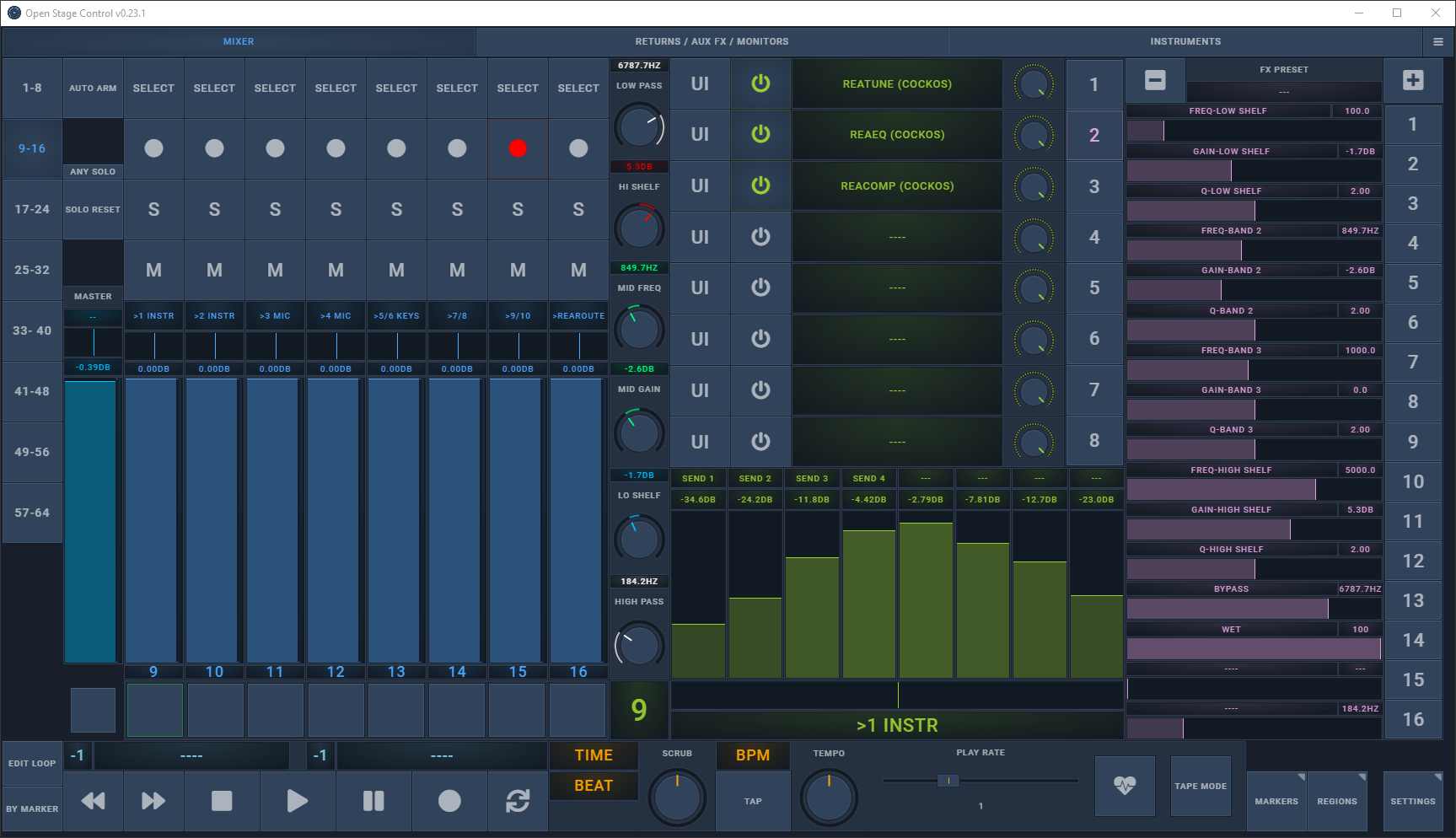
|
||||
|
||||
## QLab
|
||||
|
||||
- [Lighting Fixture Profiles](https://qlabcookbook.com/1962/02/21/lighting-fixture-profiles/)
|
||||

|
||||
|
||||
- [Custom Control QLab Lighting & Visualize Output](https://qlabcookbook.com/1965/02/18/2672/)
|
||||
|
||||
## Bitwig
|
||||
|
||||
- [Open Stage Control Bitwig](https://github.com/kdejaeger/open-stage-control-bitwig)
|
||||
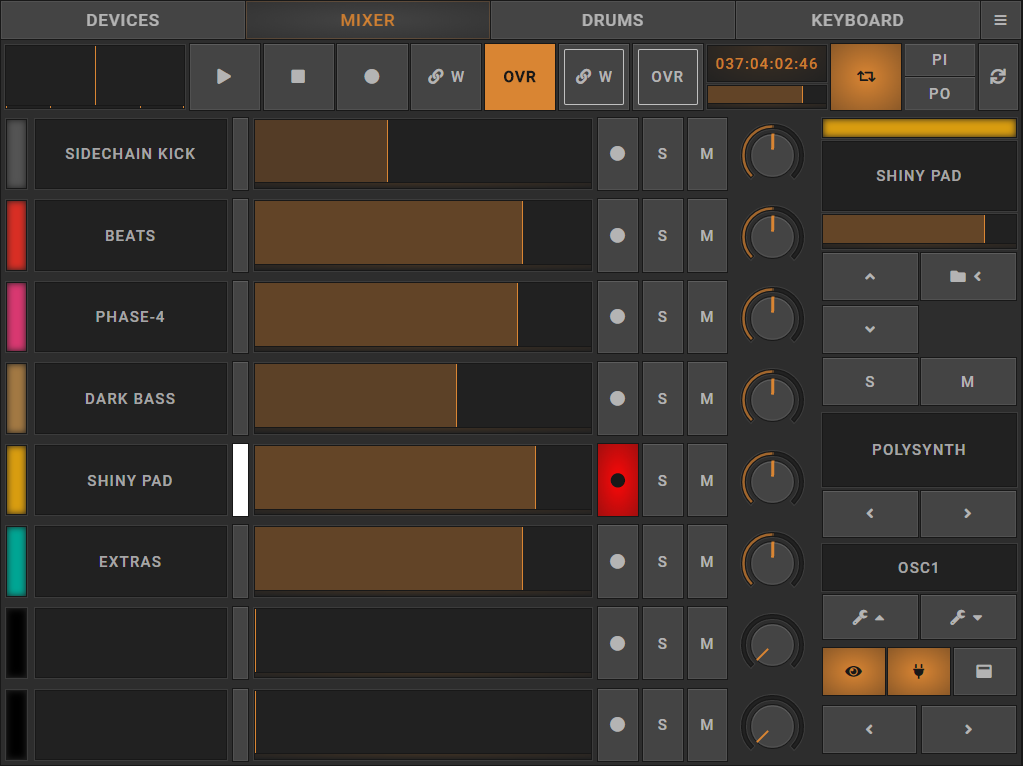
|
||||
|
||||
|
||||
- [OpenStageControl4Bitwig](http://www.mossgrabers.de/Software/Bitwig/Bitwig.html)
|
||||
- https://www.youtube.com/watch?v=u-fgArpsHQQ
|
||||
- https://www.youtube.com/watch?v=RvEMlo72ynQ
|
||||
|
|
@ -1,27 +0,0 @@
|
|||
document.addEventListener('DOMContentLoaded', ()=>{
|
||||
|
||||
if (window.location.hash && window.location.href.includes('properties-reference')) {
|
||||
// show target in tabs/details
|
||||
document.querySelectorAll('[id='+window.location.hash.split("#")[1]+']').forEach(function(item){
|
||||
var tab = item.closest('.tabbed-block'),
|
||||
container= item.closest('.tabbed-set'),
|
||||
details = item.closest('details'),
|
||||
index = 0
|
||||
while (tab.previousElementSibling) {
|
||||
index++
|
||||
tab = tab.previousElementSibling
|
||||
}
|
||||
console.log(index)
|
||||
container.querySelectorAll('.tabbed-labels label:nth-child('+(index+1)+')').forEach(function(item,i){
|
||||
item.click()
|
||||
})
|
||||
|
||||
if (item) {
|
||||
item.scrollIntoView()
|
||||
document.documentElement.scrollTop -= 70
|
||||
}
|
||||
})
|
||||
}
|
||||
|
||||
|
||||
})
|
||||
|
|
@ -1,123 +0,0 @@
|
|||
:root {
|
||||
--osc-background-color: rgb(21,26,36);
|
||||
--osc-accent-color: #448aff;
|
||||
}
|
||||
|
||||
html {
|
||||
overflow-y: scroll;
|
||||
}
|
||||
|
||||
.md-header, .md-nav__title[for=__drawer] {
|
||||
background-color: var(--osc-background-color)!important;
|
||||
}
|
||||
|
||||
@media screen and (min-width:1220px) {
|
||||
.md-nav__title[for=__drawer] {
|
||||
background-color: transparent!important;
|
||||
}
|
||||
}
|
||||
|
||||
.md-header-nav__title {
|
||||
padding-top: 1px;
|
||||
padding-left: 0!important
|
||||
}
|
||||
|
||||
.md-source__facts {
|
||||
display: none;
|
||||
}
|
||||
|
||||
td:first-child {
|
||||
white-space: pre!important;
|
||||
vertical-align: top;
|
||||
}
|
||||
|
||||
|
||||
.force-full-table + .md-typeset__scrollwrap .md-typeset__table {
|
||||
width:100%;
|
||||
}
|
||||
.force-full-table + .md-typeset__scrollwrap .md-typeset__table table {
|
||||
display: table!important;
|
||||
width:100%;
|
||||
}
|
||||
|
||||
|
||||
.accordion {
|
||||
margin: 1.5625em 0;
|
||||
padding: .6rem;
|
||||
overflow: hidden;
|
||||
font-size: .64rem;
|
||||
page-break-inside: avoid;
|
||||
border-left: .2rem solid var(--osc-accent-color);
|
||||
border-radius: .1rem;
|
||||
box-shadow: 0 0.2rem 0.5rem rgba(0,0,0,.05), 0 0 0.05rem rgba(0,0,0,.1);
|
||||
}
|
||||
.accordion h6 {
|
||||
cursor: pointer;
|
||||
margin-top: 0;
|
||||
}
|
||||
|
||||
.accordion > :last-child {
|
||||
display: none;
|
||||
}
|
||||
.accordion .md-typeset__table {
|
||||
margin-bottom: 0;
|
||||
}
|
||||
.accordion.show > :last-child {
|
||||
display: block;
|
||||
margin-bottom: 0;
|
||||
}
|
||||
.accordionlink > .headerlink {
|
||||
opacity: 1!important;
|
||||
visibility: visible!important;
|
||||
text-decoration: none;
|
||||
color: inherit!important;
|
||||
display: block;
|
||||
outline: none;
|
||||
box-shadow: none;
|
||||
margin-left: 0;
|
||||
}
|
||||
.accordion-description {
|
||||
opacity: 0.8;
|
||||
}
|
||||
.accordion.show .accordion-description {
|
||||
margin-bottom: 8px;
|
||||
}
|
||||
|
||||
table .thead2 {
|
||||
background: rgba(0, 0, 0, 0.05);
|
||||
white-space: nowrap;
|
||||
}
|
||||
table .thead2 h6 {
|
||||
color: #888;
|
||||
}
|
||||
|
||||
details.api h4 {
|
||||
padding: 0;
|
||||
margin: 0;
|
||||
}
|
||||
details.api summary {
|
||||
padding-left: 0.6rem;
|
||||
}
|
||||
details.api summary:before {
|
||||
display: none!important;
|
||||
}
|
||||
|
||||
details summary div {
|
||||
display: inline-block;
|
||||
}
|
||||
|
||||
i[title="dynamic"] {
|
||||
color: var(--osc-accent-color);
|
||||
}
|
||||
|
||||
|
||||
.patreon-icon {
|
||||
margin-top: 2em!important;
|
||||
color: black!important;
|
||||
display: block;
|
||||
background-image: url('data:image/svg+xml;charset=UTF-8,<svg fill="black" viewBox="0 0 569 546" xmlns="http://www.w3.org/2000/svg"><g><circle cx="362.589996" cy="204.589996" data-fill="1" id="Oval" r="204.589996"></circle><rect data-fill="2" height="545.799988" id="Rectangle" width="100" x="0" y="0"></rect></g></svg>');
|
||||
background-size: 20px 30px;
|
||||
background-repeat: no-repeat;
|
||||
background-position: 20px center;
|
||||
padding-left: 3em!important;
|
||||
}
|
||||
83
resources/docs/extras/advanced-property-syntax.md
Normal file
83
resources/docs/extras/advanced-property-syntax.md
Normal file
|
|
@ -0,0 +1,83 @@
|
|||
# Advanced property syntax
|
||||
|
||||
## Inheritance: `@{}`
|
||||
|
||||
Widgets can use each other's property values by using the following syntaxes:
|
||||
|
||||
- `@{this.propertyName}`
|
||||
- `@{parent.propertyName}`
|
||||
- `@{widgetId.propertyName}` (where `widgetId` is the target widget's `id`)
|
||||
|
||||
!!! note
|
||||
Don't use `widgetId` when targetting `this` or `parent`, it won't work.
|
||||
|
||||
`propertyName` can be any of the target widget's properties.
|
||||
|
||||
It can be used to:
|
||||
|
||||
- concatenate strings: `/@{parent.id}/some_suffix`
|
||||
- define object value: `["@{parent.id}"]`
|
||||
|
||||
If the retreived property is an object (`[] / {}`), a subset can be defined by appending a dot and a key (array index or object key) : `@{parent.variables.key}`
|
||||
|
||||
!!! note ""
|
||||
The root panel's `id` is `root`.
|
||||
|
||||
### Using the value
|
||||
|
||||
The special property name `value`<i class="dynamic-prop-icon" title="dynamic"></i> refers to a widget's current value (which can be affected by its `value` *property*).
|
||||
|
||||
When omitted, the property name defaults to `value` : `@{widgetId}` => `@{widgetId.value}`
|
||||
|
||||
### Dynamic properties
|
||||
|
||||
Some properties, when changed, trigger a complete widget recreation that ends any ongoing user interaction. Also, updating these properties continuously (e.g. when linked to a slider's dynamic value) can be very cpu expensive.
|
||||
|
||||
Some properties have much cheaper update routines and can be considered as `dynamic`, as in performance safe. These properties are marked in the documentation with a ` `<i class="dynamic-prop-icon" title="dynamic"></i>.
|
||||
|
||||
|
||||
### Circular references cases
|
||||
|
||||
- container widgets can inherit their children's properties only to define `dynamic` properties
|
||||
- widgets can inherit their own `value`<i class="dynamic-prop-icon" title="dynamic"></i> property only to define `dynamic` properties
|
||||
|
||||
----
|
||||
|
||||
## OSC listeners: `OSC{}`
|
||||
|
||||
The following syntax allows listening on an osc address to define a property, with an optionnal default value :
|
||||
|
||||
```
|
||||
OSC{/address, 1}
|
||||
```
|
||||
Will return `1` at first and listen for osc messages on address `/address`. Each time a value is received, the property will be updated.
|
||||
|
||||
----
|
||||
|
||||
## Formulas: `#{}`
|
||||
|
||||
The following syntax allow writing mathematical formulas in widgets' properties:
|
||||
|
||||
```
|
||||
#{FORMULA}
|
||||
```
|
||||
|
||||
Where FORMULA is a valid [MathJS](http://mathjs.org/docs/expressions/syntax.html) expression:
|
||||
|
||||
- [syntax documentation](http://mathjs.org/docs/expressions/syntax.html)
|
||||
- [available functions](http://mathjs.org/docs/reference/functions.html)
|
||||
- [available constants](http://mathjs.org/docs/reference/constants.html)
|
||||
- formulas can be [multiline](http://mathjs.org/docs/expressions/syntax.html#multiline-expressions)
|
||||
- property inheritance calls (`@{...}`) are always resolved before formulas
|
||||
- arrays / matrices indexes are **zero-based** (ie `["a","b"][0]` returns `"a"`)
|
||||
- strings can be multiline when enclosed in backticks instead of double quotes (``` ` ` ```)
|
||||
- inner closing brackets (`}`) must be escaped with a backslash (`\}`) except for `@{}` and `OSC{}` calls which are always resolved before formulas
|
||||
|
||||
Additionnal functions:
|
||||
|
||||
- `unpack(x)`: remove an array's brackets (`unpack([1,2])` returns `"1, 2"`)
|
||||
- `pad(x, padding)`: add leading zeros if the length the integer part of `x` is smaller than `padding` (`pad(1,2)` returns `"01"`)
|
||||
- `length(x)`: returns the length of an array or string
|
||||
|
||||
!!! tip ""
|
||||
A single widget property can contain multiple formulas. Variables and functions declared in a formula are available to subsequent formulas in the same property definition.
|
||||
83
resources/docs/extras/css-tips.md
Normal file
83
resources/docs/extras/css-tips.md
Normal file
|
|
@ -0,0 +1,83 @@
|
|||
# CSS Tips
|
||||
|
||||
## Inline syntax
|
||||
|
||||
For simple use cases, the `css` property can be written as a HTML inline styles (without any CSS selector). CSS rules will apply to the widget element.
|
||||
|
||||
```css
|
||||
opacity: 0.5; /* make the widget's transparent */
|
||||
font-size: 120%; /* increase font-size */
|
||||
```
|
||||
|
||||
|
||||
## Selector syntax
|
||||
|
||||
CSS selectors can be used to apply styles to specific elements:
|
||||
|
||||
```css
|
||||
:host {
|
||||
/* style for the widget element
|
||||
& { } also works (deprecated)
|
||||
*/
|
||||
}
|
||||
|
||||
.label {
|
||||
/* style for the .label elements */
|
||||
}
|
||||
|
||||
> .label {
|
||||
/* style for the direct child .label element */
|
||||
}
|
||||
|
||||
```
|
||||
|
||||
!!! tip ""
|
||||
Mixing Inline and Selector syntaxes doesn't work, once you use selectors, you have to use the `:host` selector to target the widget element.
|
||||
|
||||
## Layering: `z-index`
|
||||
|
||||
Z-Axis ordering can be set using the `z-index` rule. Absolutely positionned widgets (when `top` or `left` is different from `auto`) have `z-index:10;` by default.
|
||||
|
||||
## Layering: `pointer-events`
|
||||
|
||||
To make a widget ignore interactions (ie to be able to click through it), add `pointer-events:none;`.
|
||||
|
||||
!!! note ""
|
||||
This is always ignored when the editor is enabled.
|
||||
|
||||
## Responsive sizing
|
||||
|
||||
In most cases, using percentages in `height` and `width` will do. CSS `calc()` function can help in some cases:
|
||||
|
||||
```css
|
||||
:host {
|
||||
|
||||
width: calc(100% - 100rem);
|
||||
|
||||
}
|
||||
```
|
||||
|
||||
Media queries can also be used:
|
||||
|
||||
```css
|
||||
@media screen and (min-width: 768px) {
|
||||
|
||||
:host {
|
||||
|
||||
/* style the widget if the screen is bigger than 768px */
|
||||
|
||||
}
|
||||
|
||||
}
|
||||
```
|
||||
|
||||
|
||||
## Size units
|
||||
|
||||
- use `rem` instead of `px` (`px` values will not scale when zooming)
|
||||
- use `%` for font-size
|
||||
|
||||
|
||||
## CSS Variables
|
||||
|
||||
CSS Variables declared in the [default theme](https://github.com/jean-emmanuel/open-stage-control/blob/master/src/browser/scss/themes/default.scss) can be overriden. Some widgets also use specific CSS variables (mostly to define colors) documented on their respective pages.
|
||||
62
resources/docs/extras/custom-module.md
Normal file
62
resources/docs/extras/custom-module.md
Normal file
|
|
@ -0,0 +1,62 @@
|
|||
# Custom module
|
||||
|
||||
Using the `-c / --custom-module` command-line switch, users can load a javascript file to tune the way Open Stage Control behaves regarding osc.
|
||||
|
||||
It must be of the following form:
|
||||
|
||||
```js
|
||||
(function(){
|
||||
|
||||
// Do whatever you want, initialize some variables, declare some functions, ...
|
||||
|
||||
return {
|
||||
init: function(){
|
||||
// this will be executed once when the osc server starts
|
||||
},
|
||||
oscInFilter:function(data){
|
||||
// Filter incomming osc messages
|
||||
|
||||
var {address, args, host, port} = data
|
||||
|
||||
// do what you want
|
||||
|
||||
// address = string
|
||||
// args = array of {value, type} objects
|
||||
// host = string
|
||||
// port = integer
|
||||
|
||||
// return data if you want the message to be processed
|
||||
return {address, args, host, port}
|
||||
|
||||
},
|
||||
oscOutFilter:function(data){
|
||||
// Filter outgoing osc messages
|
||||
|
||||
var {address, args, host, port} = data
|
||||
|
||||
// same as oscInFilter
|
||||
|
||||
// return data if you want the message to be and sent
|
||||
return {address, args, host, port}
|
||||
}
|
||||
}
|
||||
|
||||
})()
|
||||
|
||||
```
|
||||
|
||||
The module is executed in a restricted context, only a few globals are available :
|
||||
|
||||
- `console`: `object`
|
||||
- `sendOsc`: `function({address, args, host, port})`
|
||||
- `receiveOsc`: `function({address, args, host, port})`
|
||||
- `setTimeout`: `function(function, delay)`
|
||||
- `setInterval`: `function(function, delay)`
|
||||
|
||||
|
||||
`sendOsc` and `receiveOsc` expect arguments formatted as follow:
|
||||
|
||||
- `address`: `string`
|
||||
- `args`: `array` of `{type:"OSC_TYPE_LETTER", value:VALUE}` `objects`
|
||||
- `host`: `string` ip address, valid hostname or `midi`
|
||||
- `port`: `integer` port number or `string` midi device name
|
||||
96
resources/docs/extras/midi.md
Normal file
96
resources/docs/extras/midi.md
Normal file
|
|
@ -0,0 +1,96 @@
|
|||
# Sending / Receiving MIDI
|
||||
|
||||
Open Stage Control can send and receive MIDI messages.
|
||||
|
||||
## Requirements
|
||||
|
||||
MIDI support requires additional software to be installed on the server's system:
|
||||
|
||||
- python (2 / 3)
|
||||
- python package [rtmidi](https://pypi.python.org/pypi/rtmidi) (version 2.3.2, compiled with `--jack-midi` flag for JACK MIDI support)
|
||||
|
||||
!!! note "Why an additionnal dependency ?"
|
||||
Providing cross-platform MIDI support is not trivial, as it requires OS-specific compilation that cannot be automated within Open Stage Control's current packaging workflow. Using a python addon seems to be the best compromise so far : the core app remains easy to build, and the extra dependency is easy to install.
|
||||
|
||||
## Setup
|
||||
|
||||
When running the app, the `-m / --midi` switch must be set; it accepts the following options (separated by spaces):
|
||||
|
||||
- `list`: prints the available MIDI ports to the console; numbers in the first column may be used for `input`/`output` definition below
|
||||
- `device_name:input,output`: connect to midi ports `input` and `output`; osc messages sent to target `midi:device_name` will be processed as midi events; Multiple devices can be declared
|
||||
|
||||
*Linux only:*
|
||||
|
||||
- `device_name:virtual`: creates a virtual midi device with one input port and one output port
|
||||
- `jack`: use JACK MIDI instead of ALSA (add as extra parameter)
|
||||
|
||||
## Widget settings
|
||||
|
||||
In order to send MIDI messages, a widget must have at least one `target` formatted as follows:
|
||||
|
||||
`midi:device_name` (where `device_name` is one of the declared midi devices)
|
||||
|
||||
## Supported MIDI messages
|
||||
|
||||
!!! warning ""
|
||||
Define static argument values using the [`preArgs`](/widgets/widgets/#preargs) option in order to complete the respective MIDI message.
|
||||
|
||||
|
||||
|
||||
### `/note channel note velocity`
|
||||
|
||||
NoteOn event or noteOff if velocity equals `0`.
|
||||
|
||||
- `channel`: integer between 1 and 16
|
||||
- `note`: integer between 0 and 127
|
||||
- `velocity`: integer between 0 and 127
|
||||
|
||||
Example:
|
||||
|
||||
A push button might be configured as follows in order to send a MIDI note whose velocity is defined by the button's on/off value:
|
||||
|
||||
- `address`: /note
|
||||
- `preArgs`: [1, 60] (for MIDI channel 1, and note 60 / C3)
|
||||
- `on`: 100 (for noteOn velocity of 100 on button push)
|
||||
- `off`: 0 (to send a noteOff on button release)
|
||||
- `target`: ["midi:device_name"] (where device_name is one of the declared midi devices defined during [setup](#setup))
|
||||
|
||||
### `/control channel cc value`
|
||||
|
||||
Control change event.
|
||||
|
||||
- `channel`: integer between 1 and 16
|
||||
- `cc`: integer between 0 and 127
|
||||
- `value`: integer between 0 and 127
|
||||
|
||||
Example:
|
||||
|
||||
A fader might be configured as follows in order to send a MIDI control message (a volume control in this example):
|
||||
|
||||
- `address`: /control
|
||||
- `pre-args`: [1, 7] (MIDI channel 1, control number 7 generally used as volume control)
|
||||
- `range`: {"min": 0, "max": 127} (MIDI values are encoded in this range)
|
||||
- `target`: ["midi:device_name"]
|
||||
|
||||
### `/program channel program`
|
||||
|
||||
Program change event.
|
||||
|
||||
- `channel`: integer between 1 and 16
|
||||
- `program`: integer between 0 and 127
|
||||
|
||||
### `/pitch channel pitch`
|
||||
|
||||
PitchWheel event.
|
||||
|
||||
- `channel`: integer between 1 and 16
|
||||
- `pitch`: integer between 0 and 16383
|
||||
|
||||
### `/sysex msg v1 .. vN`
|
||||
|
||||
System exclusive message.
|
||||
|
||||
- `msg`: hexadecimal sysex data string of the form `f0 ... f7`. You may include placeholders of the form `nn` which will be replaced by `v1, .., vN` respectively.
|
||||
- `v1, .., vN`: values encoded as hexadecimal data strings to include in `msg`. Most probably, you will need to sepcify a [custom module](/extras/custom-module/) in order to convert numeric widget values into the required hexadecimal format. In general, this conversion will be different for each manufacturer / device.
|
||||
|
||||
For a very simple example, refer to session 'sysex.json' found in the application's sub folder 'resources/app/examples/'. Please remember to adjust the button's `target` to the `device_name` used in your MIDI setup.
|
||||
27
resources/docs/extras/property-maths.md
Normal file
27
resources/docs/extras/property-maths.md
Normal file
|
|
@ -0,0 +1,27 @@
|
|||
# Property maths
|
||||
|
||||
The following syntax allow writing mathematical formulas in widgets' properties:
|
||||
|
||||
```
|
||||
#{ FORMULA }
|
||||
```
|
||||
|
||||
Where FORMULA is a valid [MathJS](http://mathjs.org/docs/expressions/syntax.html) expression:
|
||||
|
||||
- [syntax documentation](http://mathjs.org/docs/expressions/syntax.html)
|
||||
- [available functions](http://mathjs.org/docs/reference/functions.html)
|
||||
- [available constants](http://mathjs.org/docs/reference/constants.html)
|
||||
- formulas can be [multiline](http://mathjs.org/docs/expressions/syntax.html#multiline-expressions)
|
||||
- property inheritance calls (`@{...}`) are always resolved before formulas
|
||||
- arrays / matrices indexes are **zero-based** (ie `["a","b"][0]` returns `"a"`)
|
||||
- strings can be multiline when enclosed in backticks instead of double quotes (``` ` ` ```)
|
||||
- inner closing brackets (`}`) must be escaped with a backslash (`\}`)
|
||||
|
||||
Additionnal functions:
|
||||
|
||||
- `unpack(x)`: remove an array's brackets (`unpack([1,2])` returns `"1, 2"`)
|
||||
- `pad(x, padding)`: add leading zeros if the length the integer part of `x` is smaller than `padding` (`pad(1,2)` returns `"01"`)
|
||||
- `length(x)`: returns the length of an array or string
|
||||
|
||||
!!! tip ""
|
||||
A single widget property can contain multiple formulas. Variables and functions declared in a formula are available to subsequent formulas in the same property definition.
|
||||
103
resources/docs/extras/remote-control.md
Normal file
103
resources/docs/extras/remote-control.md
Normal file
|
|
@ -0,0 +1,103 @@
|
|||
# Remote control
|
||||
|
||||
All widgets that send osc messages respond to the same messages. Additionnaly, Open Stage Control responds to some general osc commands.
|
||||
|
||||
|
||||
## `/EDIT id options`
|
||||
|
||||
|
||||
Apply a set of options to an existing widget by replacing the old ones with the new ones.
|
||||
|
||||
|
||||
- `id`: `string`, widget's `id`
|
||||
- `options`: `string`, [JSON5](https://github.com/json5/json5) stringified object defining the new properties to merge
|
||||
- example: `{"label":"New Label", "color":"red"}`
|
||||
|
||||
!!! warning ""
|
||||
Editing a widget can be cpu expensive, hence updating the UI continuously is not a good idea
|
||||
|
||||
## `/EDIT/MERGE id options`
|
||||
|
||||
Apply a set of options to an existing widget by merging them to the widget's options.
|
||||
|
||||
|
||||
- `id`: `string`, widget's `id`
|
||||
- `options`: `string`, [JSON5](https://github.com/json5/json5) stringified object defining the new properties to merge
|
||||
- example: `{"label":"New Label", "color":"red"}`
|
||||
|
||||
!!! warning ""
|
||||
Editing a widget can be cpu expensive, hence updating the UI continuously is not a good idea
|
||||
|
||||
## `/EDIT/GET target id`
|
||||
|
||||
Sends back a widget's data (JSON stringified object), including its children, to specified target.
|
||||
|
||||
- `target`: `string`, `ip:port` pair
|
||||
- `id`: `string`, widget's `id`
|
||||
|
||||
Returns `/EDIT/GET id data`
|
||||
|
||||
- `id`: `string`
|
||||
- `data`: `string`
|
||||
|
||||
## `/EDIT/GET target address preArg1 preArg2 ...`
|
||||
|
||||
Sends back a widget's data (JSON stringified object), including its children, to specified target.
|
||||
|
||||
- `target`: `string`, `ip:port` pair
|
||||
- `address`: `string`, widget's `address`
|
||||
- `preArg[1...]`: `*`, widget's `preArgs`
|
||||
|
||||
Returns `/EDIT/GET address preArg1 preArg2 ... data`
|
||||
|
||||
- `address`: `string`, widget's `address`
|
||||
- `preArg[1...]`: `*`, widget's `preArgs`
|
||||
- `data`: `string`
|
||||
|
||||
|
||||
## `/GET target id`
|
||||
|
||||
Sends back a widget's value to specified target.
|
||||
|
||||
- `target`: `string`, `ip:port` pair
|
||||
- `id`: `string`, widget's `id`
|
||||
|
||||
Returns `/GET id value`
|
||||
|
||||
- `id`: `string`
|
||||
- `value`: `*`
|
||||
|
||||
## `/GET target address preArg1 preArg2 ...`
|
||||
|
||||
Sends back a widget's value to specified target.
|
||||
|
||||
- `target`: `string`, `ip:port` pair
|
||||
- `address`: `string`, widget's `address`
|
||||
- `preArg[1...]`: `*`, widget's `preArgs`
|
||||
|
||||
Returns `/GET address preArg1 preArg2 ... value`
|
||||
|
||||
- `address`: `string`, widget's `address`
|
||||
- `preArg[1...]`: `*`, widget's `preArgs`
|
||||
- `value`: `*`
|
||||
|
||||
|
||||
## `/SET target id value`
|
||||
|
||||
Set a widget's value as if it was interacted with from the interface. This is likely to make it send its value.
|
||||
|
||||
- `id`: `string`, widget's `id`
|
||||
- `value`: `*`, widget's new value
|
||||
|
||||
## `/SET address preArg1 preArg2 ... value`
|
||||
|
||||
Set a widget's value as if it was interacted with from the interface. This is likely to make it send its value.
|
||||
|
||||
- `address`: `string`, widget's `address`
|
||||
- `preArg[1...]`: `*`, widget's `preArgs`
|
||||
- `value`: `*`, widget's new value
|
||||
|
||||
|
||||
## `/TABS id id etc`
|
||||
|
||||
Open the tabs designated by the `id` parameters. The target tab link must be accesible (opening a tab located in a disabled tab won't work unless you specify the parent tab's `id` before; the safest way to go is to pass the whole tab tree to enable).
|
||||
36
resources/docs/extras/theming.md
Normal file
36
resources/docs/extras/theming.md
Normal file
|
|
@ -0,0 +1,36 @@
|
|||
# Theming
|
||||
|
||||
## Built-in themes
|
||||
|
||||
Themes can be loaded with the `--theme` option. Multiple themes can be combined. Built-in themes can be loaded using their name, custom theme files can be loaded using their path.
|
||||
|
||||
Available themes (full color scheme):
|
||||
|
||||
- `orange`: grey and orange theme
|
||||
- `light`: light and blue
|
||||
- `dark`: blue night theme
|
||||
|
||||
Available extensions (alternative visual settings)
|
||||
|
||||
- `alt-buttons`: colorful active buttons
|
||||
- `responsive-fonts`: bigger texts for bigger screens
|
||||
|
||||
## Creating a custom theme
|
||||
|
||||
Creating a custom theme is as simple as writing a tiny css file that will override the default css variables defined in [default.scss](https://github.com/jean-emmanuel/open-stage-control/blob/master/src/browser/scss/themes/default.scss) :
|
||||
|
||||
```css
|
||||
:root {
|
||||
--color-accent:red;
|
||||
}
|
||||
```
|
||||
|
||||
This will change the default accent color to red. Variables can also be overridden for a specific subset of elements, for example :
|
||||
|
||||
```css
|
||||
.panel-container {
|
||||
--color-text:blue;
|
||||
}
|
||||
```
|
||||
|
||||
This will change the default text color to blue for all elements in panel widgets.
|
||||
22
resources/docs/extras/url-options.md
Normal file
22
resources/docs/extras/url-options.md
Normal file
|
|
@ -0,0 +1,22 @@
|
|||
# URL Options
|
||||
|
||||
Client specific options can be set by adding query parameters to the server's url. One must prepend the url with a question mark (`?`) followed by `parameter=value` pairs separated with ampersands (`&`).
|
||||
|
||||
|
||||
| Option | Value | Default | Description |
|
||||
|----|----|----|----|
|
||||
| hdpi | 1 / 0 | 0 | enable high resolution canvas |
|
||||
| forceHdpi | number | 0 | force canvas scaling (ignore `hdpi`) |
|
||||
| doubletab | number | 375 | sets the double tap/click time thershold in milliseconds |
|
||||
| zoom | number | 1 | sets the initial zoom |
|
||||
| framerate | number | 60 | limit canvas drawing framerate |
|
||||
|
||||
Example:
|
||||
|
||||
`http://server-ip:port?hdpi=1`
|
||||
|
||||
|
||||
!!! note ""
|
||||
When using the built-in client, url options can be set through the `--url-options` switch.
|
||||
|
||||
Example: `open-stage-control --url-options zoom=2 doubletap=200`
|
||||
|
|
@ -1 +0,0 @@
|
|||
../fonts
|
||||
141
resources/docs/getting-started.md
Normal file
141
resources/docs/getting-started.md
Normal file
|
|
@ -0,0 +1,141 @@
|
|||
# Getting started
|
||||
|
||||
!!! tip ""
|
||||
Prebuilt binaries for Linux, Windows and OS X can be found on the [release](https://github.com/jean-emmanuel/open-stage-control/releases) page.
|
||||
|
||||
|
||||
## Options
|
||||
|
||||
Below are the available command-line options. Note that when running without any command-line switch (ie from a file browser), a launcher window will spawn to help setting them.
|
||||
|
||||
|
||||
|| Option | Description |
|
||||
|---||---|
|
||||
| `-s` | `--send` | default targets for all widgets (ip:port pairs)|
|
||||
| `-l` | `--load` | session file to load |
|
||||
| `-b` | `--blank` | load a blank session and start the editor |
|
||||
| `-c` | `--custom-module` | custom module file to load |
|
||||
| `-p` | `--port` | http port of the server (default to 8080) |
|
||||
| `-o` | `--osc-port` | osc input port (default to --port) |
|
||||
| `-m` | `--midi` | midi router settings |
|
||||
| `-d` | `--debug` | log received osc messages in the console |
|
||||
| `-n` | `--no-gui` | disable default gui |
|
||||
| `-g` | `--gui-only` | app server's url. If true, local port (--port) is used |
|
||||
| `-t` | `--theme` | theme name or path (mutliple values allowed) |
|
||||
| `-e` | `--examples` | list examples instead of recent sessions |
|
||||
| | `--url-options` | [url options](extras/url-options) (opt=value pairs) |
|
||||
| |`--disable-vsync` | disable gui's vertical synchronization |
|
||||
| |`--disable-gpu` | disable hardware acceleration |
|
||||
| |`--read-only` | disable session editing and session history changes |
|
||||
| |`--instance-name` | used to differenciate multiple instances in a zeroconf network |
|
||||
| |`--fullscreen` | launch the default client gui in fullscreen mode (F11 to exit) |
|
||||
|
||||
Command-line only :
|
||||
|
||||
|| Option | Description |
|
||||
|---||---|
|
||||
| `-h` | `--help` | print available options |
|
||||
| `-v` | `--version` | print version number |
|
||||
|
||||
**Examples**
|
||||
|
||||
```bash
|
||||
open-stage-control --send 127.0.0.1:5555 127.0.0.1:6666 --port 7777
|
||||
```
|
||||
|
||||
This will create an app listening on port 7777 for synchronization messages, and sending its widgets state changes to ports 5555 and 6666.
|
||||
|
||||
```bash
|
||||
open-stage-control --no-gui --load path/to/session.js --port 9999
|
||||
```
|
||||
|
||||
This will create a headless app available through http on port 9999 with session.js loaded automatically.
|
||||
|
||||
!!! tip "What about HTTPS ?"
|
||||
Security is out of the app's scope. If you are concerned about safety, using a private - protected - network should be enough.
|
||||
|
||||
|
||||
## Run from sources
|
||||
|
||||
Running the app from the sources slightly differs from using built binaries : we'll build and launch the app with npm (node package manager).
|
||||
|
||||
**1. Requirements**
|
||||
|
||||
- [Node.js >= 4.8](https://nodejs.org/en/#download)
|
||||
- [git](https://git-scm.com/downloads)
|
||||
|
||||
**2. Download sources**
|
||||
|
||||
```bash
|
||||
git clone https://github.com/jean-emmanuel/open-stage-control
|
||||
cd open-stage-control/
|
||||
# uncomment next line if you want the latest release
|
||||
# instead of the current development version
|
||||
# git checkout $(git describe --tags `git rev-list --tags --max-count=1`)
|
||||
npm install
|
||||
npm run build
|
||||
```
|
||||
|
||||
**3. Run !**
|
||||
|
||||
```bash
|
||||
npm start [ -- options]
|
||||
```
|
||||
|
||||
!!! note ""
|
||||
A double hyphen (`--`) is used here to tell npm that the options are to be passed to the app.
|
||||
|
||||
|
||||
## Build from sources
|
||||
|
||||
**1. Requirements**
|
||||
|
||||
- [Node.js >= 4.8](https://nodejs.org/en/#download)
|
||||
- [git](https://git-scm.com/downloads)
|
||||
|
||||
**2. Download sources & build package**
|
||||
|
||||
```bash
|
||||
git clone https://github.com/jean-emmanuel/open-stage-control
|
||||
cd open-stage-control/
|
||||
# uncomment next line if you want the latest release
|
||||
# instead of the current development version
|
||||
# git checkout $(git describe --tags `git rev-list --tags --max-count=1`)
|
||||
npm install
|
||||
|
||||
# TARGET_PLATFORM can be linux, win32 (windows) or darwin (os x)
|
||||
export PLATFORM=TARGET_PLATFORM
|
||||
# TARGET_ARCH can be ia32, x64 or armv7l
|
||||
export ARCH=TARGET_ARCH
|
||||
|
||||
npm run package
|
||||
|
||||
# Do one of the following if you want a deb package for debian/ubuntu
|
||||
npm run deb32
|
||||
npm run deb64
|
||||
npm run debarm
|
||||
```
|
||||
|
||||
This will build the app in `dist/open-stage-control-PLATFORM-ARCH`.
|
||||
|
||||
!!! note ""
|
||||
Building the app for windows from a linux system requires wine to be installed.*
|
||||
|
||||
## Running in a headless context
|
||||
|
||||
Electron, Open Stage Control's engine, is based on chromium and can't run out of the box without a display server. However, using a virtual framebuffer does the trick. Detailed instructions can be found in Electron's [documentation](http://electron.atom.io/docs/tutorial/testing-on-headless-ci/).
|
||||
|
||||
In short: install [xvfb](https://en.wikipedia.org/wiki/Xvfb) and prepend your command with `xvfb-run`:
|
||||
|
||||
```bash
|
||||
xvfb-run open-stage-control -n
|
||||
```
|
||||
|
||||
## Running without Electron
|
||||
|
||||
It is possible to run the server in headless mode without Electron using [node](https://nodejs.org/en/download/package-manager/) (v6 or higher) :
|
||||
|
||||
```bash
|
||||
node /path/to/packaged/open-stage-control/resources/app/ -n
|
||||
node /path/to/sources/open-stage-control/app/ -n
|
||||
```
|
||||
1
resources/docs/img/ardour-osc.png
Symbolic link
1
resources/docs/img/ardour-osc.png
Symbolic link

|
|
@ -0,0 +1 @@
|
|||
../../images/ardour-osc.png
|
||||

Binary file not shown.
|
Before Width: | Height: | Size: 313 B |
1
resources/docs/img/logo-browserstack.png
Symbolic link
1
resources/docs/img/logo-browserstack.png
Symbolic link

|
|
@ -0,0 +1 @@
|
|||
../../images/logo-browserstack.png
|
||||
1
resources/docs/img/logo-nobadge.png
Symbolic link
1
resources/docs/img/logo-nobadge.png
Symbolic link

|
|
@ -0,0 +1 @@
|
|||
../../images/logo-nobadge.png
|
||||
Some files were not shown because too many files have changed in this diff Show more
Loading…
Add table
Add a link
Reference in a new issue